USB TYPE C CABLES
- What are the various Types of USB Type C Cables?
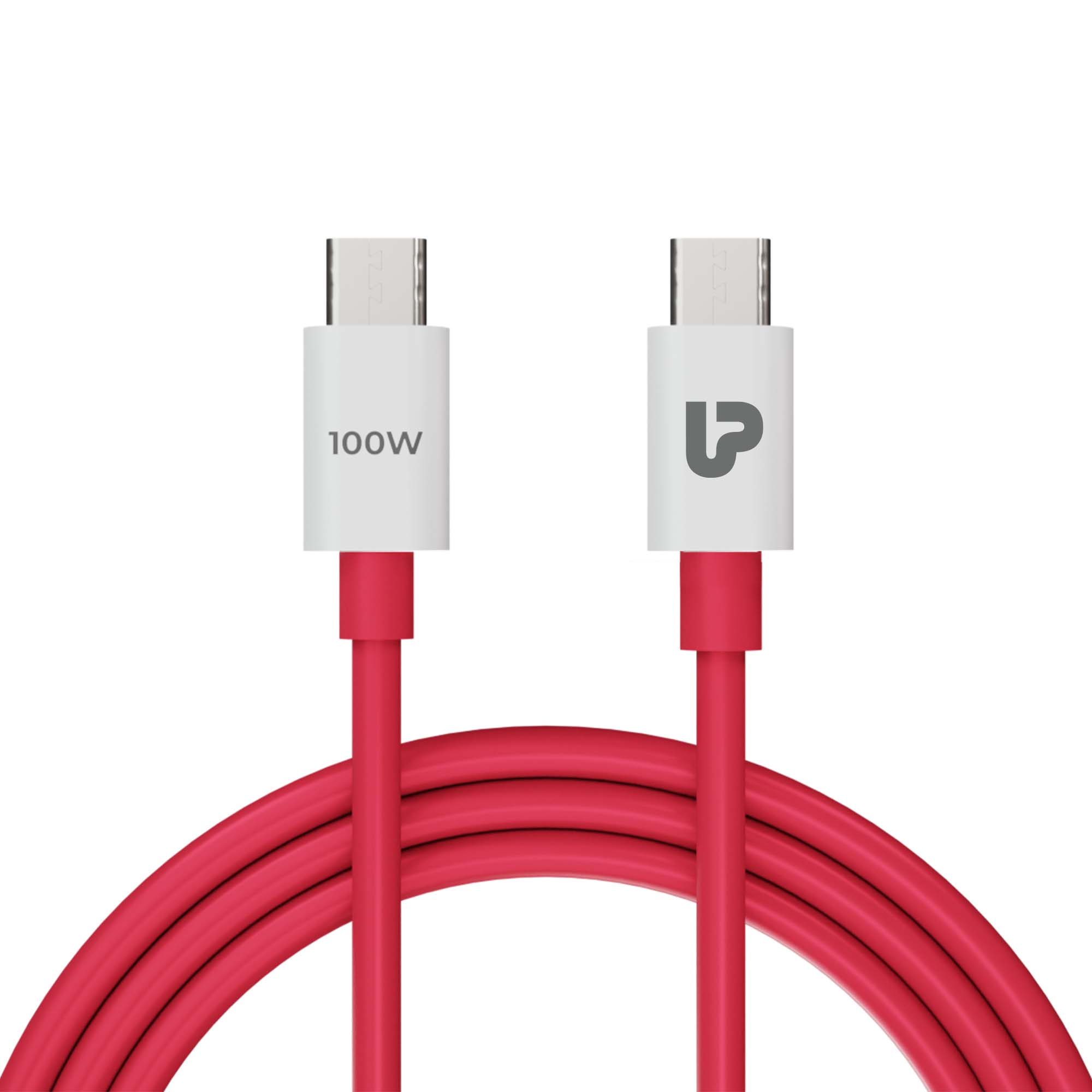
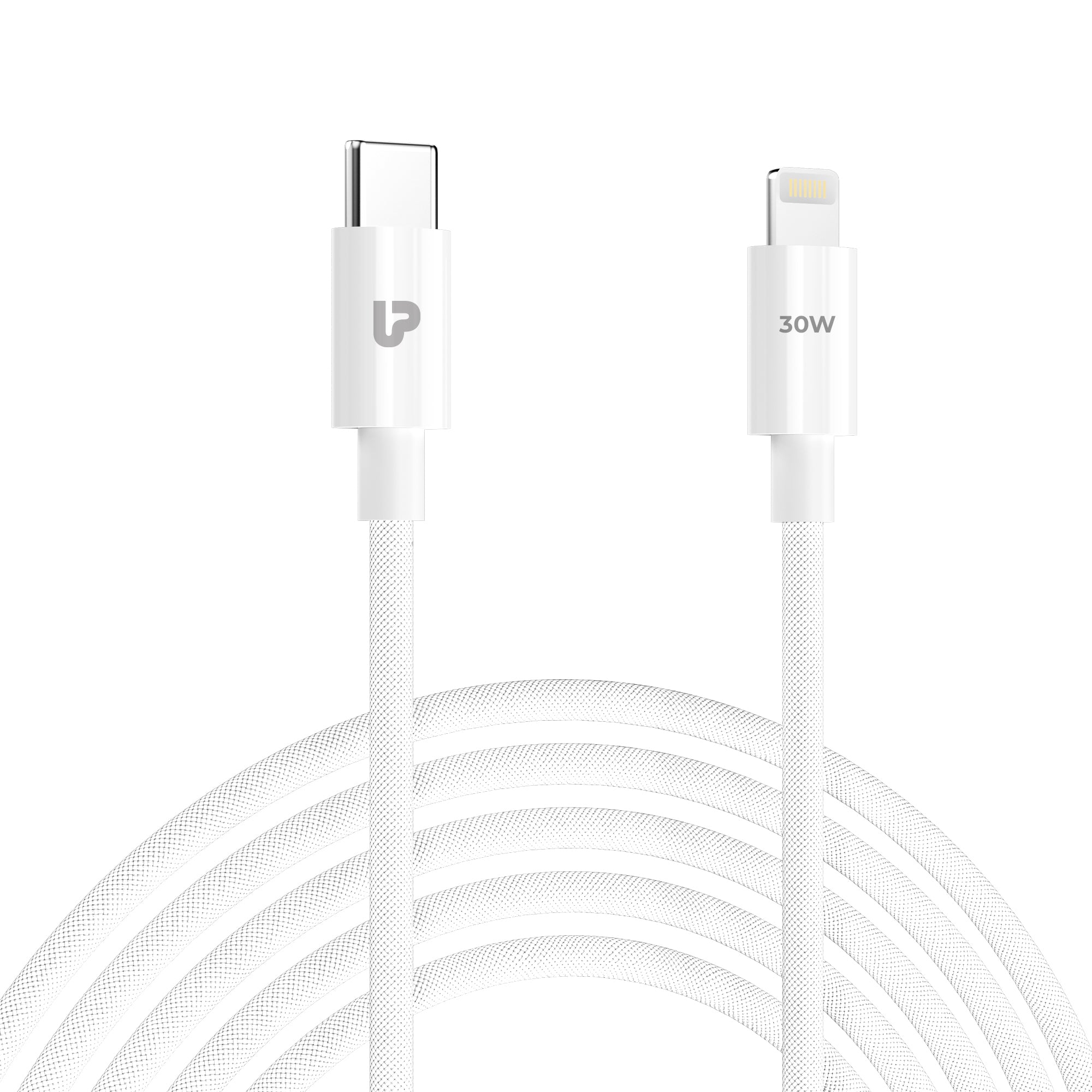
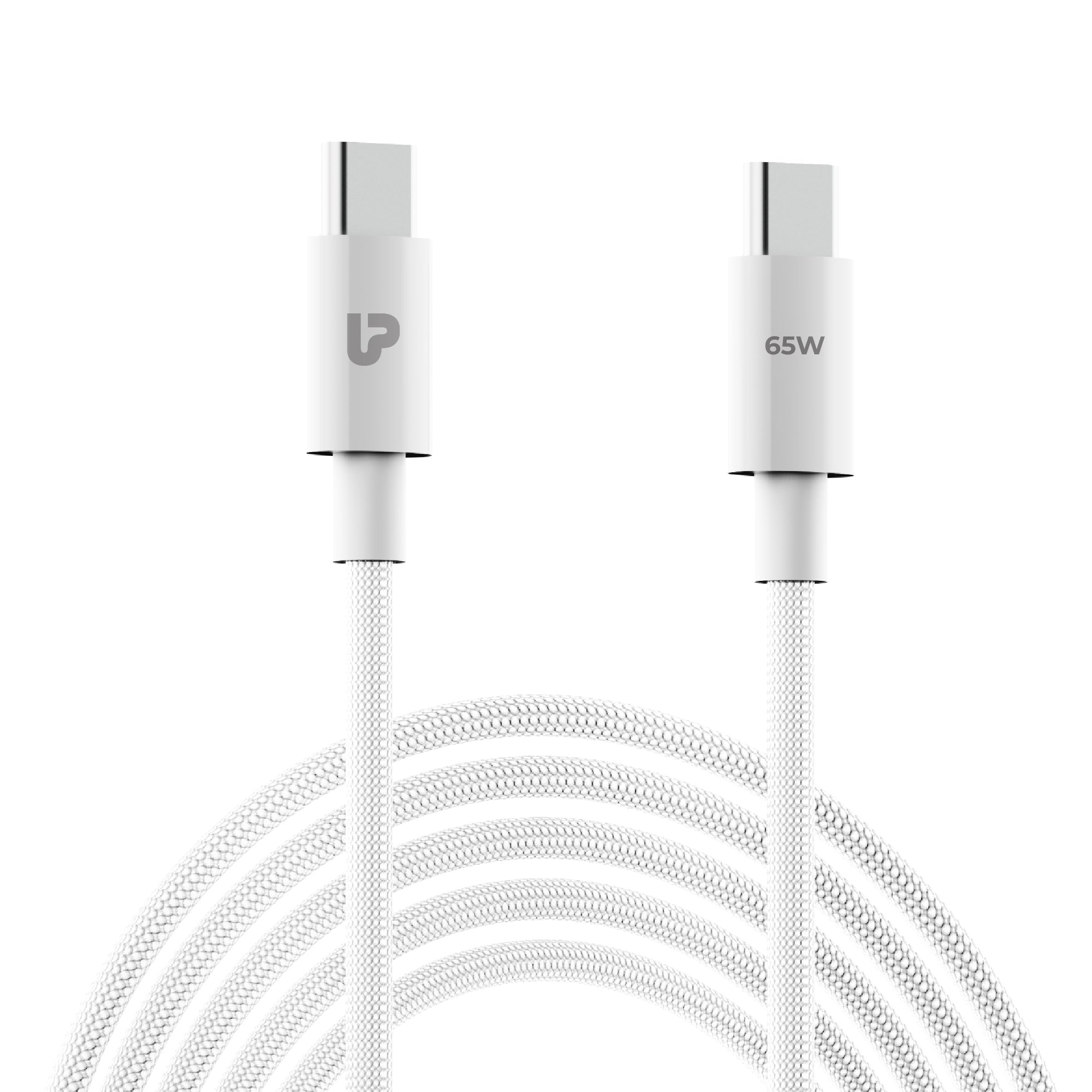
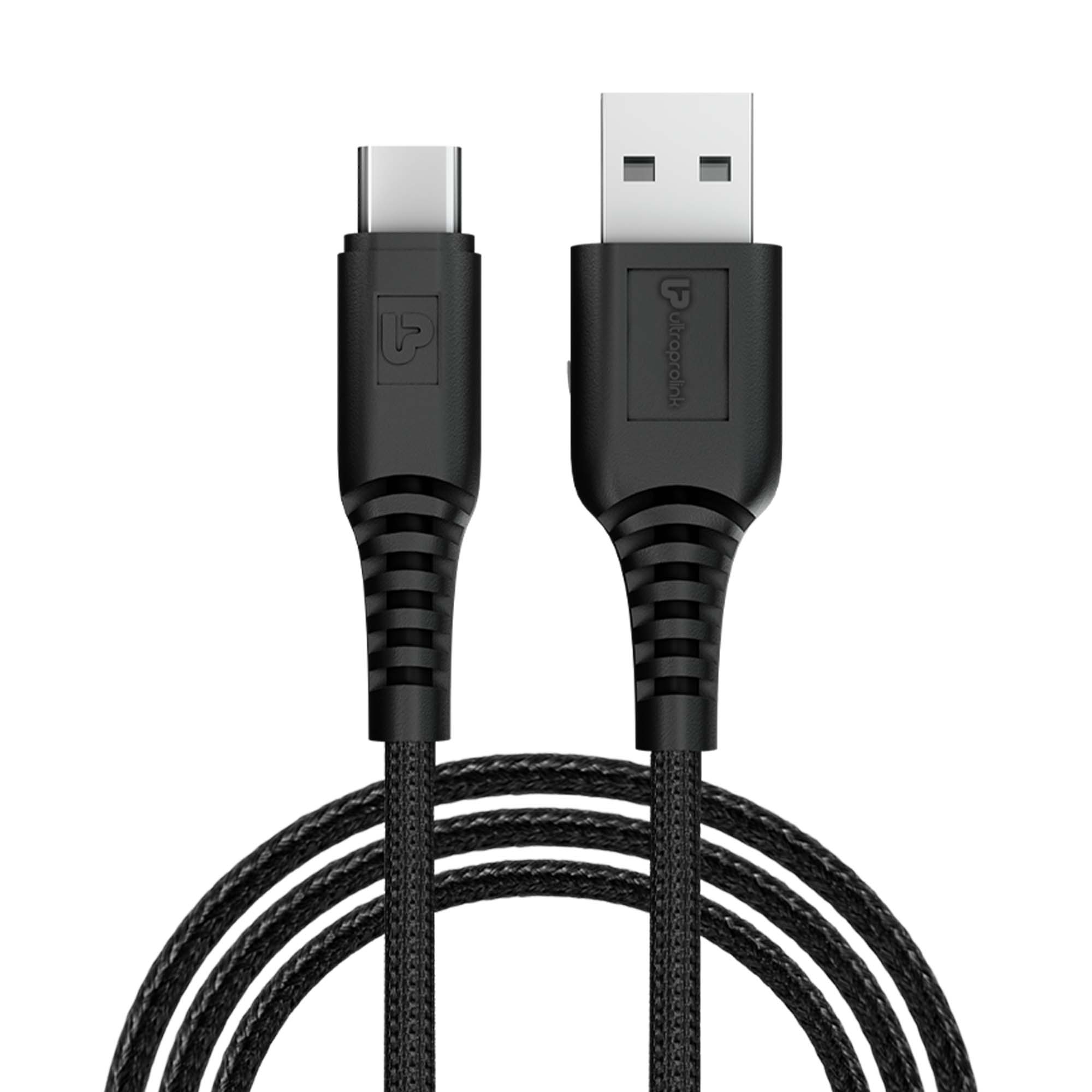
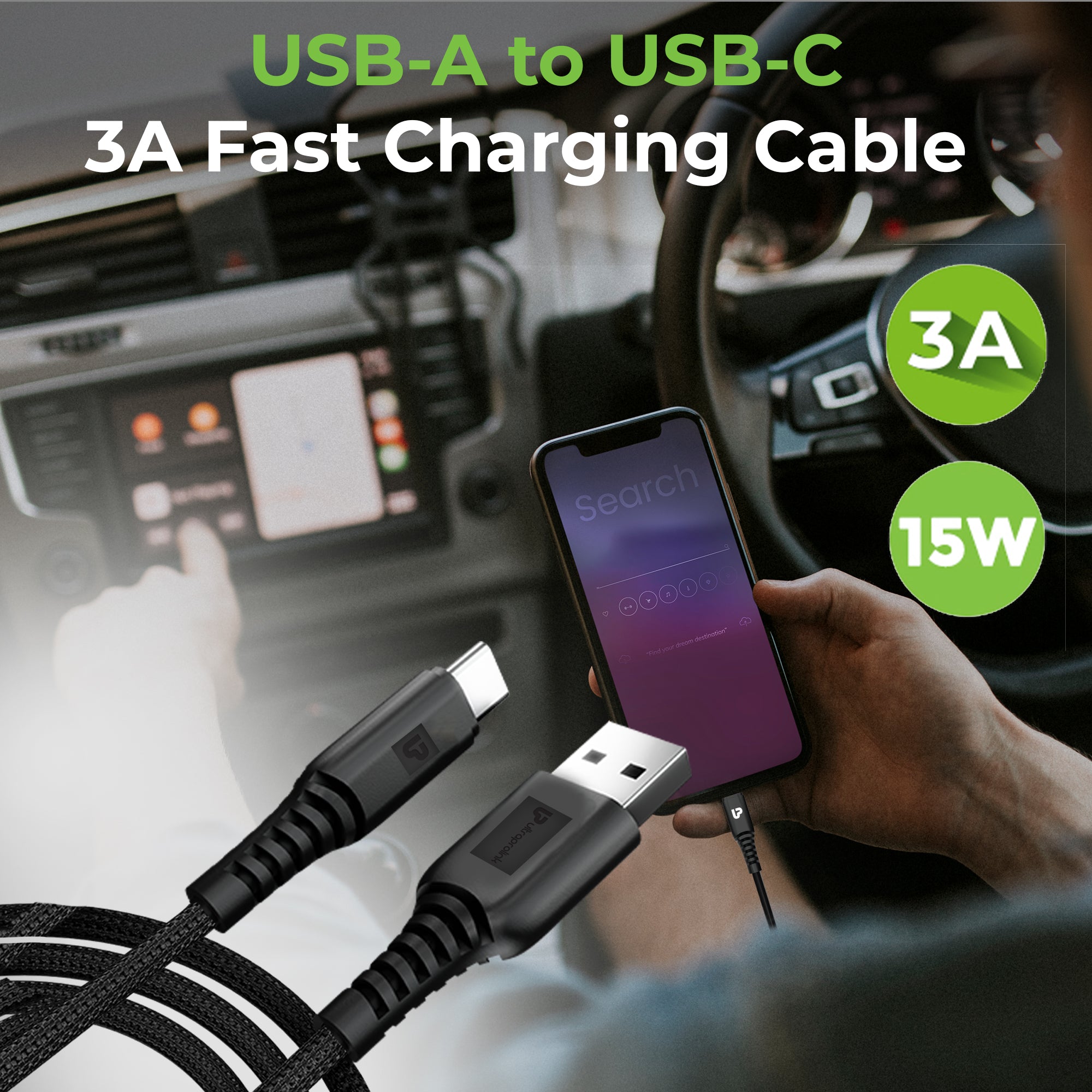
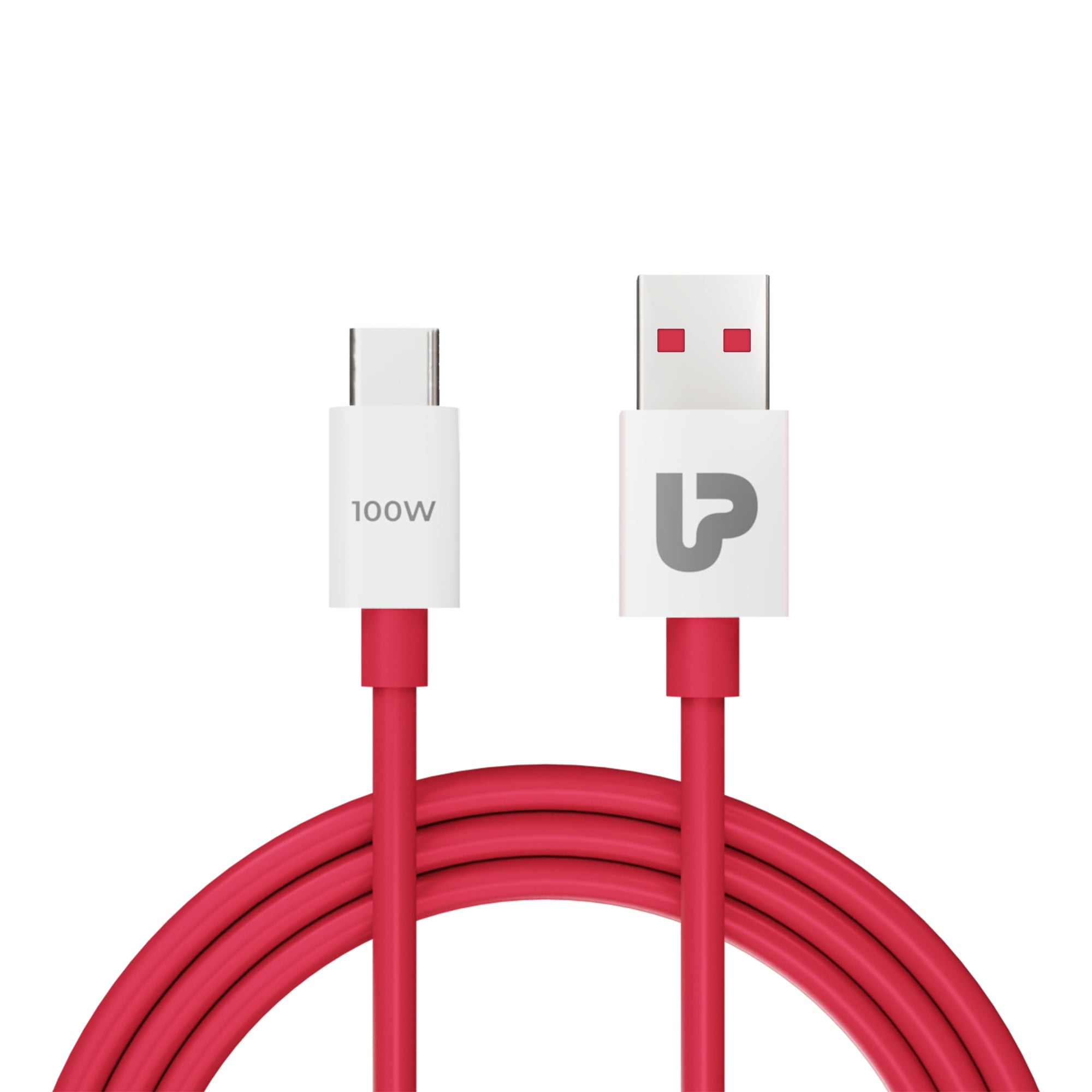
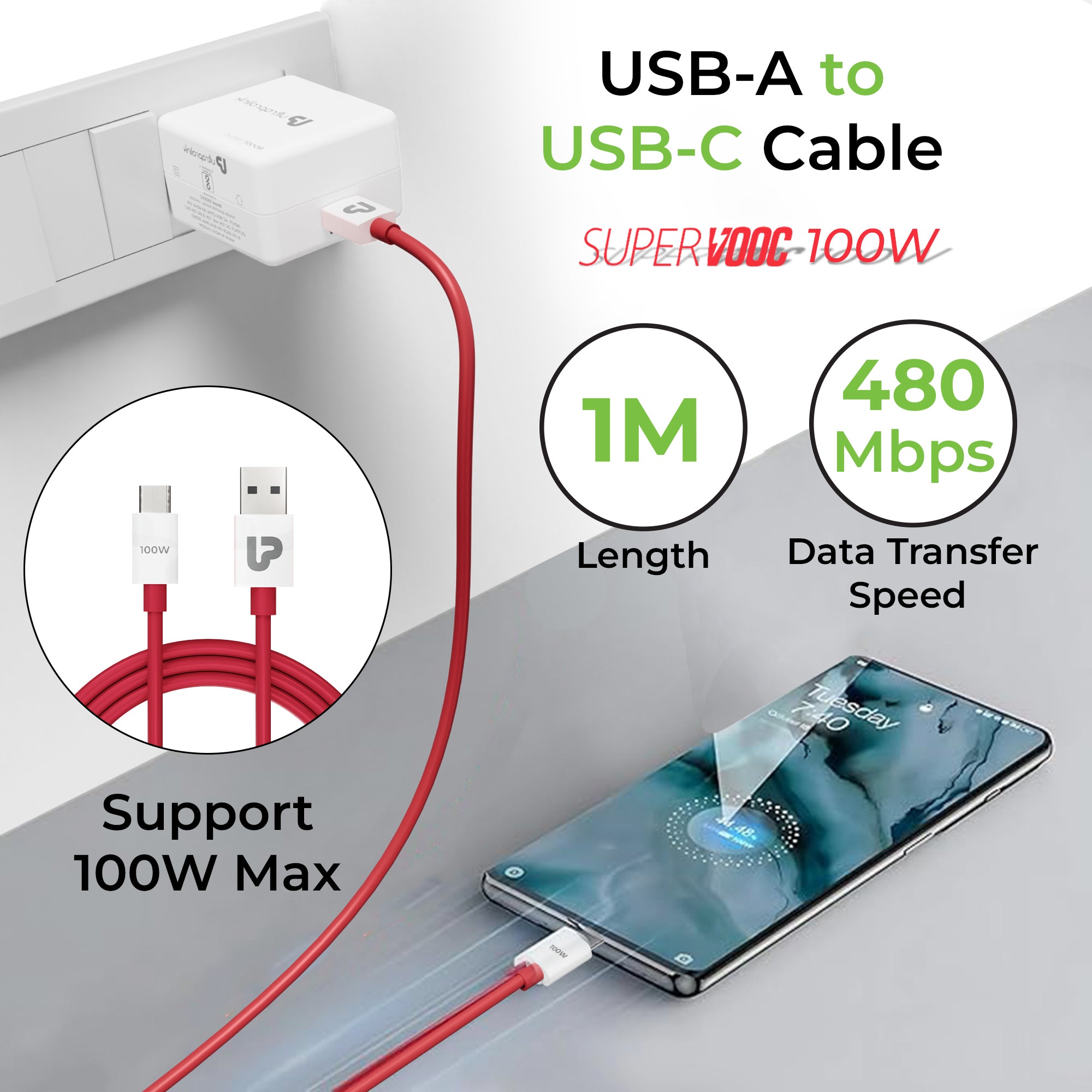
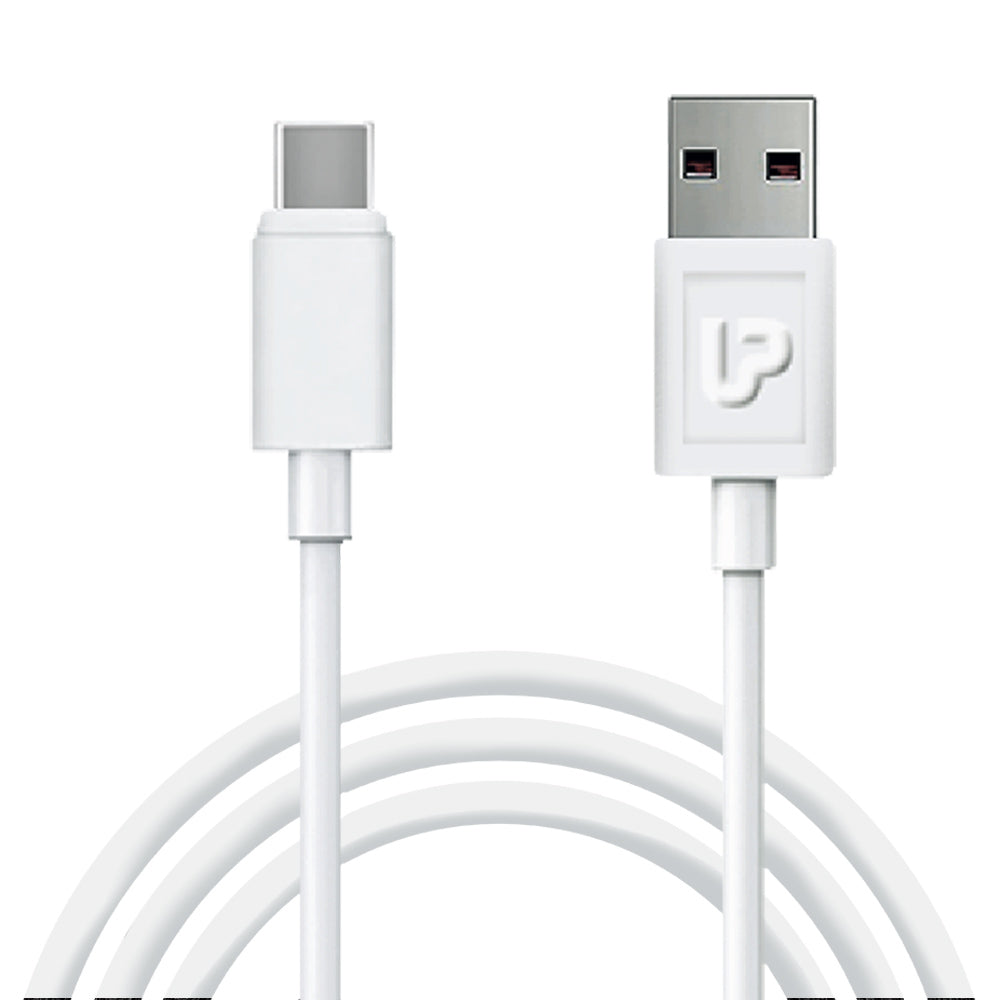
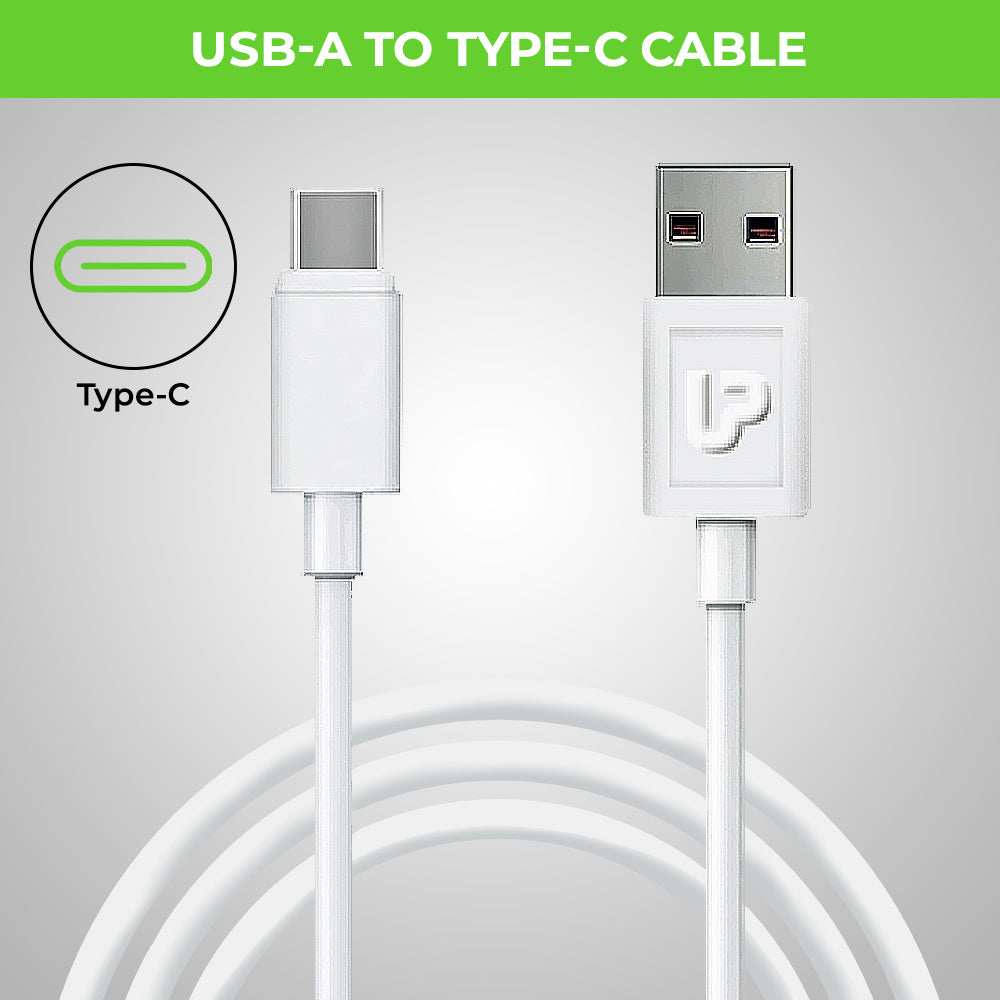
USB Type C cables come in different variants designed for different purposes. Some common types of Type C cables include type c fast charging cables, type c data cables, USB fast charging cables, type C to C cables, power delivery cables, and USB 4.0 cables. Each type of cable has different specifications and capabilities, so it's important to choose the right one for your needs.
- Explain Type C Cable Variants with Power Delivery 2.0, Power Delivery 3.0, USB 4.0 & Thunderbolt
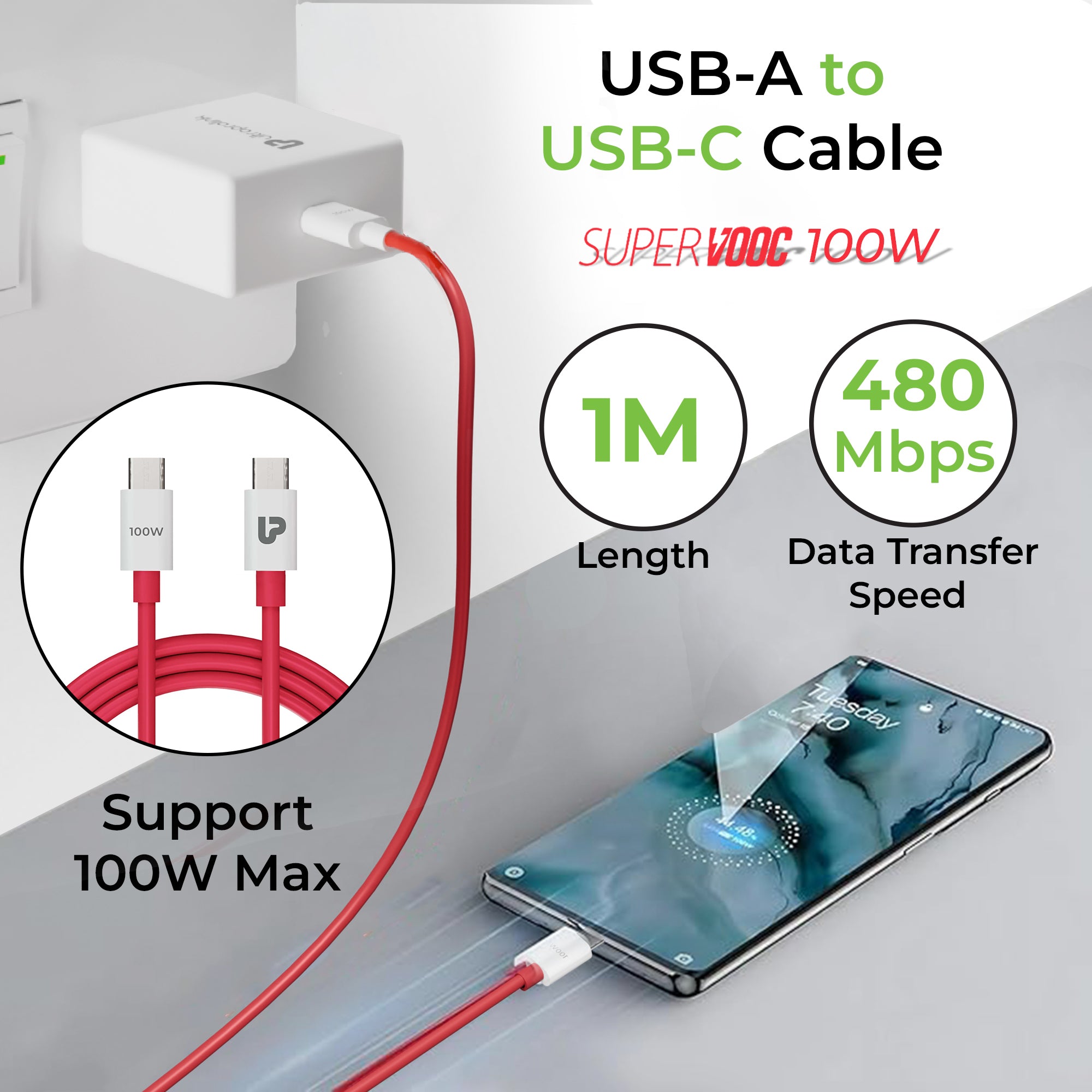
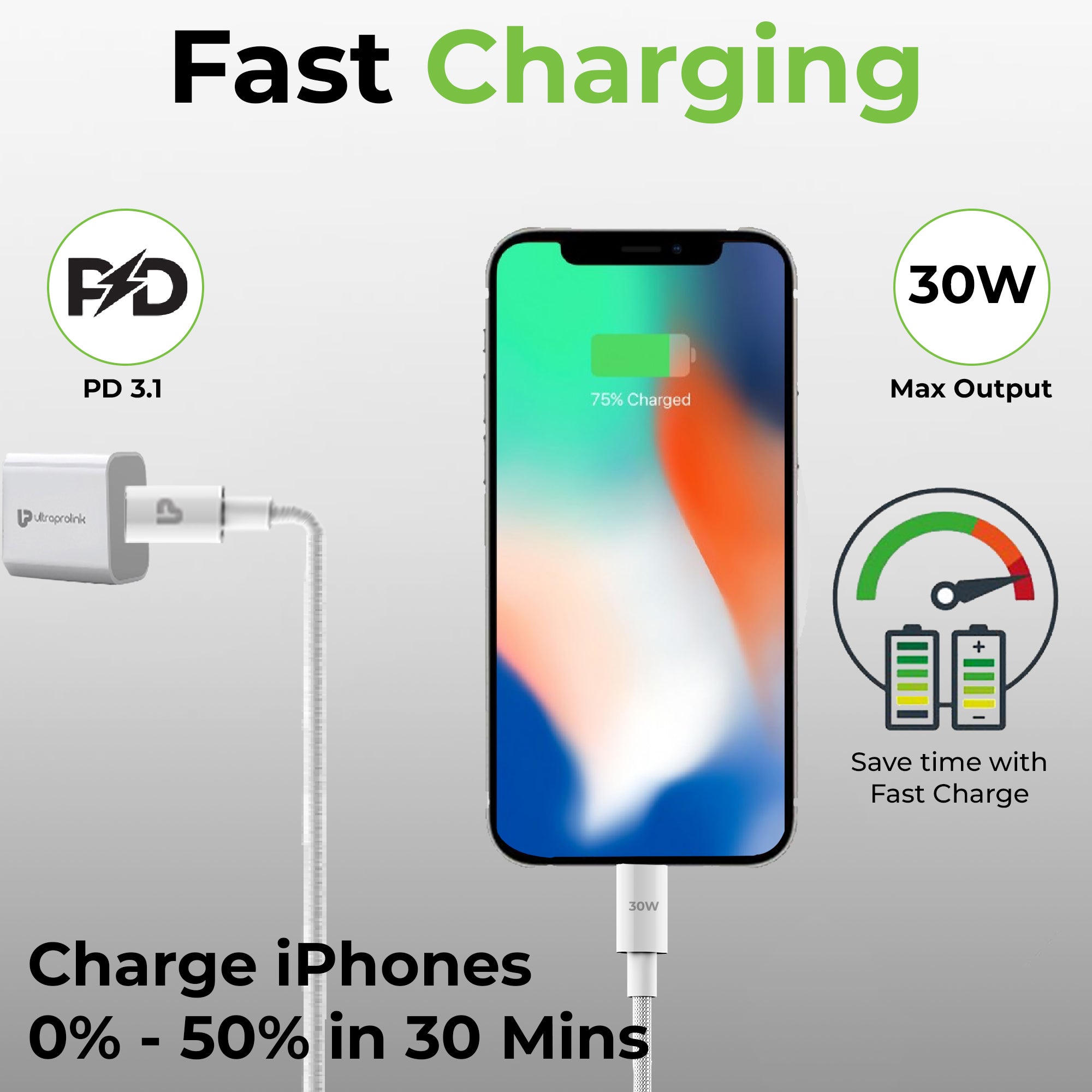
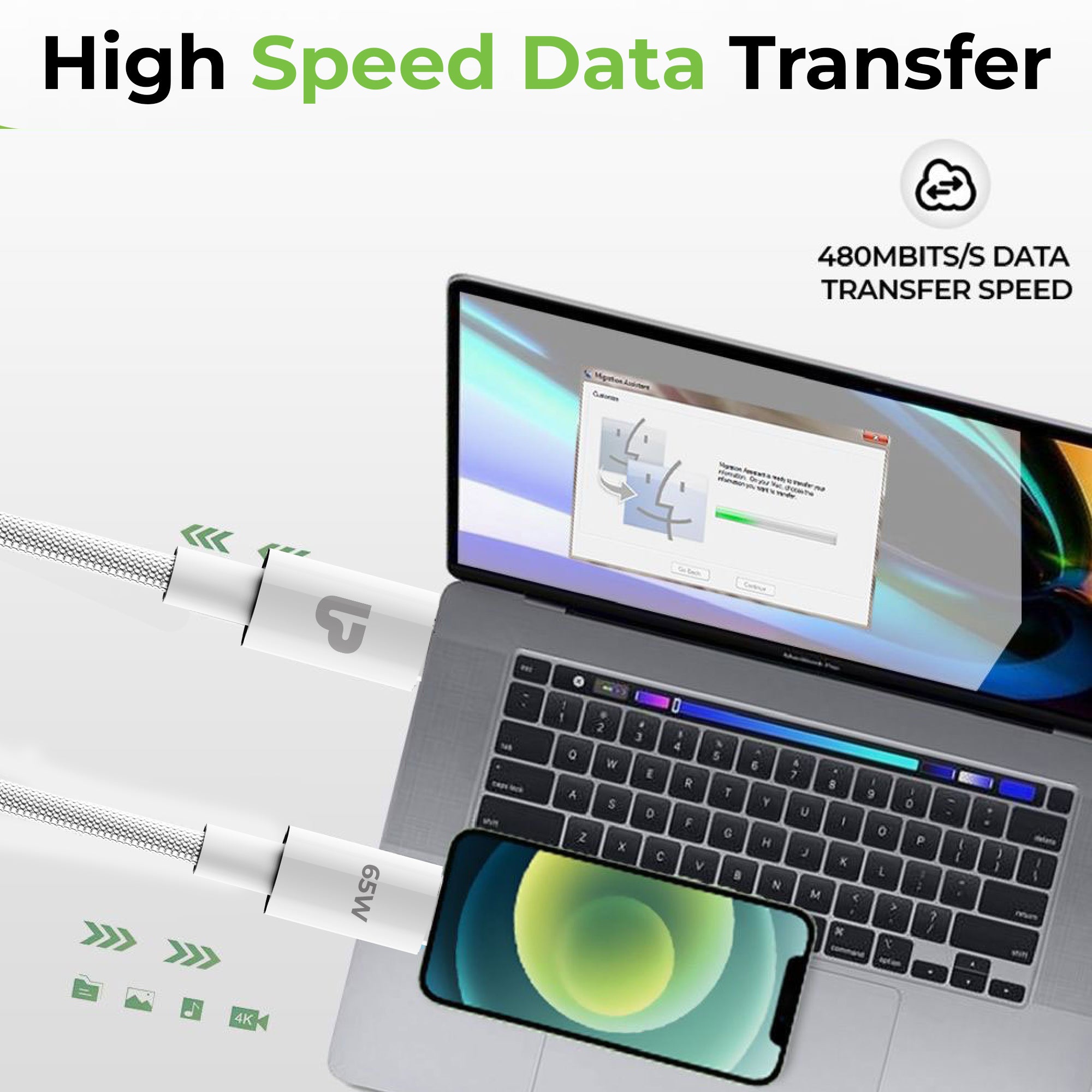
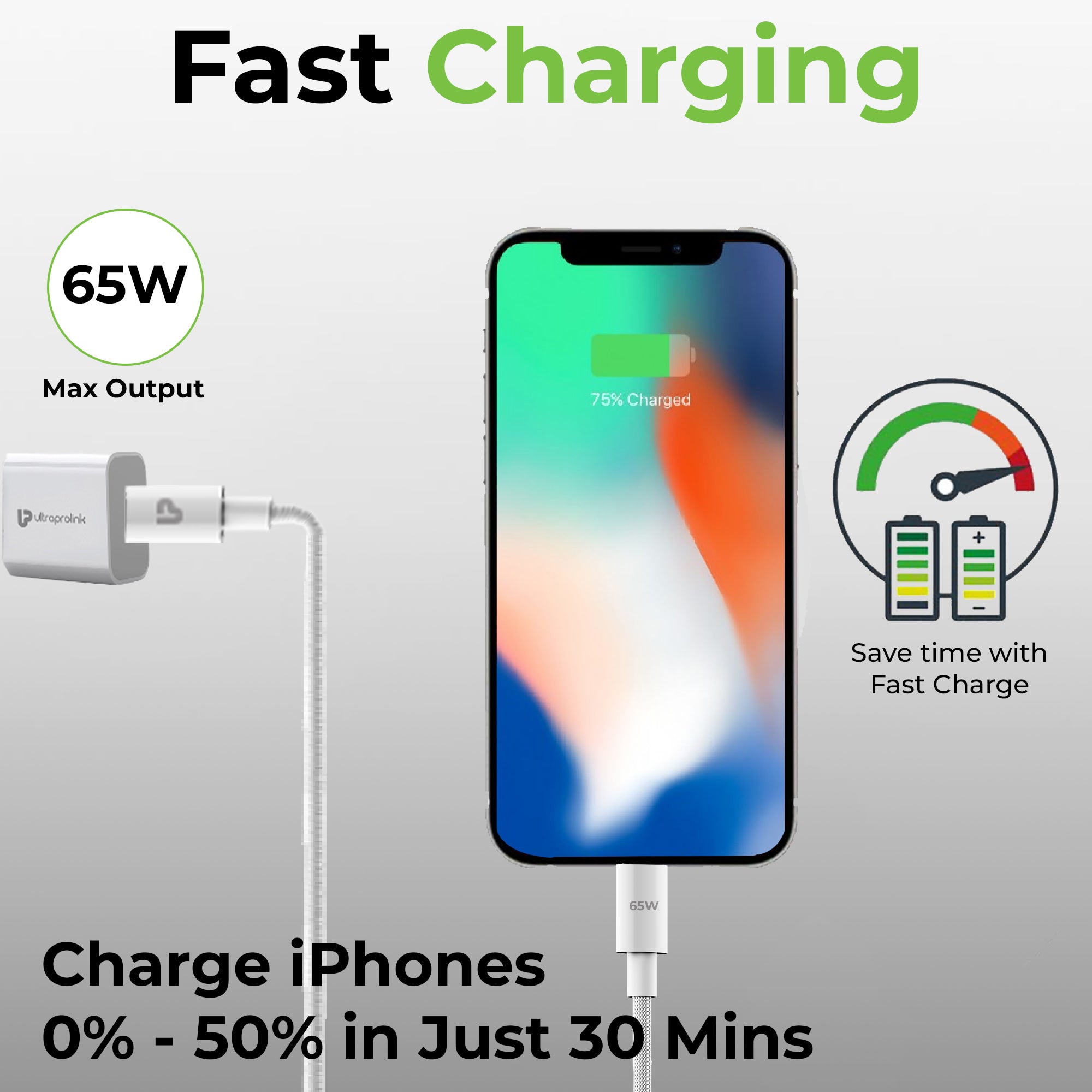
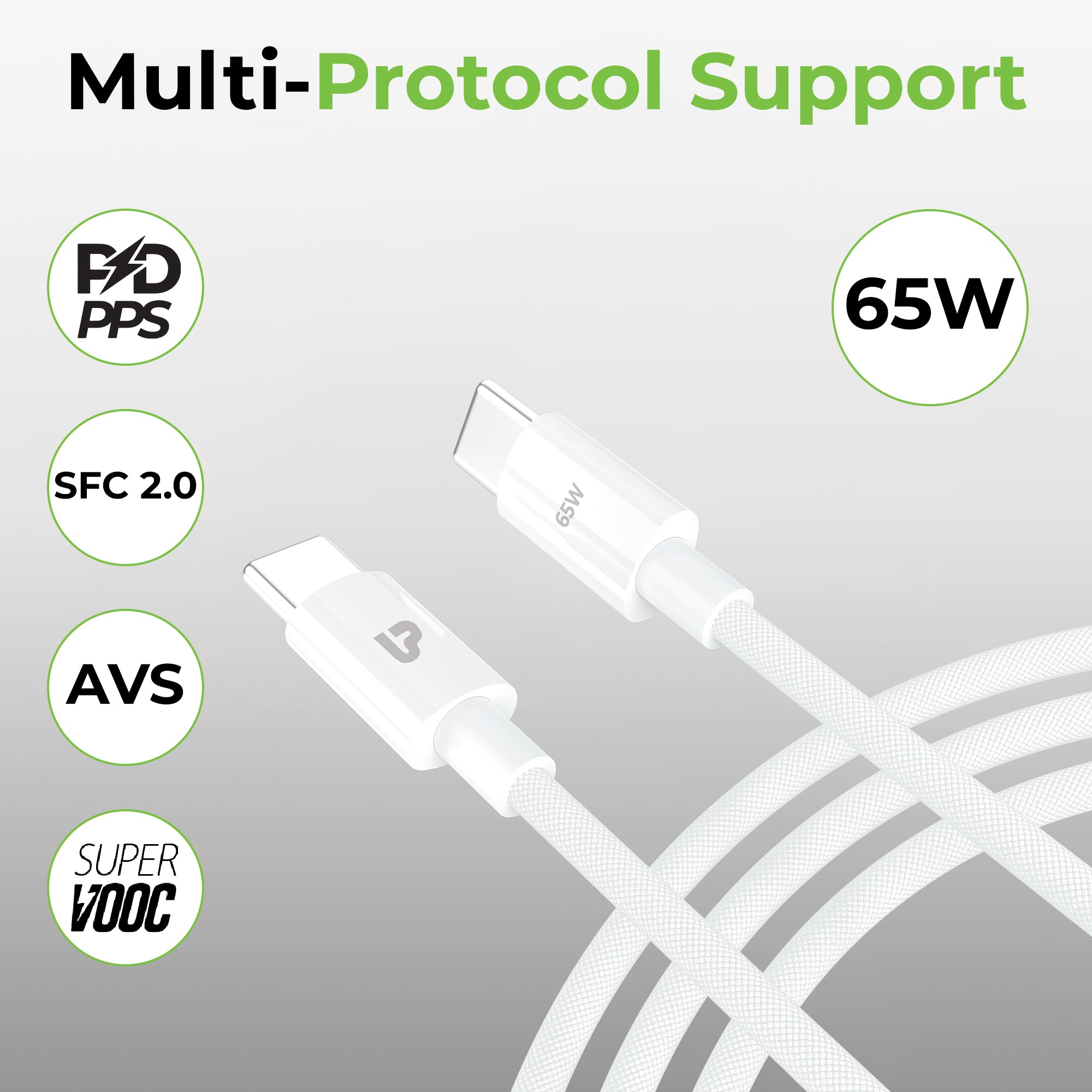
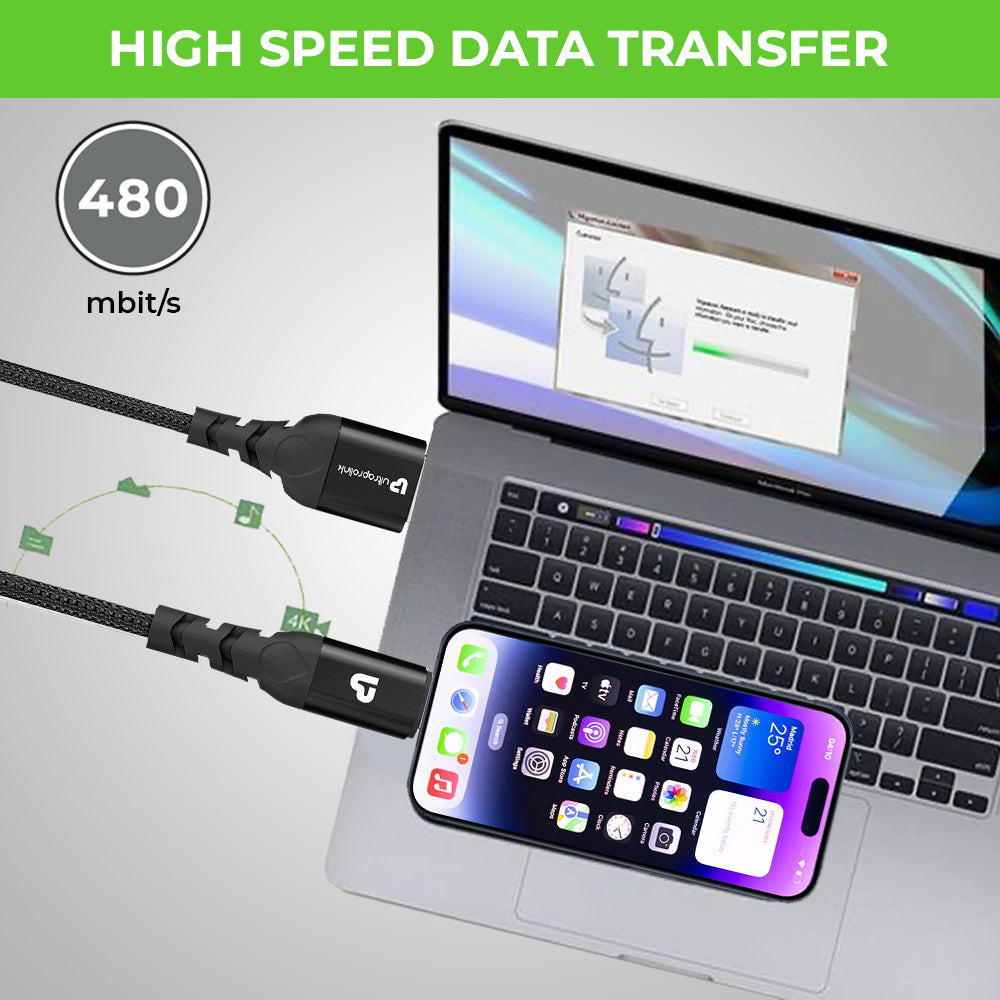
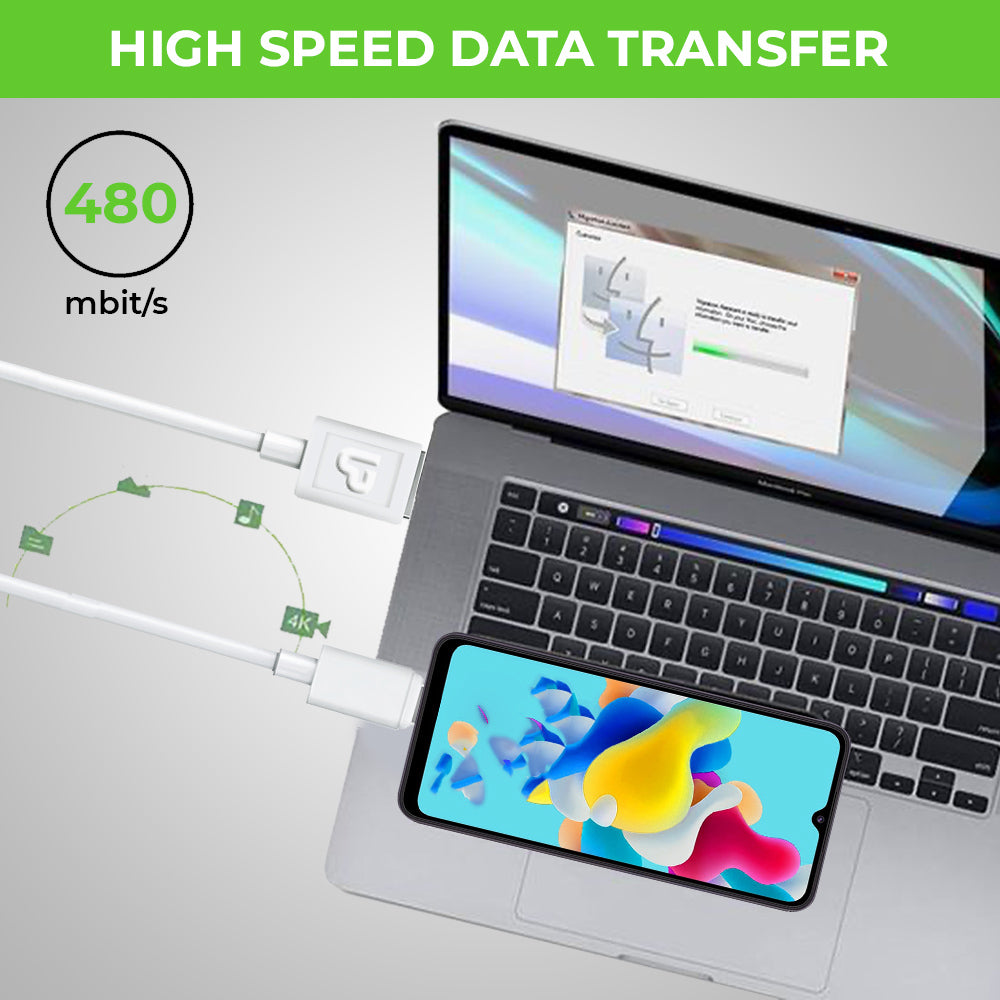
Type C cables with Power Delivery (PD) 2.0 or 3.0 are designed to provide fast charging capabilities to devices. PD 2.0 provides up to 60W of power delivery, while PD 3.0 can deliver up to 100W of power. This means that devices can be charged quickly and efficiently. USB 4.0 is the latest USB specification and provides faster data transfer rates than previous versions, making it ideal for transferring large files quickly. Thunderbolt 3 is a proprietary technology developed by Intel that uses a Type C connector to provide fast data transfer rates, as well as support for 4K displays and other peripherals.
- How to choose the correct Type C cable for my device?
With Type C quickly becoming the industry standard, there are many variants around. When choosing a Type C cable for your device, there are several factors to consider. First, consider the purpose of the cable. Do you need it for fast charging or data transfer? Next, check your device's specifications to ensure compatibility with the cable. Look for cables with the appropriate PD version, such as PD 2.0 or PD 3.0, if you need fast charging capabilities.
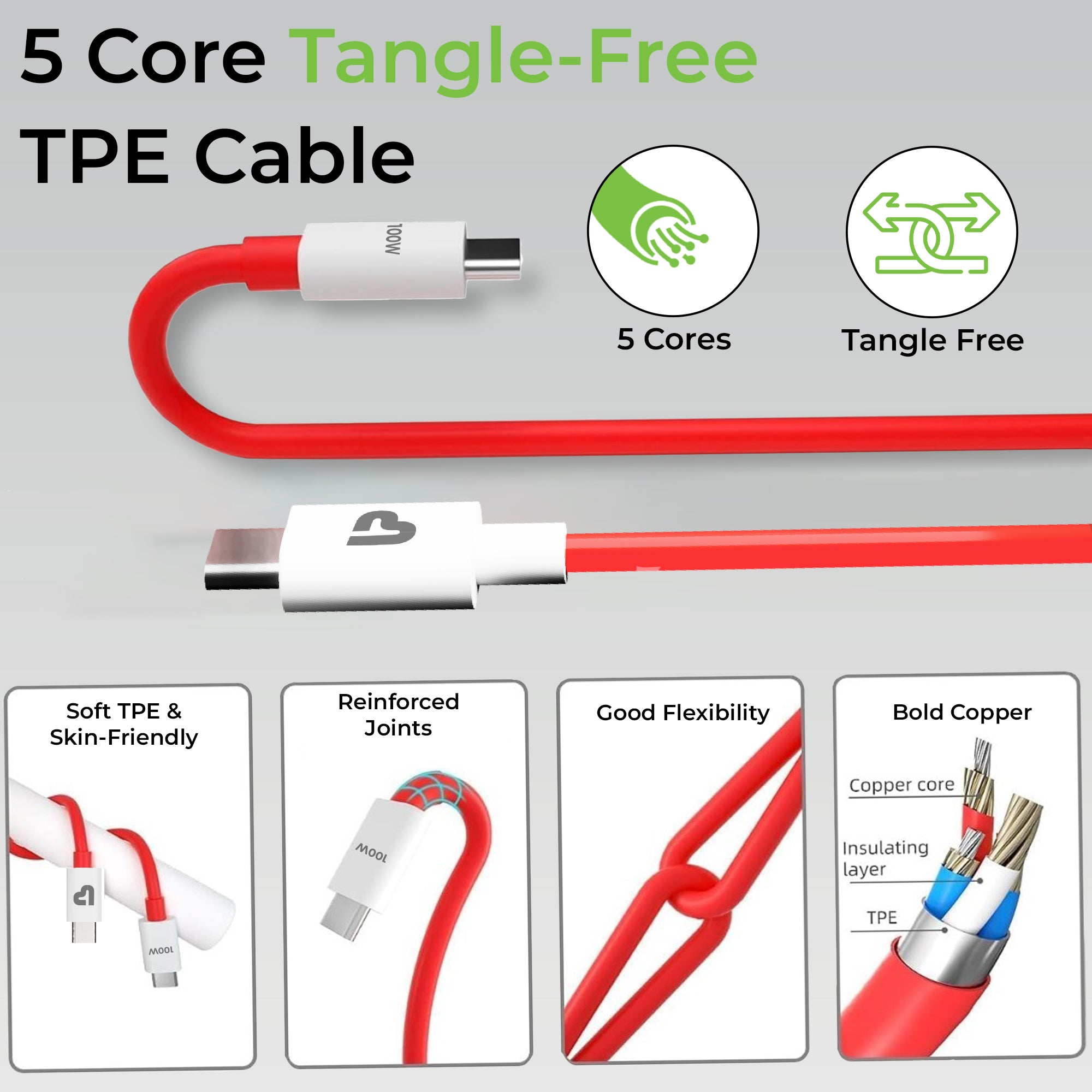
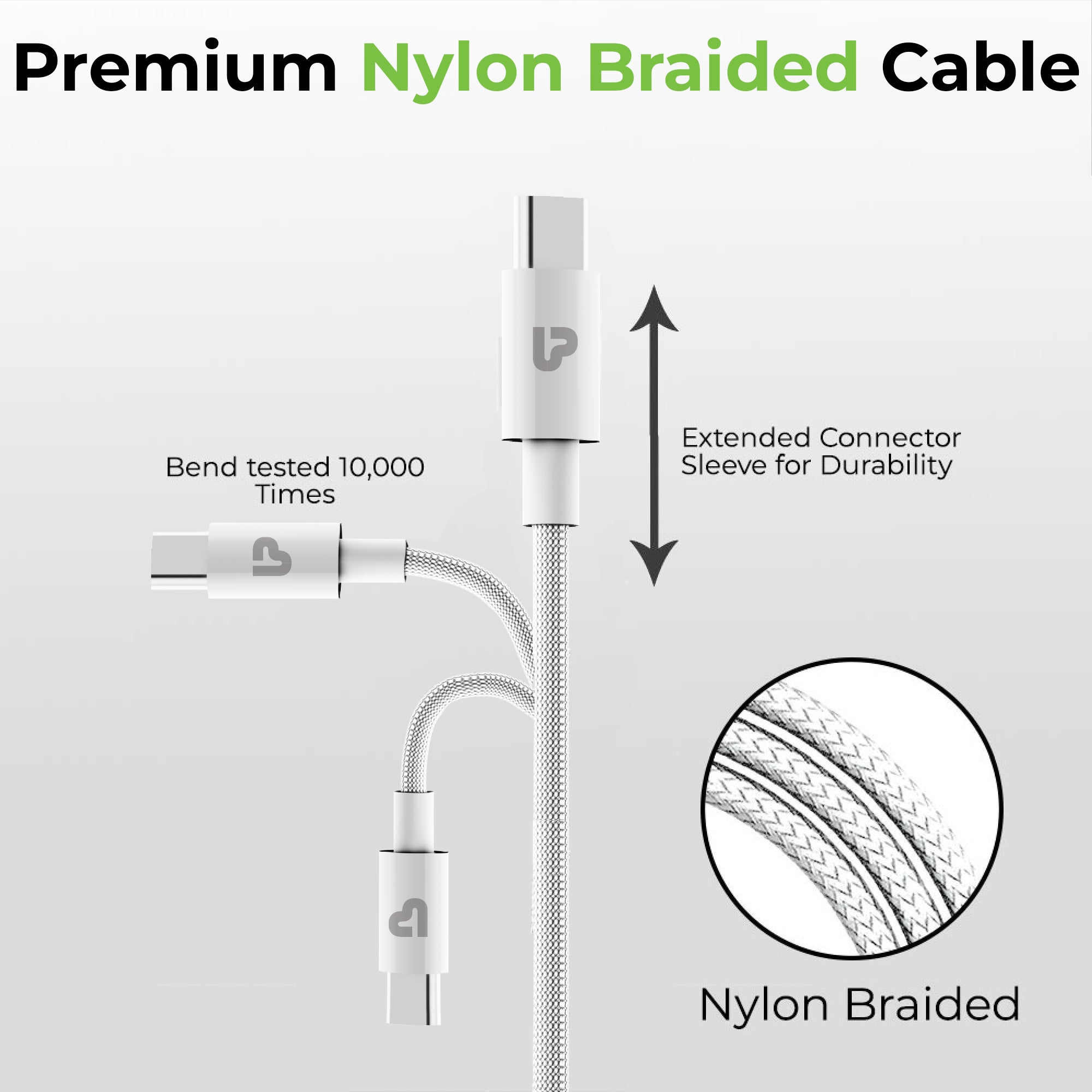
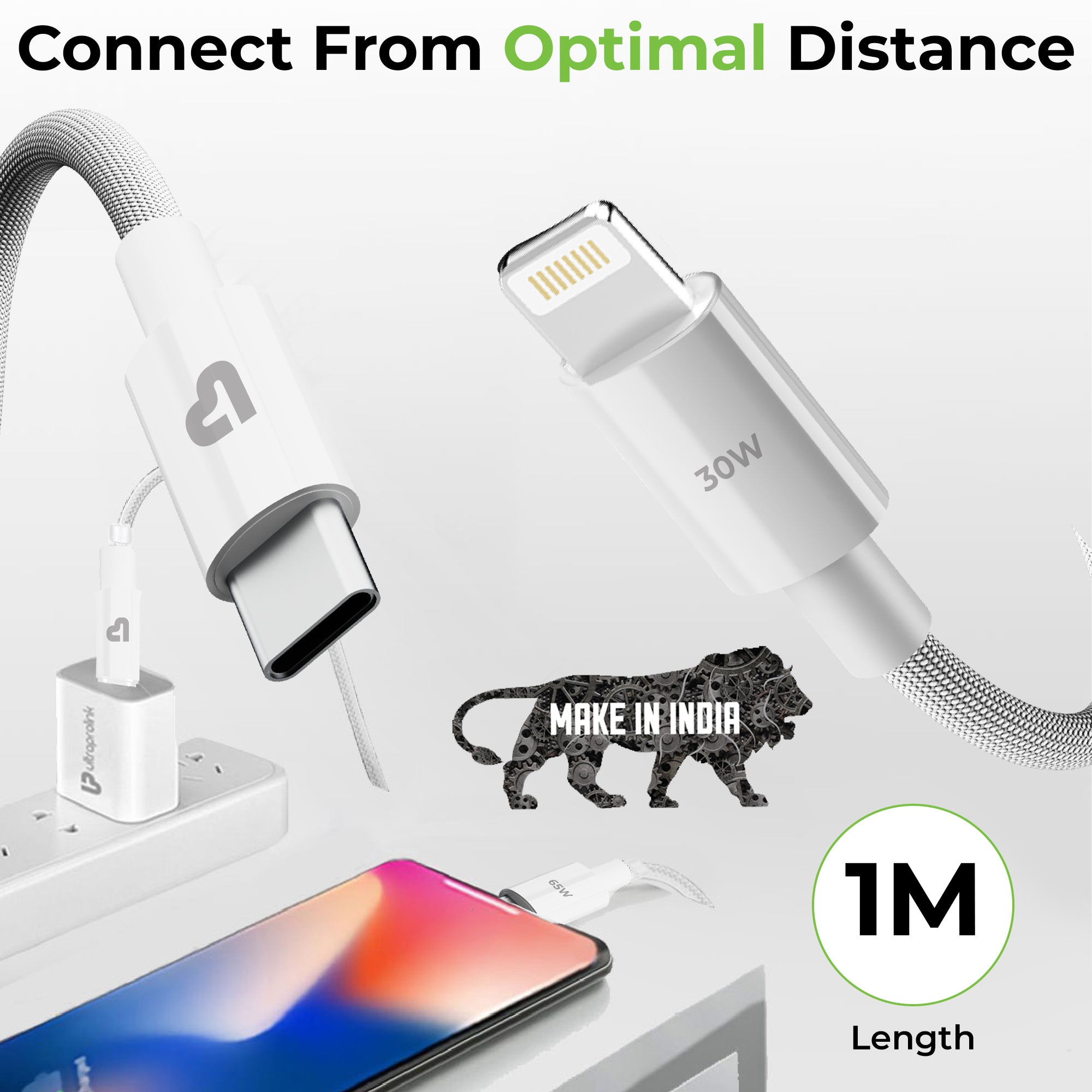
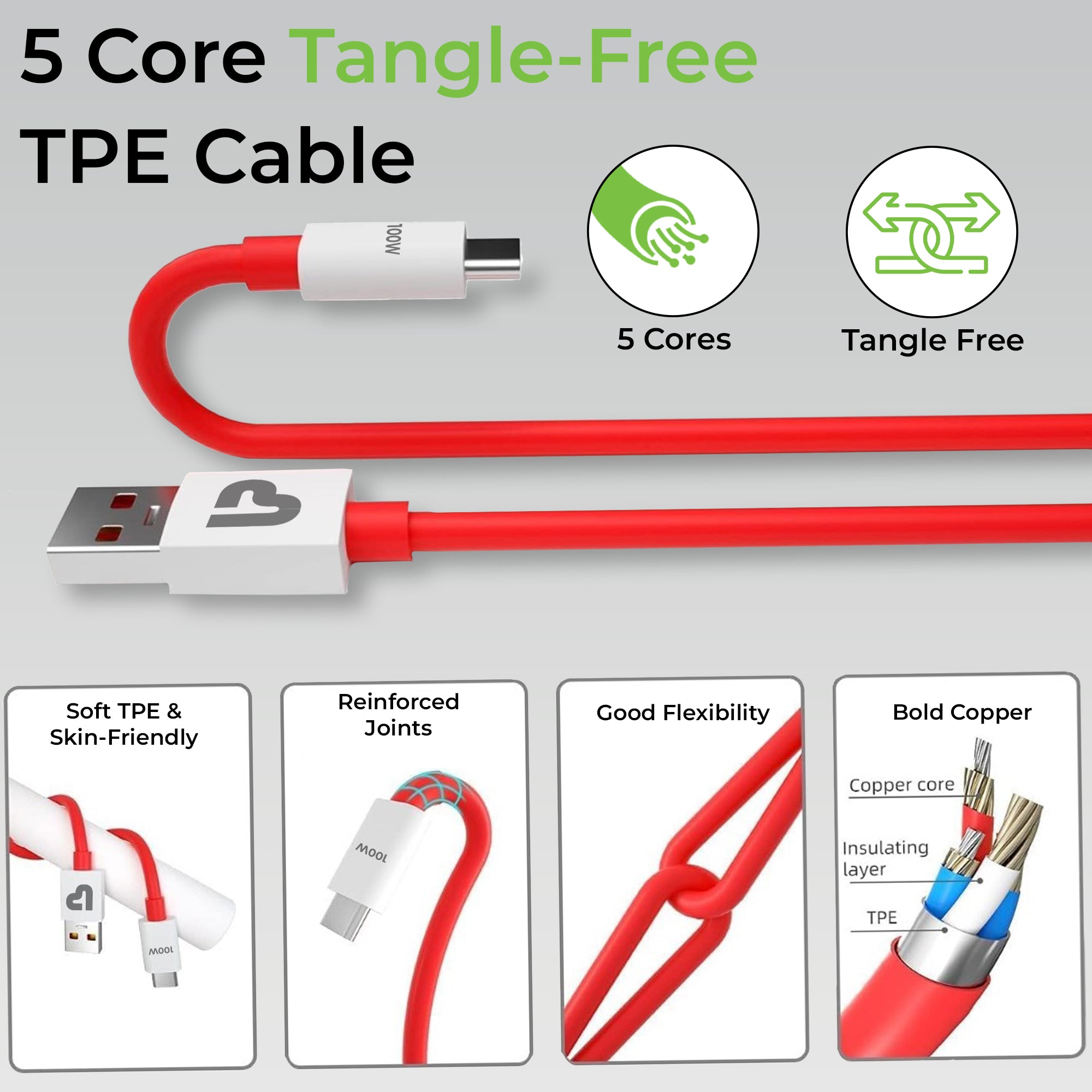
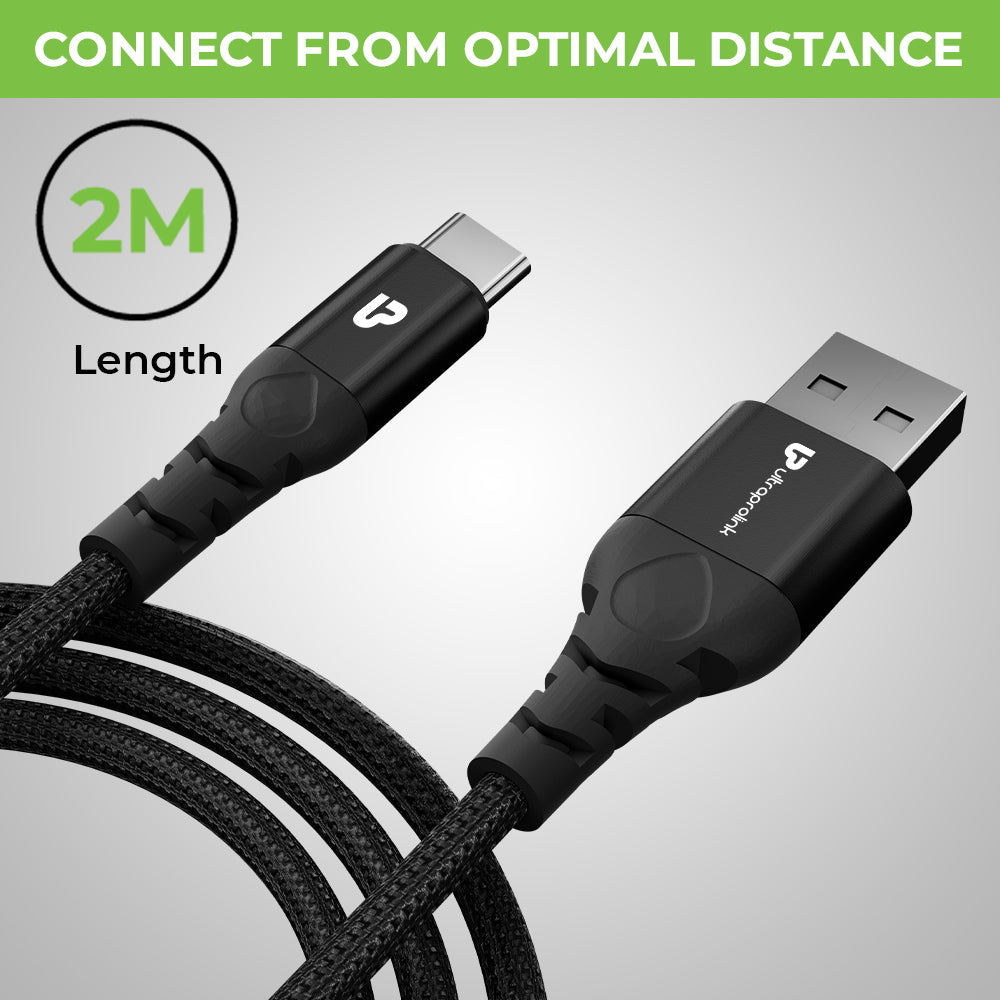
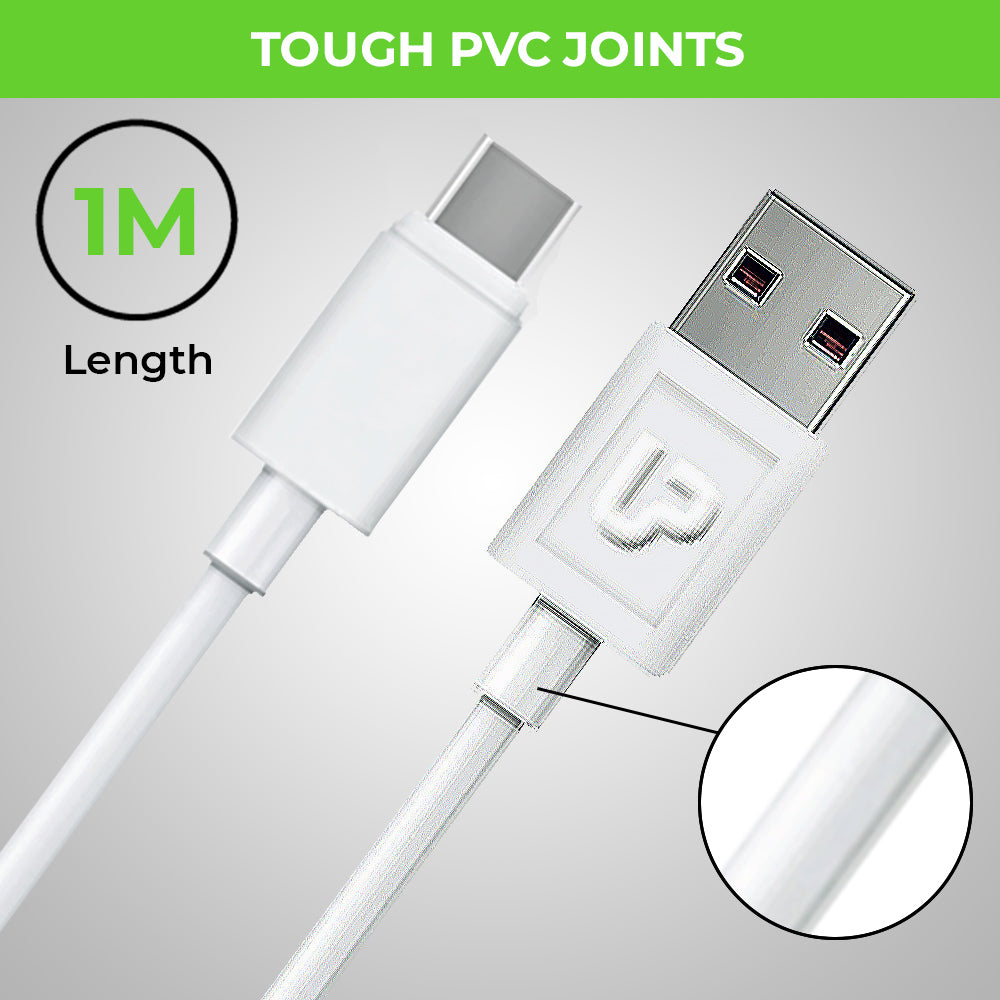
Additionally, consider the length of the cable and the material of the connector to ensure durability and longevity. Finally, read customer reviews to ensure that the cable you choose is of high quality and reliable. Generic Type C cables work with all devices but will not necessarily give you the adequate charging speeds or data transfer rates so you must know what you need.
- Where can I buy Type C Cables in India?
There are many options for purchasing Type C cables in India. Some popular online retailers include Amazon, Flipkart, or simply
click here. You can also purchase Type C cables from electronics retailers such as Croma or Reliance Digital. When shopping for a Type C cable online, be sure to read product descriptions and customer reviews to ensure you are getting a quality product. Additionally, check the brand warranty, seller's return policy in case the cable is not compatible with your devices.