


Stylus Pencil
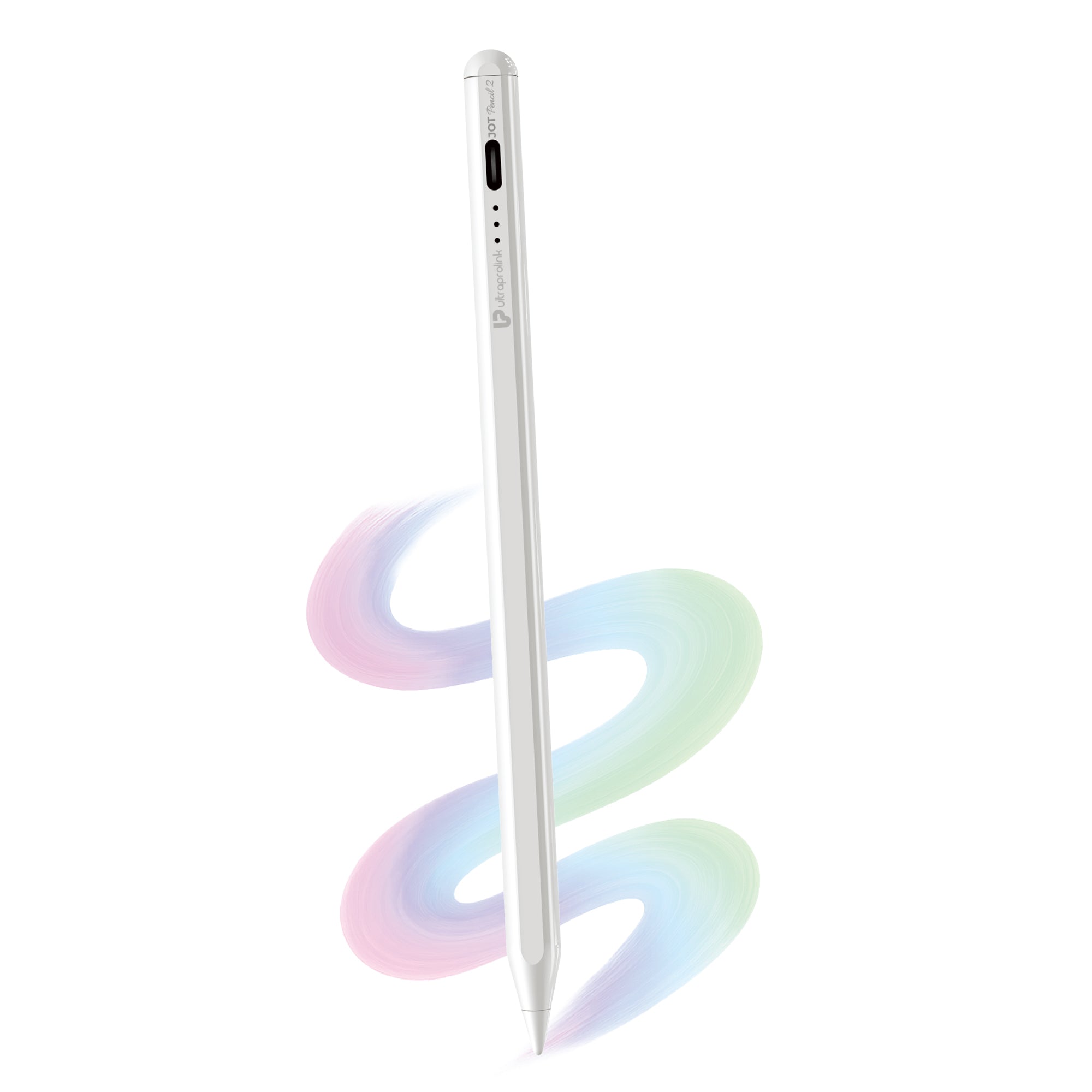

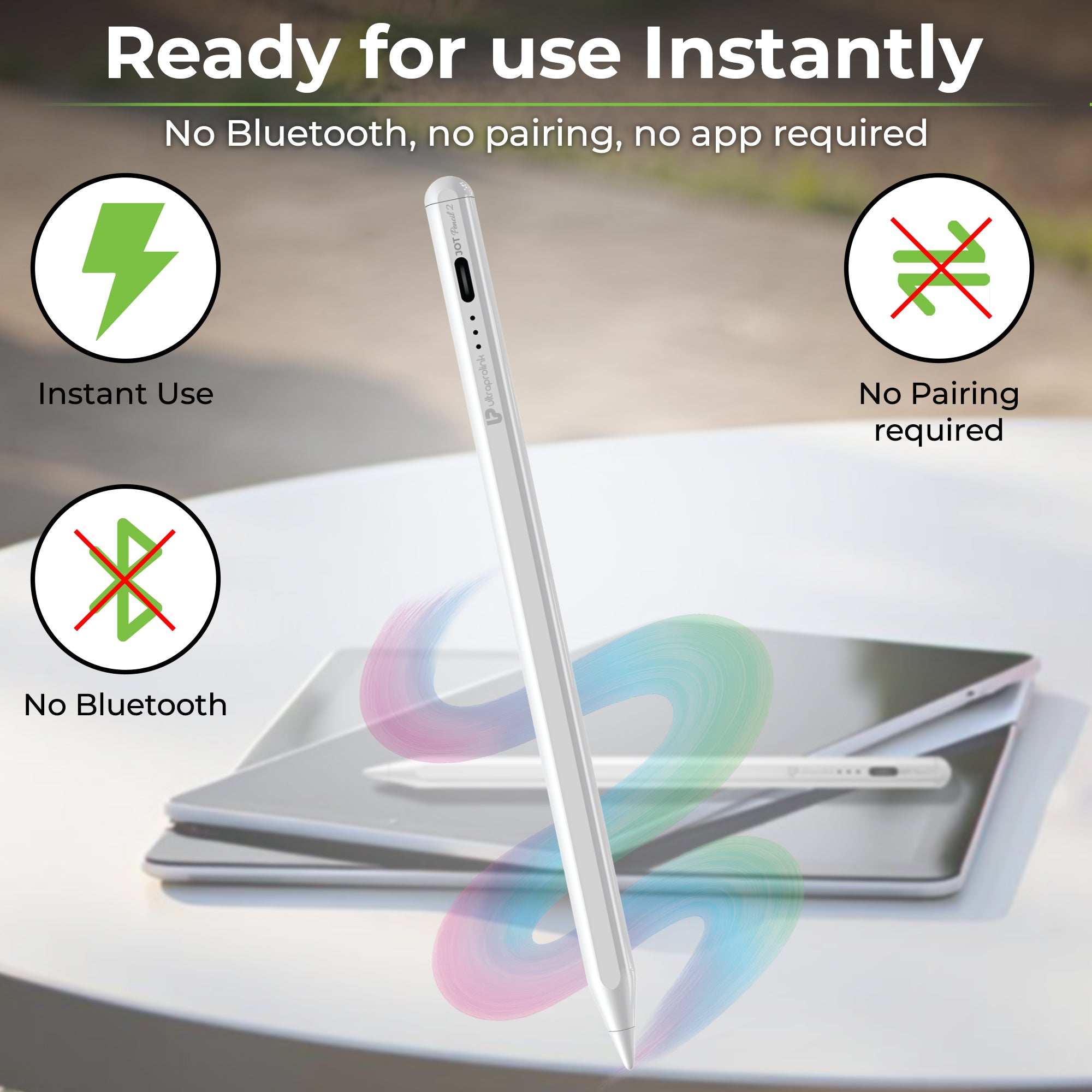
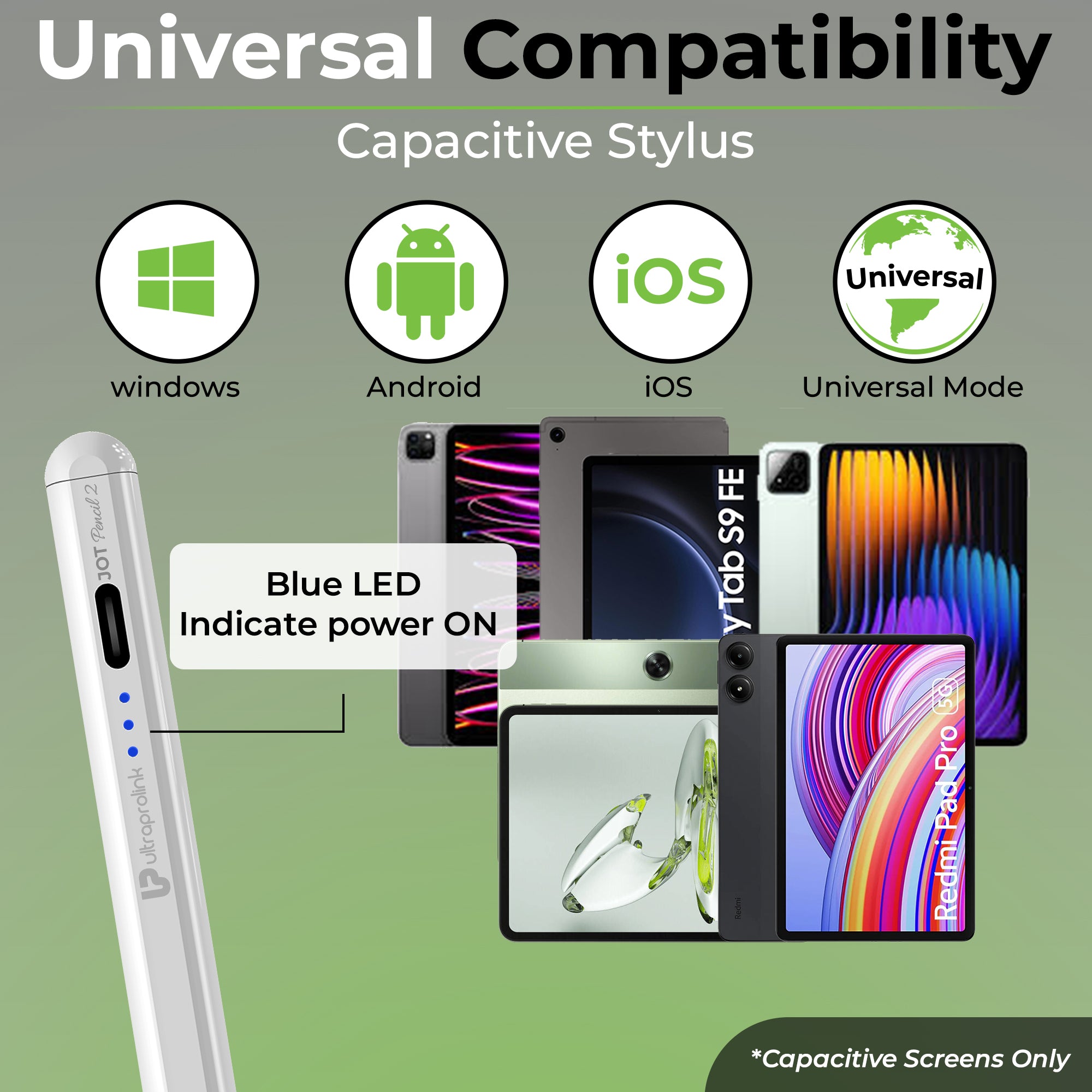
JOT Pencil 2
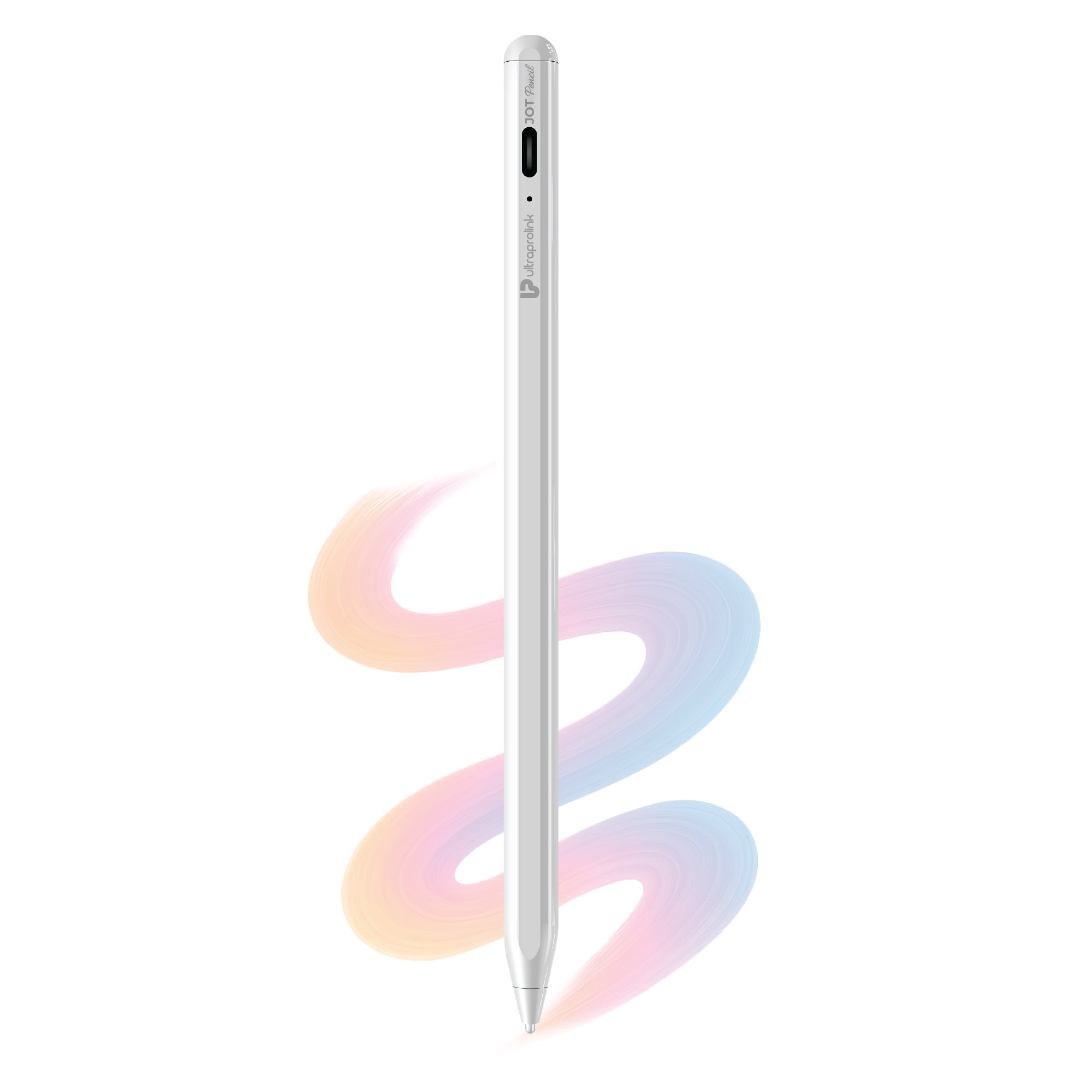
JOT Pencil
JOT Pencil Dual Mode Stylus for iOs / Android / Windows UM1224WHT
Stylus Pens for Precision Writing, Drawing & Productivity
If you’re taking notes in meetings, drawing art, marking documents or simply want more precise control on your touchscreen, a stylus pen can improve the way you work. Better than fingers for every user, including students, business professionals, artists, and everyday people.
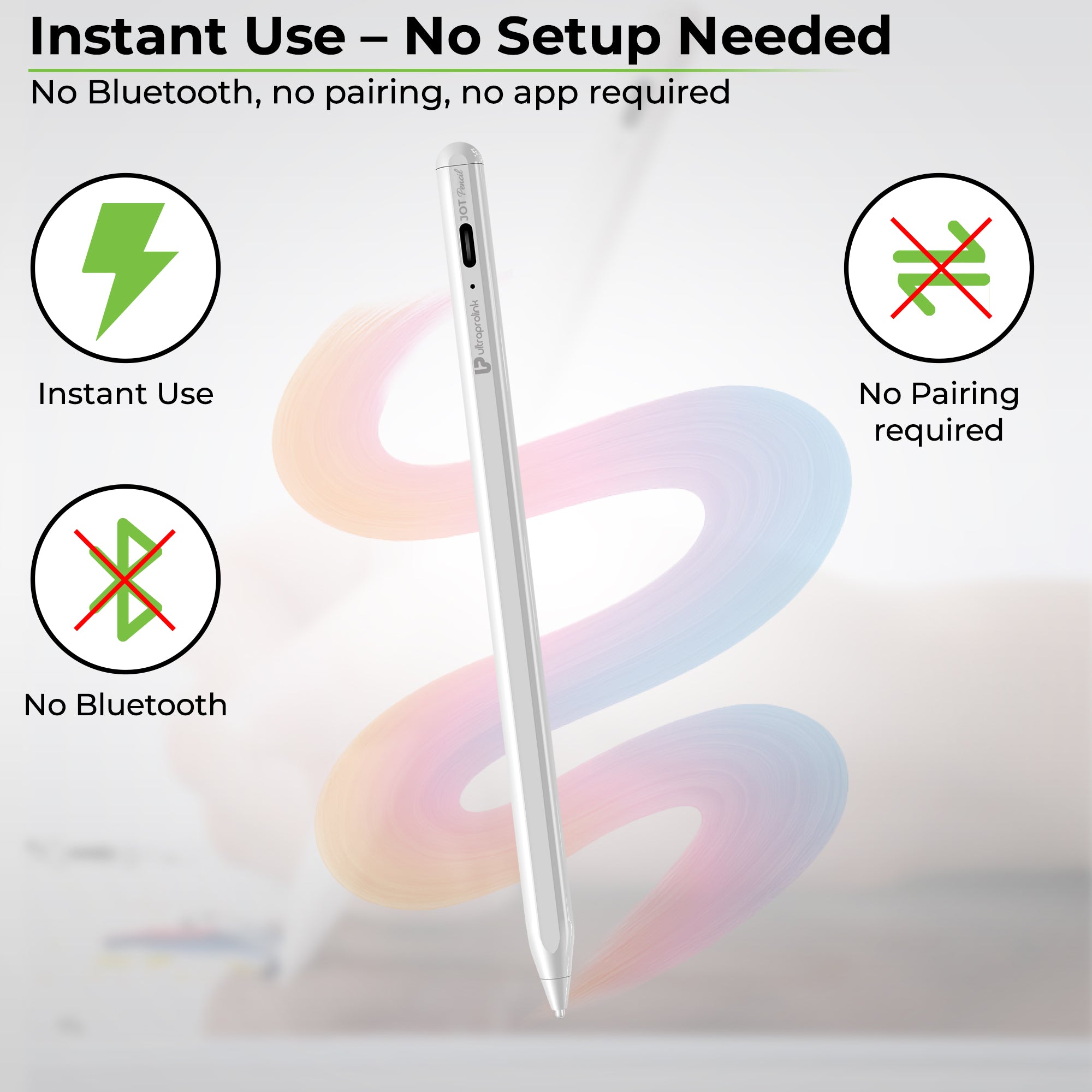
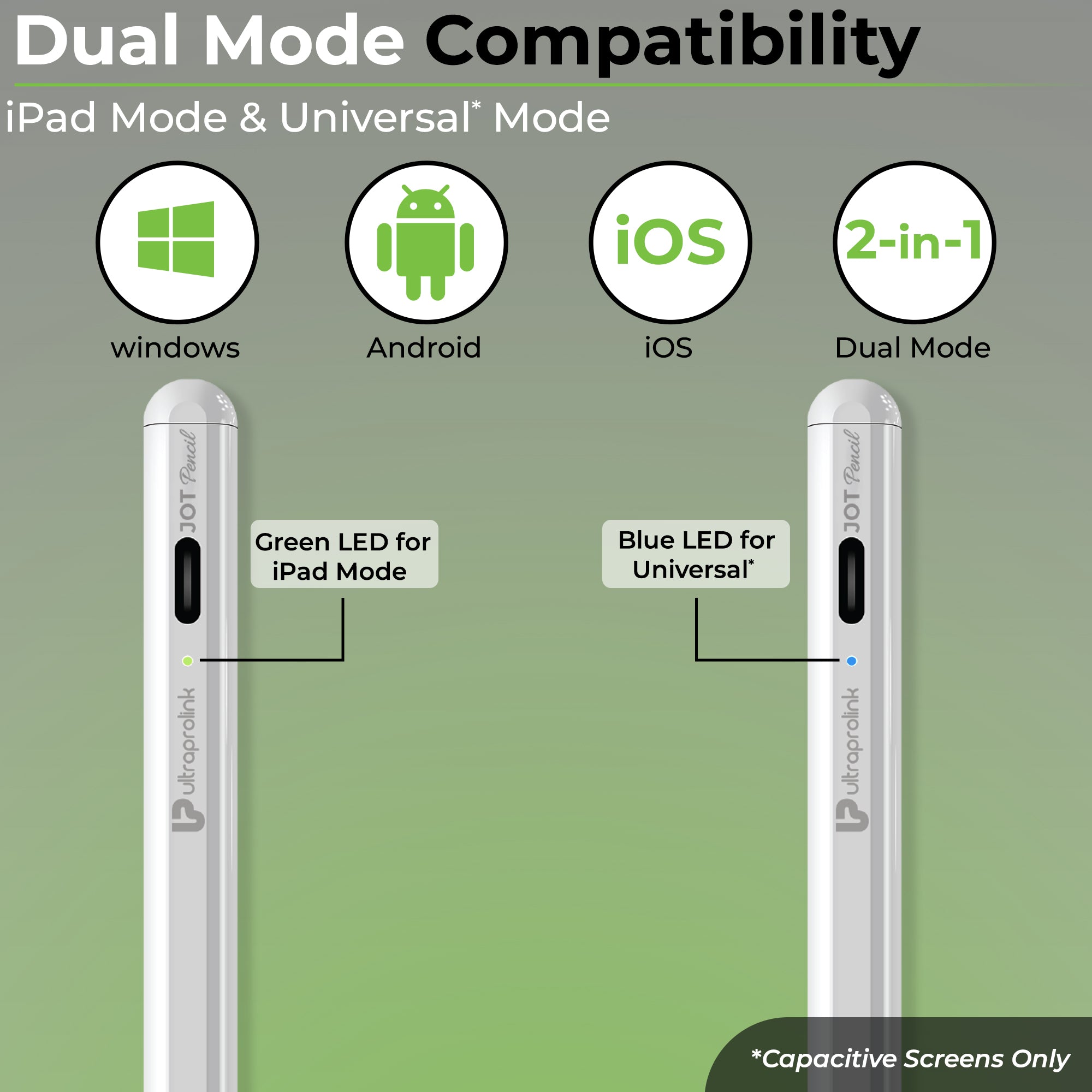
UltraProlink stylus pens are designed for precision, convenience, and compatibility with tablets, smartphones and other touch devices. Perfect for note-taking, drawings and daily tasks. Take advantage of benefits such as palm rejection, fine tip accuracy, magnetic attachment and fast USB-C charging. The JOT Pencils from UltraProlink support both iPad and Android and Windows touchscreens, offering a dual mode feature and a battery life of 10 hours.
Types of Stylus Pens Available
Choose a stylus for your own specific artistic, educational or business need:
Active Stylus Pens
Stylus pens used for drawing, notes and for marking or highlighting text on a screen require a faster, more responsive input. These stylus pens work on screens very quickly and precisely.
Universal Stylus Pens
These devices are compatible with all touchscreens, such as smartphones or tablets, which makes them useful if you own several different types of devices.
Stylus Pens with Palm Rejection
Use these on a screen while keeping your hand rests naturally; it feels similar to writing on paper. The UltraProlink JOT Pencil supports palm rejection when used with an iPad.
Magnetic Stylus Pencils
This type of stylist pencil can attach itself easily to relevant tablets and therefore can be kept around anywhere, anytime.
Key Features of a Stylus Pencil You Should Be Aware Of
What a stylus pencil does is really important to your writing, drawings or general usage.
• Precision Fine Tip – Essential for a fluid writing experience; it is perfect for notes or drawing as it allows for detailed work. On the screen there needs to be a bit of friction, like a piece of paper, so you can feel you're writing.
• Palm Rejection – This helps to relax the hand and avoid unintentional touch commands on the screen when writing; the UltraProlink JOT Pencil supports palm rejection when used with iPads.
• Universal Compatibility – Be sure that your stylus pencil supports the iPad, Android, or other screens that you plan on using it with.
• Battery Life & Fast Charging – We recommend stylus pens with good battery life, as they don't run out of power as often. Look for USB-C charging capabilities for faster charges.
• Replaceable Nibs – Get extra nubs for your stylus pencil and your product will last even longer with optimal writing accuracy.
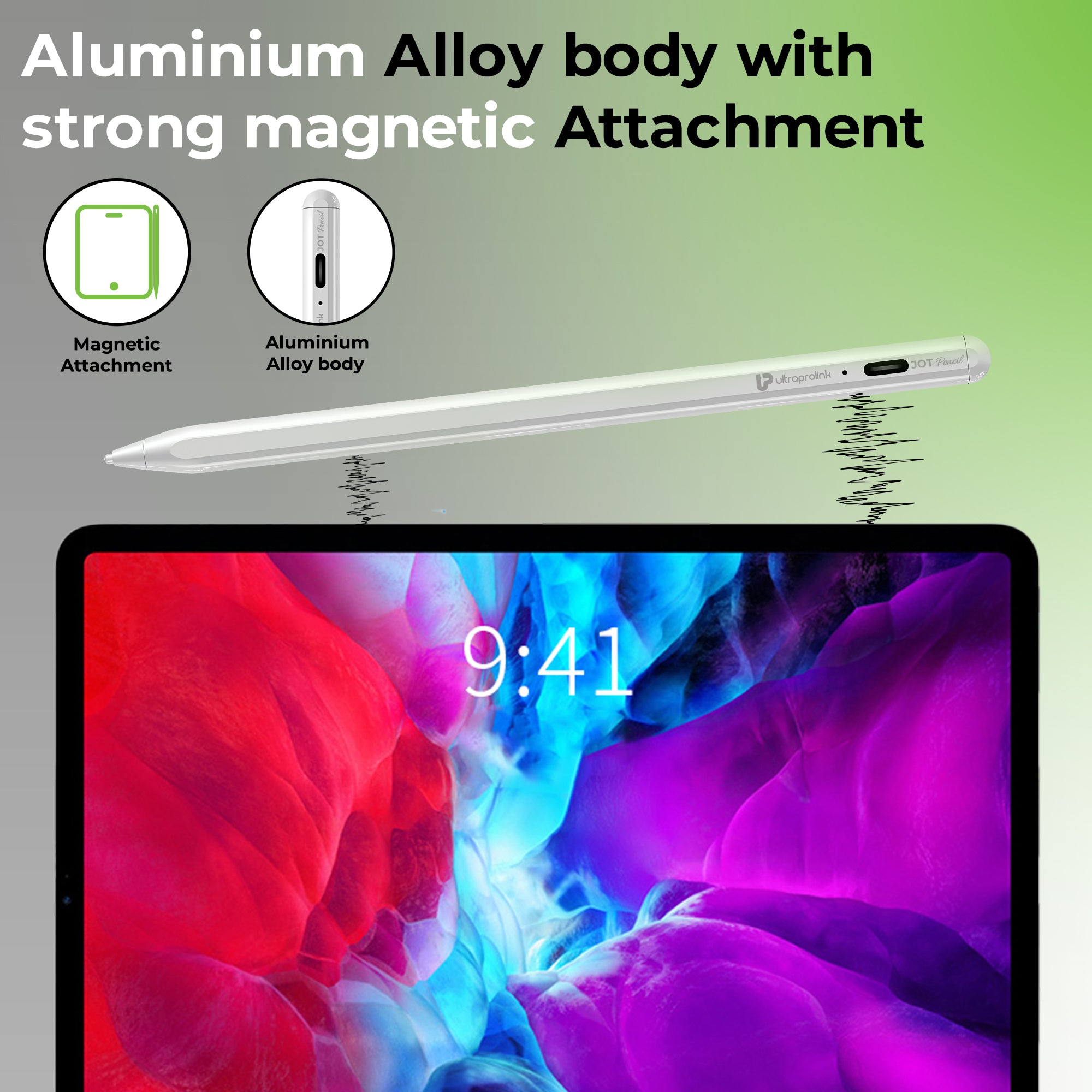
• Magnetic Attachment – You can stick this stylist pencil to your tablet, so it is easy to find and has a designated place so you never lose it.
Choosing a Stylus Pen for Your Needs
Students & Note Taking
For studying and taking notes in class, go with something that has palm rejection, a precise tip, so writing feels natural during the lecture.
For Designers & Creators
For digital art, sketching and design work, ensure your stylus pencil has a high precision, a responsive fine tip and good ergonomics. Replaceable nibs are also essential as you might sketch and draw very often.
For Everyday Productivity
If your stylus is for general use like navigating through your device, signing documents or marking PDFs, an inexpensive, universal stylus is the best choice for your touchscreen needs.
For Travel & Portability
It’s good to find a compact stylus pencil that is also magnetic and has decent battery life; especially if you plan on using your touchscreen for taking notes or sketching when away from home.
Why Choose UltraProlink Stylus Pens?
• It has precise writing and drawing performance.
• Supports universal device compatibility with a dual mode.
• It includes palm rejection for a natural writing experience.
• Features fast charging with a long battery life.
• Available in lightweight, ergonomic and travel-friendly designs.
• Built to last and of premium quality, making it a good stylus for everyday use.
The products offered by our stylus pen range are designed to help improve creativity and productivity, while making note-taking during classes, PDF marking, or digital art much simpler.
Less Common Uses for a Stylus Pen
A stylus is useful for much more than just drawing. It can make daily tasks such as work and study more efficient, or be perfect for artistic tasks:
• Taking notes digitally
• Graphic sketching
• Signing documents
• Editing pictures
• Delivering an online class
• Precise pointer usage
• Android tablet productivity workflows
These examples show why a stylus is becoming such a useful device for productivity.
Frequently Asked Questions (FAQs)
What is a stylus pencil used for?
A stylus pencil is a writing and drawing tool used with touchscreen devices like tablets and smartphones. It’s common to use it for notes, sketches, graphic art, editing documents, navigating the screen and for providing an accurate input onto a touch display. Compared to using your finger, a stylus has better control over the drawing and writing; it is therefore ideal for artists, students and business professionals, along with any person interested in a fluid and comfortable writing experience on a screen.
Does a stylus pencil work on iPad and Android?
Many general-purpose styluses work for both the iPad and Android operating systems. This will allow you to write, draw and navigate on both devices. However, a stylist can differ from one to another when it comes to what works with it, also when it comes to the device it can be used on. Some modern features of stylists may only work for particular devices; Palm rejection and pressure sensitivity work well with the iPads. What’s also worth mentioning is that some Windows devices use a different type of screen technology that requires a different stylus.
What is palm rejection in a stylus?
Palm rejection is the ability to place your hand on the touch display while writing or sketching without making unwanted input. The screen only picks up what it’s told to notice; i.e., the tip of the stylus. This makes writing feel natural, like you’re on a piece of paper. This is particularly good for longer writing sessions or while sketching.
Can I use a stylus for drawing?
Absolutely. Styluses can be used for a multitude of digital drawings, sketches and designs. They offer higher precision and a lot better control over the lines drawn compared to just using your fingers, so you can draw the finest of details and create smooth lines on your digital canvas. It doesn't matter if you're a professional artist or an amateur creator; it will significantly improve your artistic expression.
How long does a rechargeable stylus battery last?
The battery life of a rechargeable stylus will vary depending on your use and settings. Typically, rechargeable stylus pencils are designed to last for a few hours; making them ideal for work and study throughout the day. Other styluses have power-saving features, helping to conserve energy when the stylus isn't in use. For instance, the UltraProlink JOT Pencil lasts for up to 10 hours on a single charge; which makes it one of the best choices if you intend to use your stylus pencil extensively.

Free Extended
Warranty

Shipping
Pan India

Reliable
customer support

Trusted by
3.5 M + customers.