MacBook Type-C Laptop Accessories For Productivity, Connectivity & Performance
Today’s MacBooks and Type-C laptops are powerful, light weight and built for productivity.
But it’s tough to connect all your devices without enough ports. And that's where good accessories come in.
Type-C hubs, docking stations, and other laptop accessories are essential.
Our collection of MacBook and Type-C laptop accessories are designed to expand your laptop’s functionality, improve your workflow and make it easier to connect more devices. Smart solutions for professionals, creators, students and remote workers. Whether you need a USB-C hub, HDMI adapter, Ethernet connection, fast data transfer or Power Delivery charging.
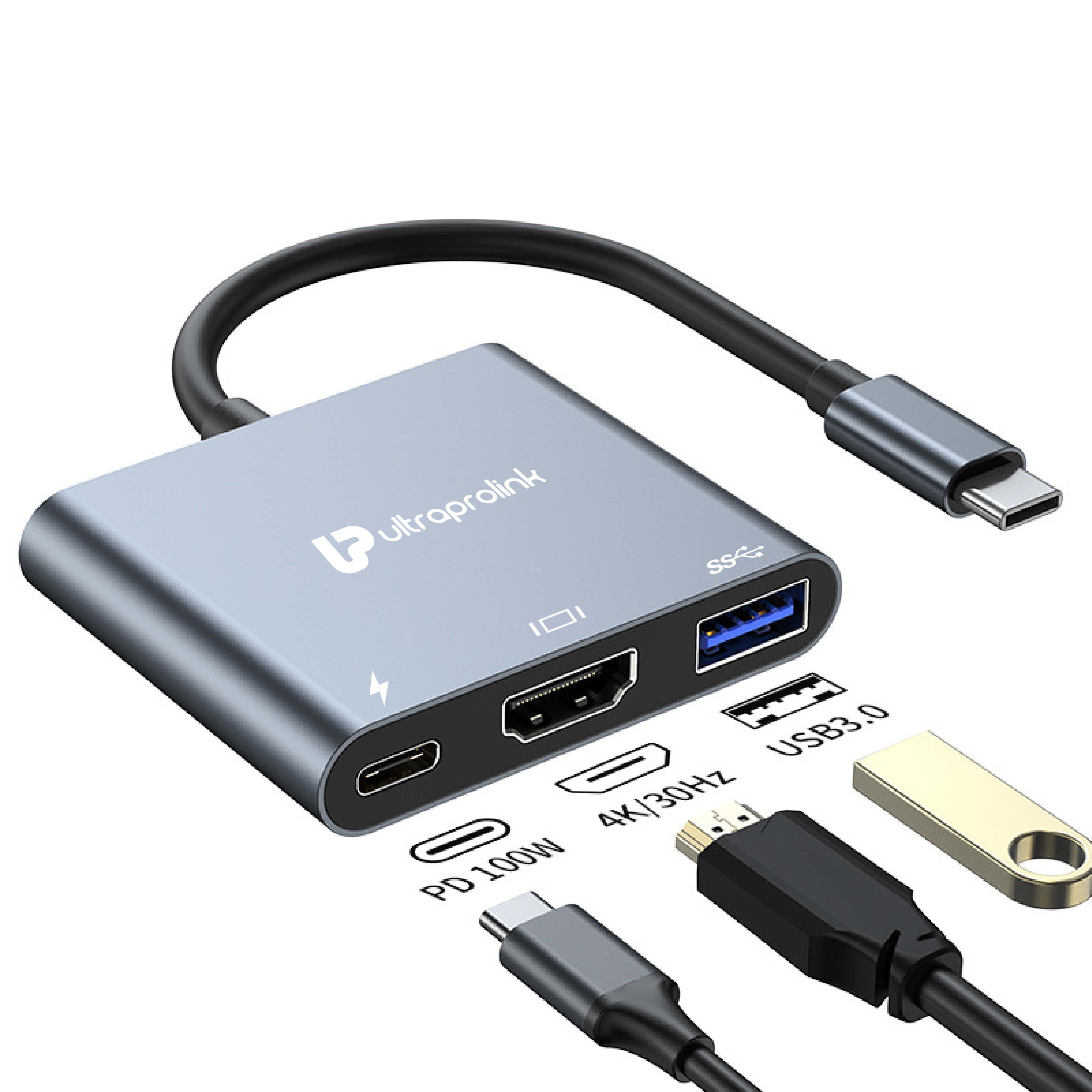
Many of our products also support 4K HDMI output, 100W Power Delivery charging and USB 2.0 or 3.0 high speed data transfers.
Available Types of MacBook Type-C Laptop Accessories
Discover a variety of accessories for your USB-C and Thunderbolt devices:
USB-C Hub
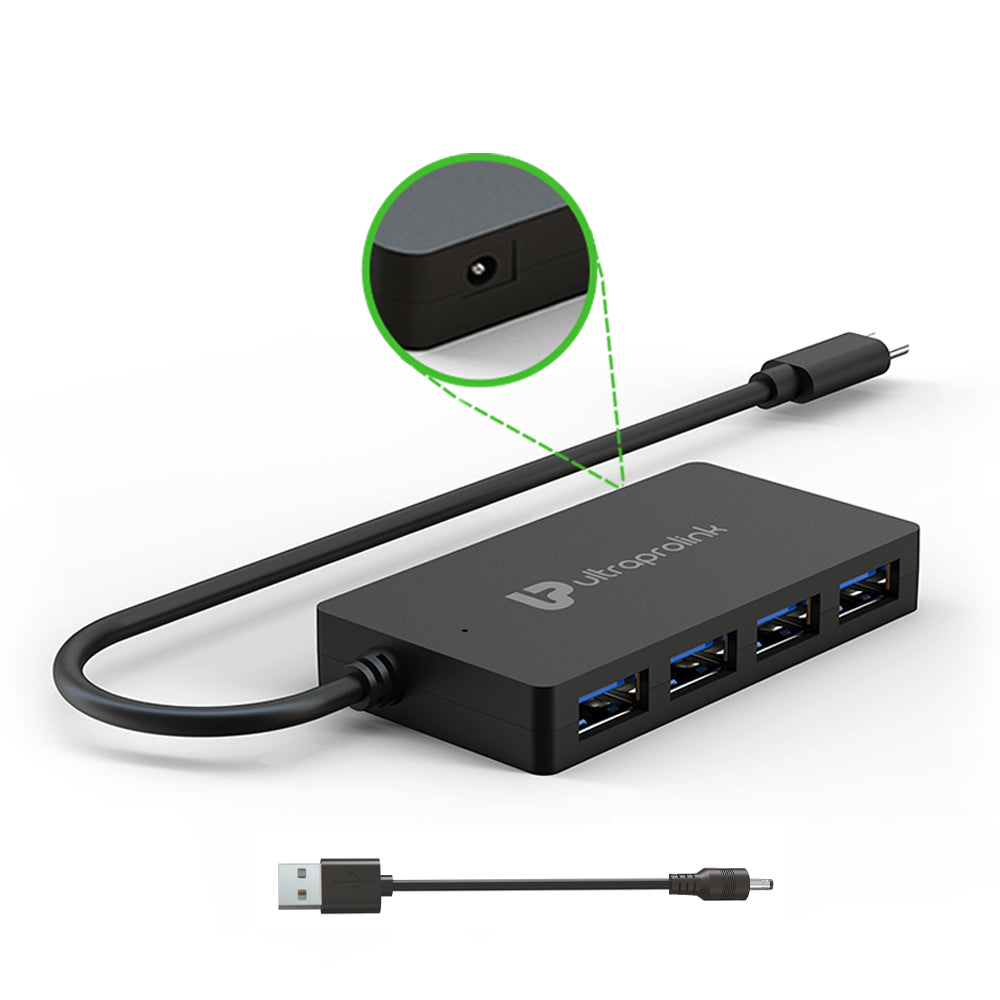
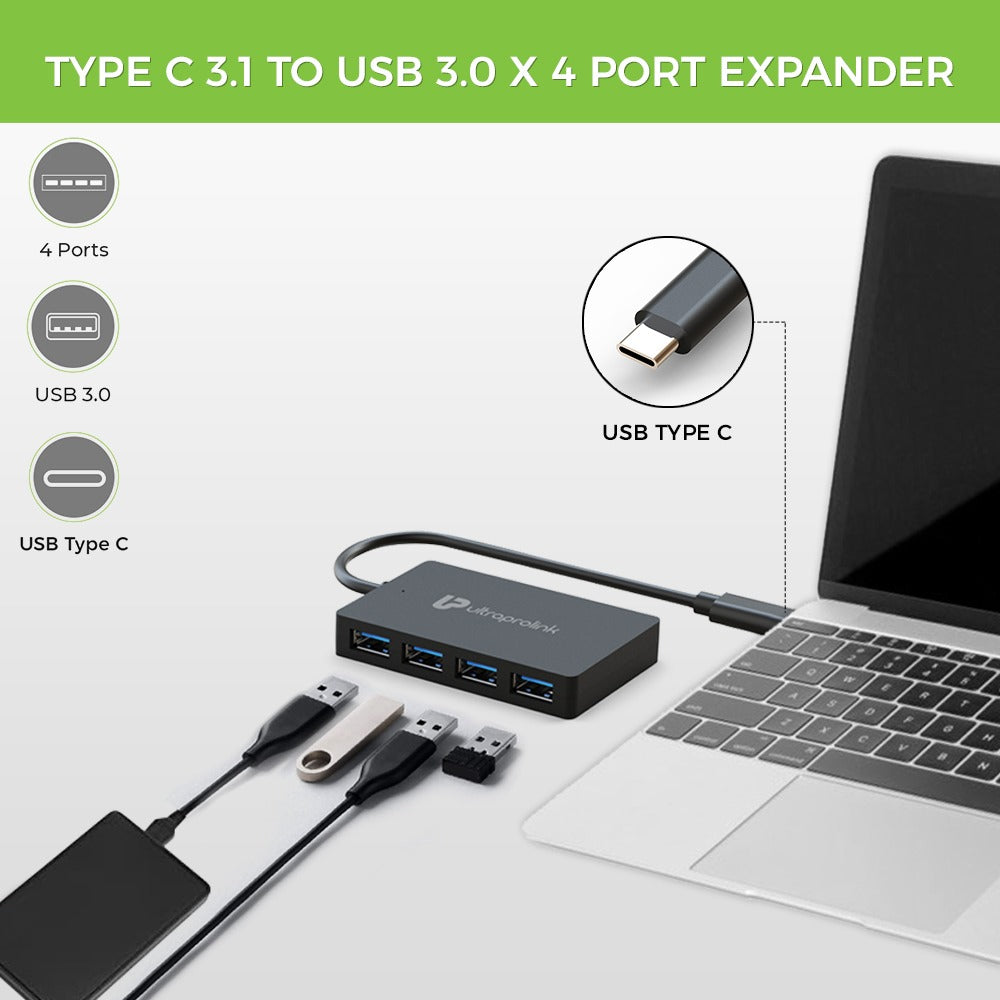
Convert one Type-C port into a host of ports: USB-A, HDMI, SD card slots and Ethernet connections.
Multi-Port Docking Stations
“They are great for turning your laptop into a full workstation with all kinds of ways to connect.
HDMI & Display Adapter
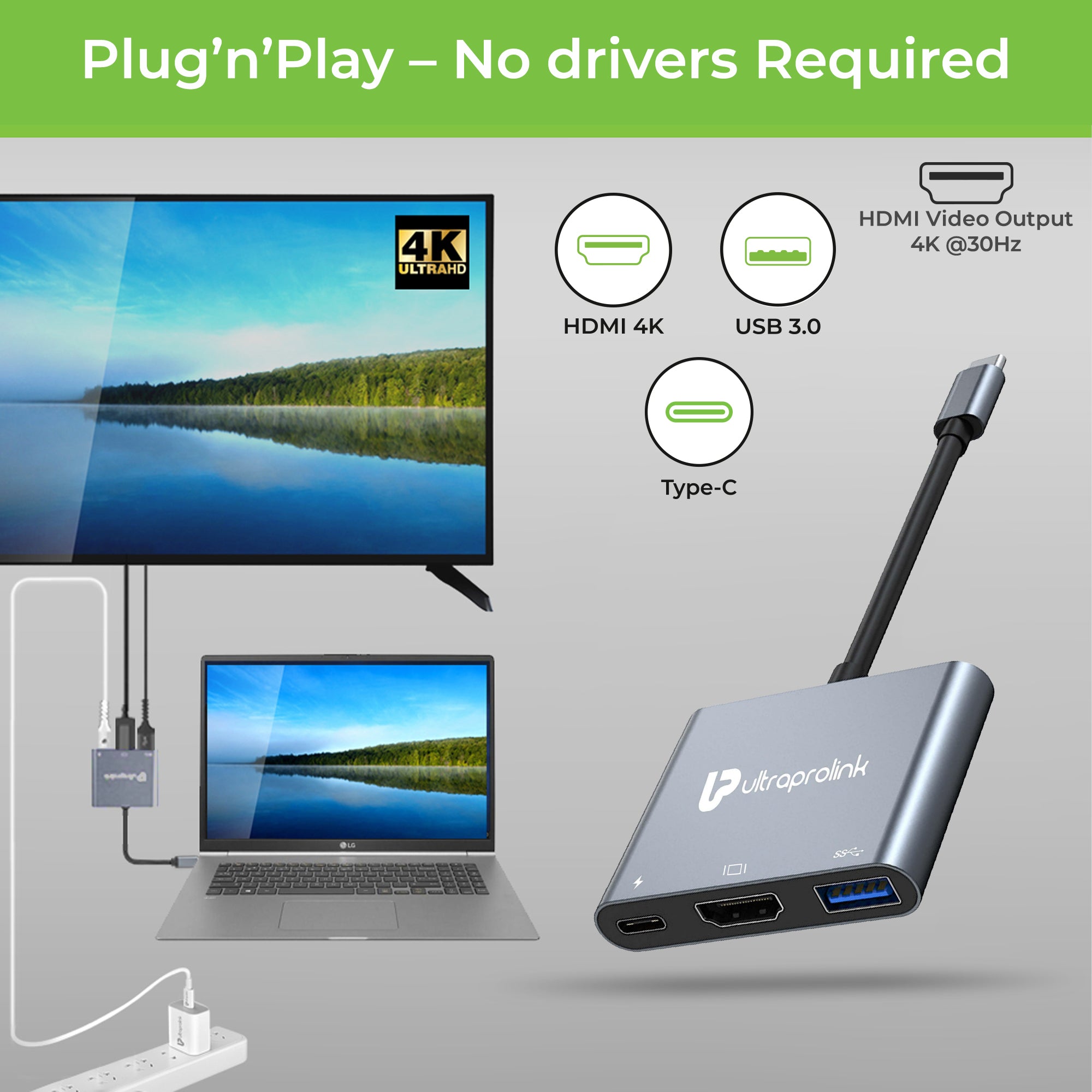
Connect your MacBook or laptop to monitors, TVs and projectors with support for up to 4K output quality.
Ethernet Adapters
Use a wired internet connection (not Wi-Fi) if Wi-Fi isn’t reliable.
PD (Power Delivery) Adaptors
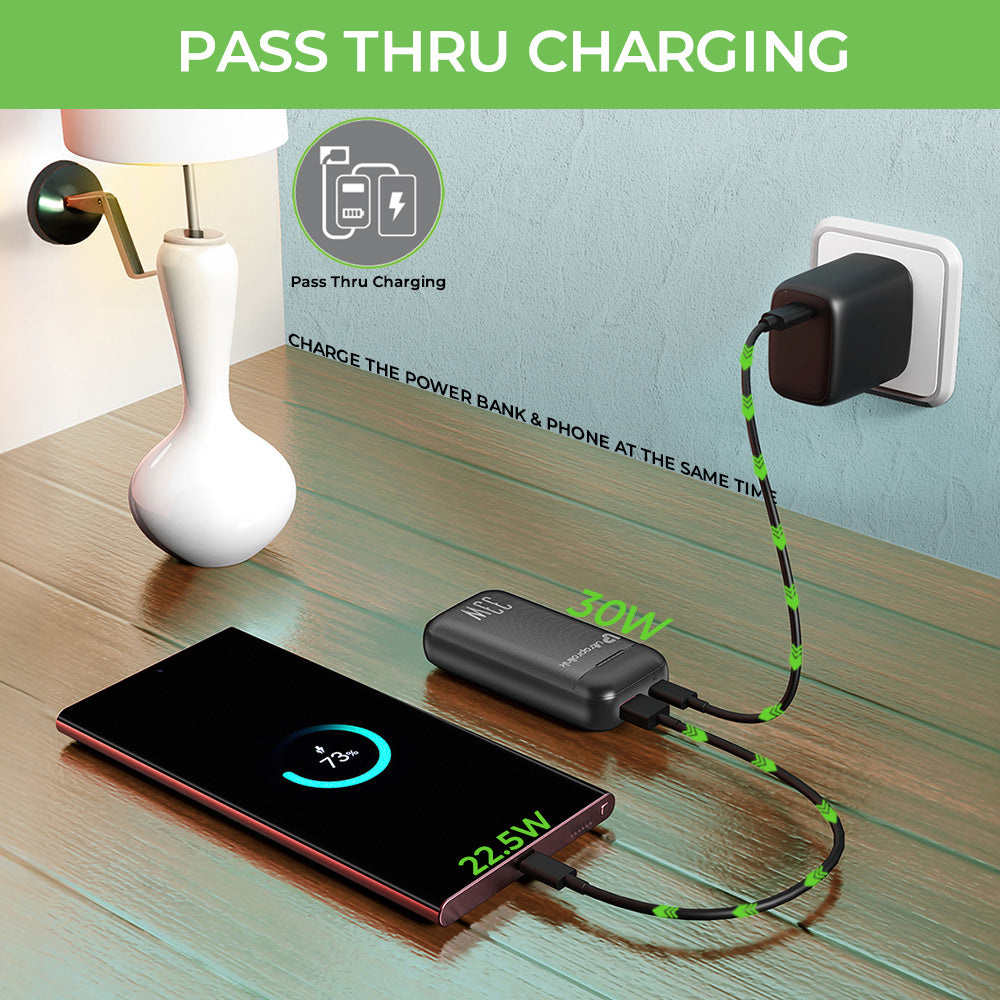
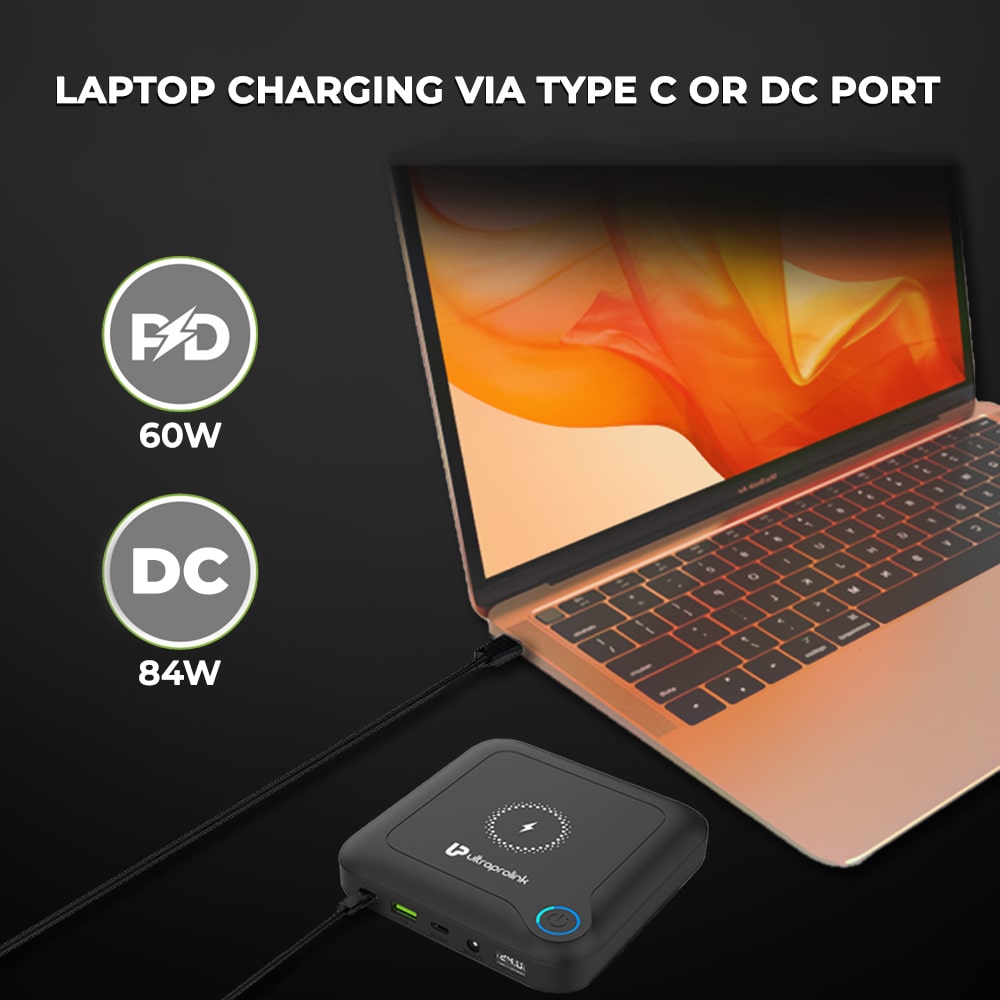
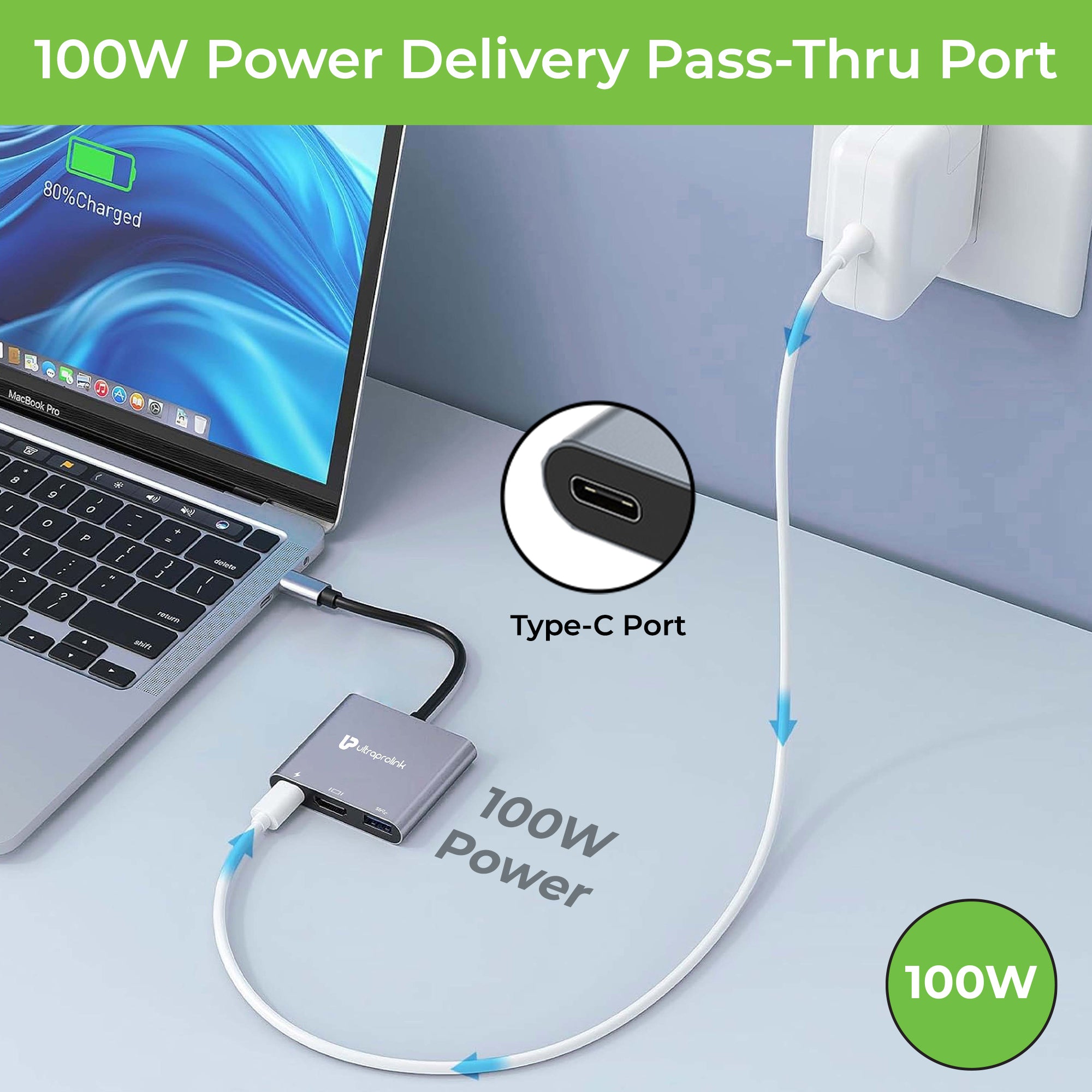
You can charge your laptop while using other devices with pass-through charging, up to 100W.
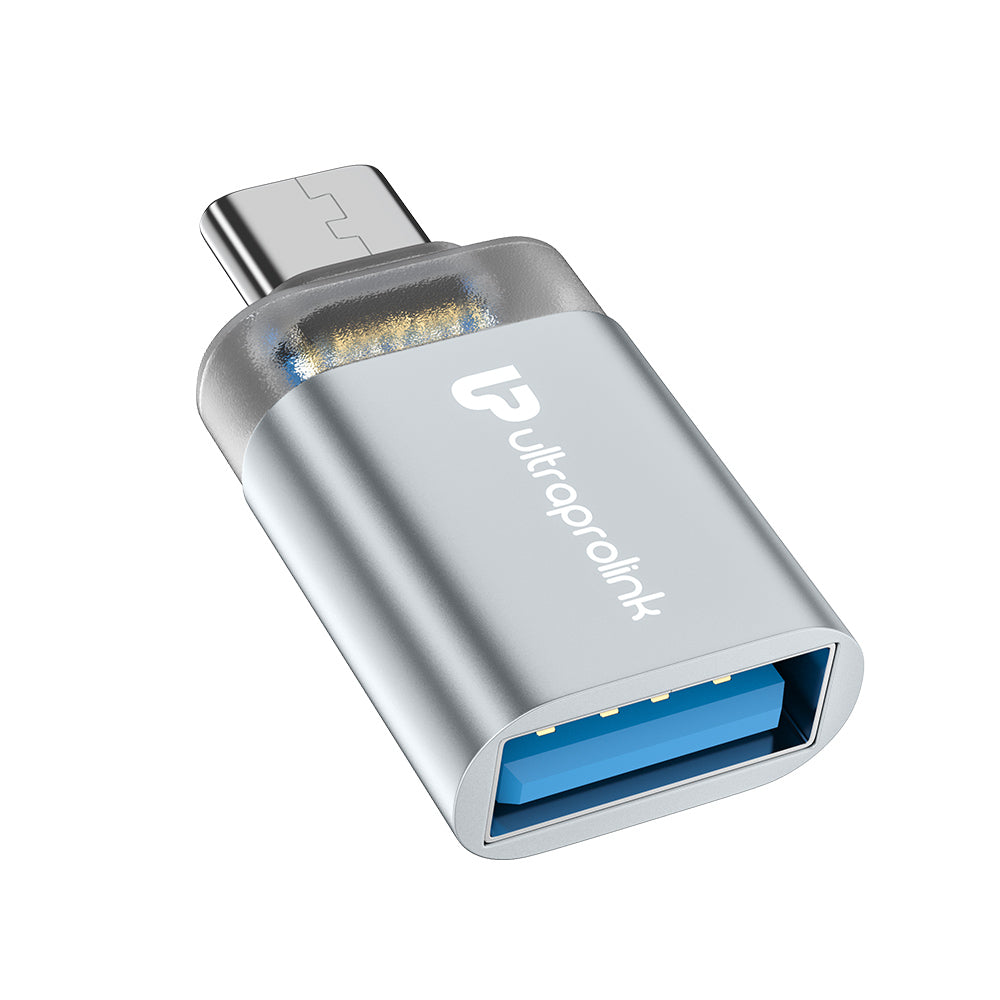
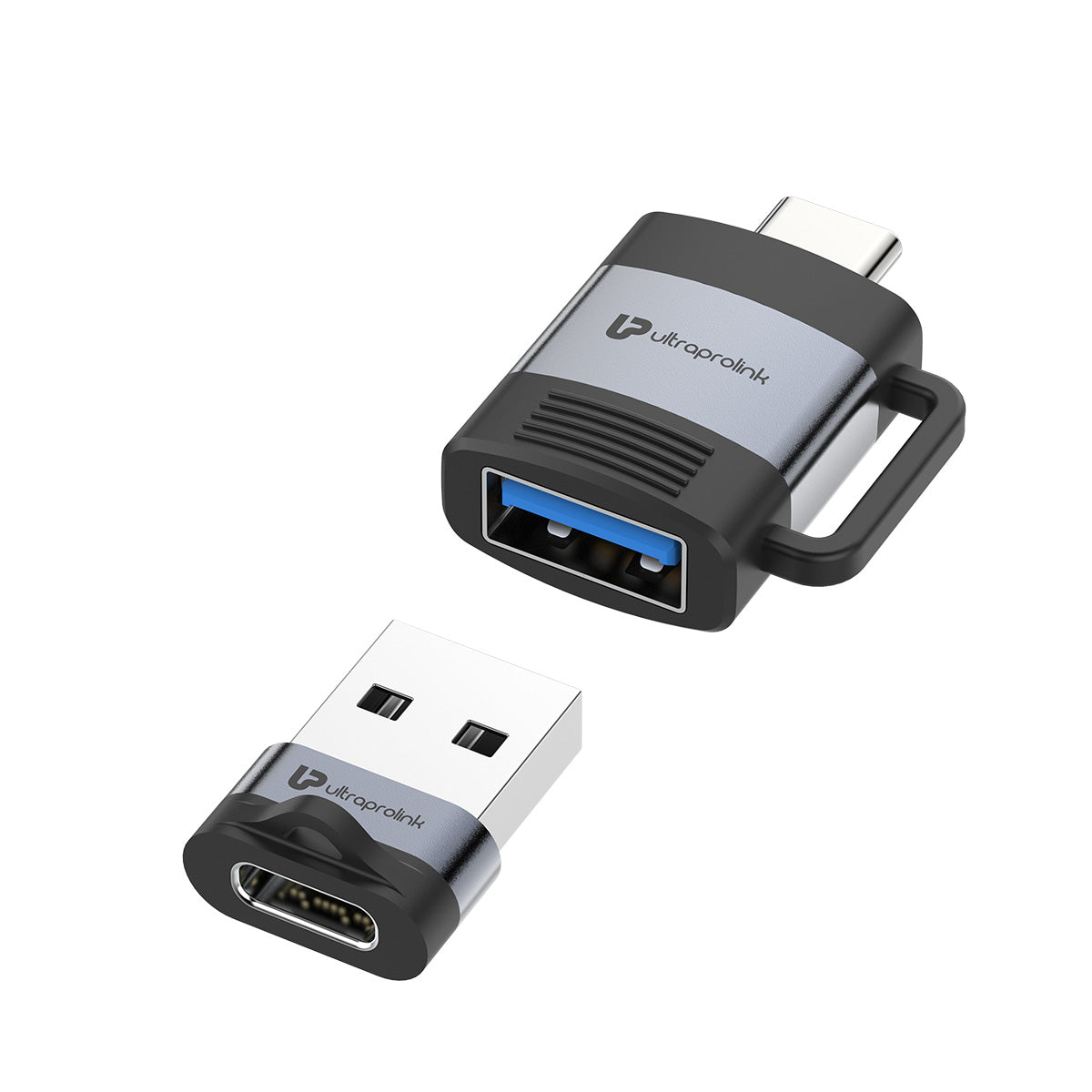
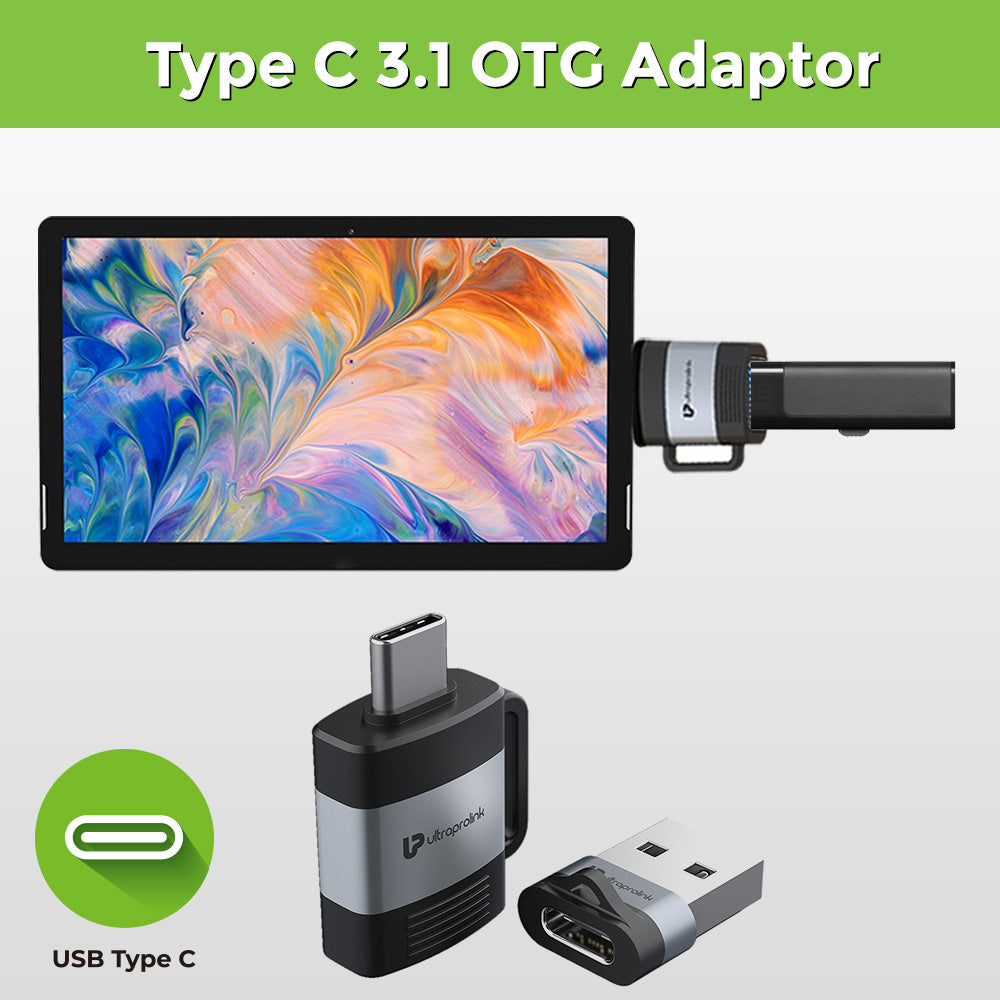
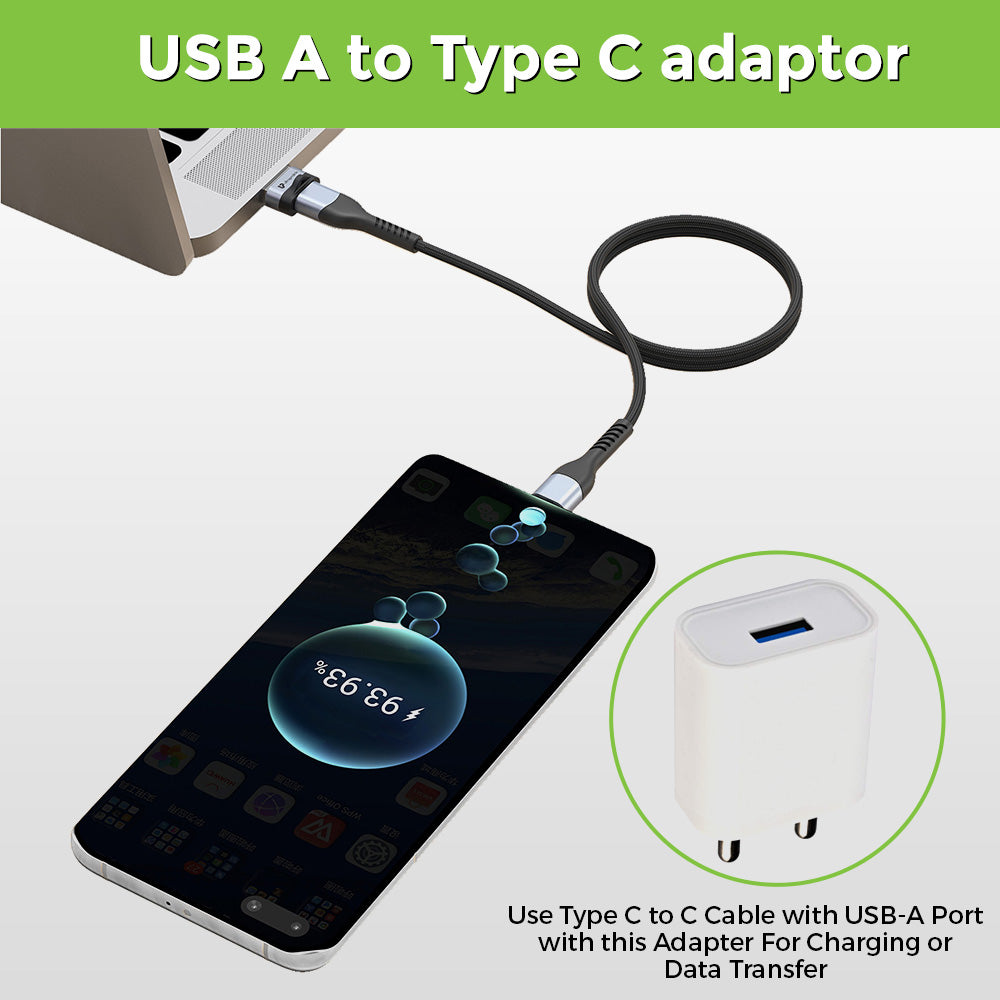
OTG and USB adapters
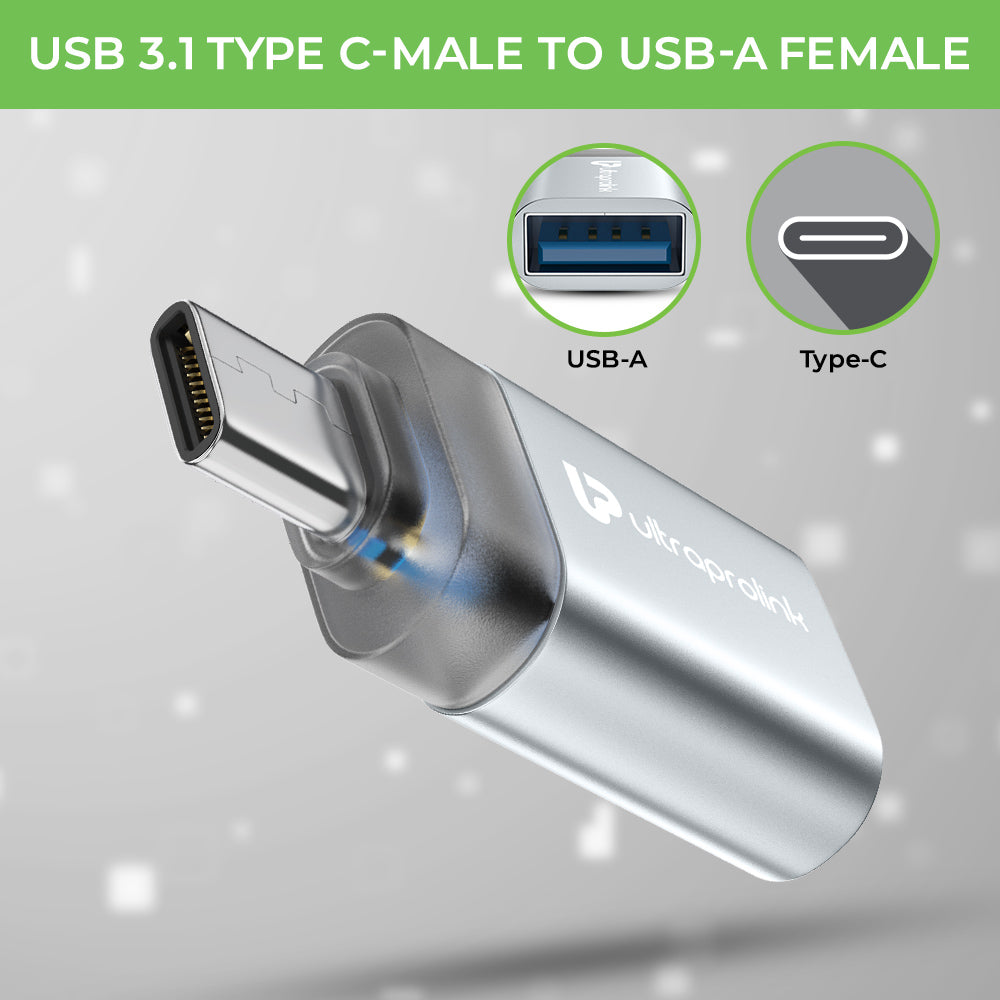
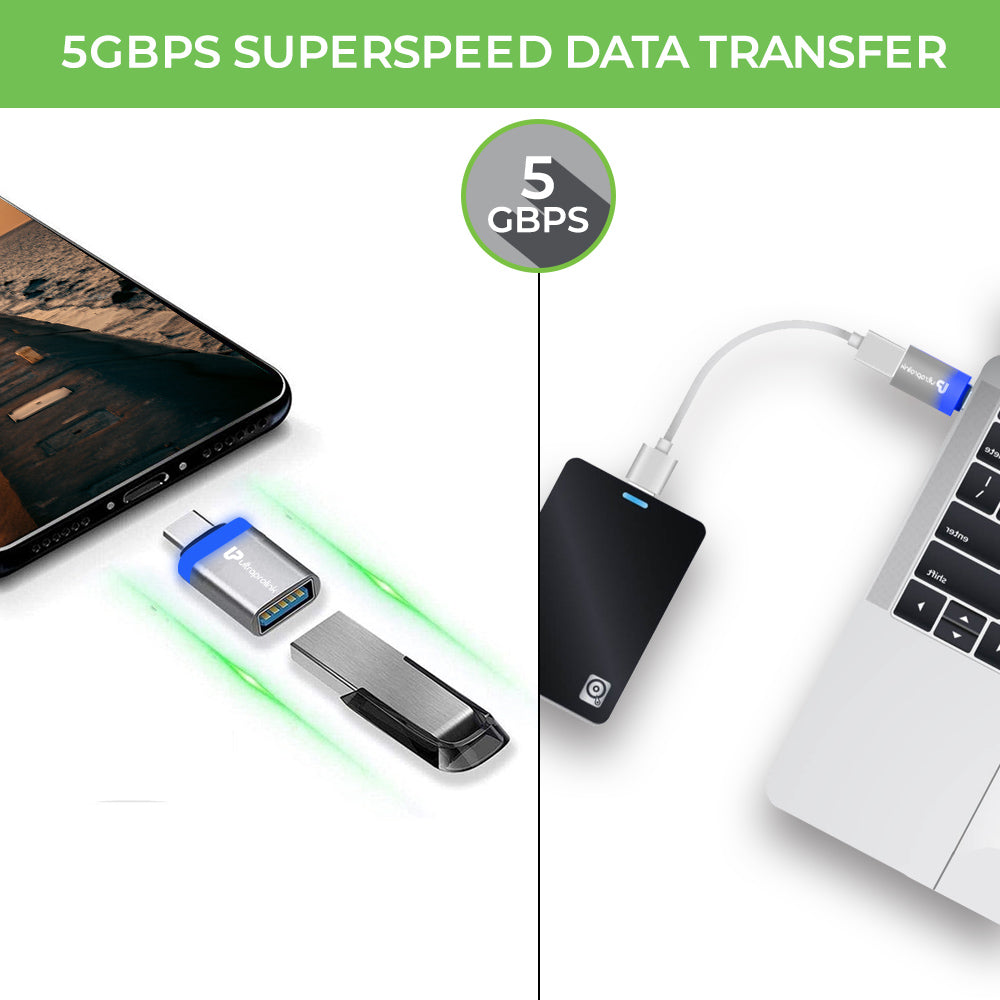
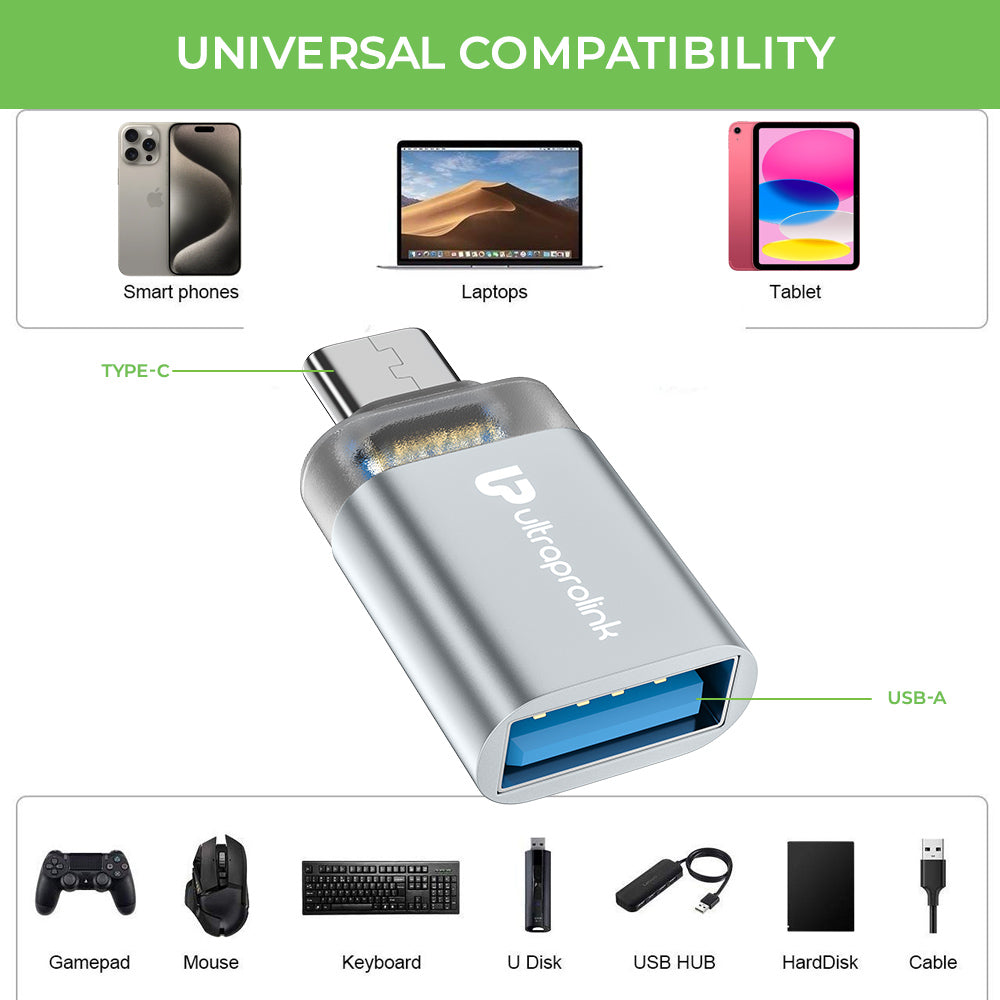
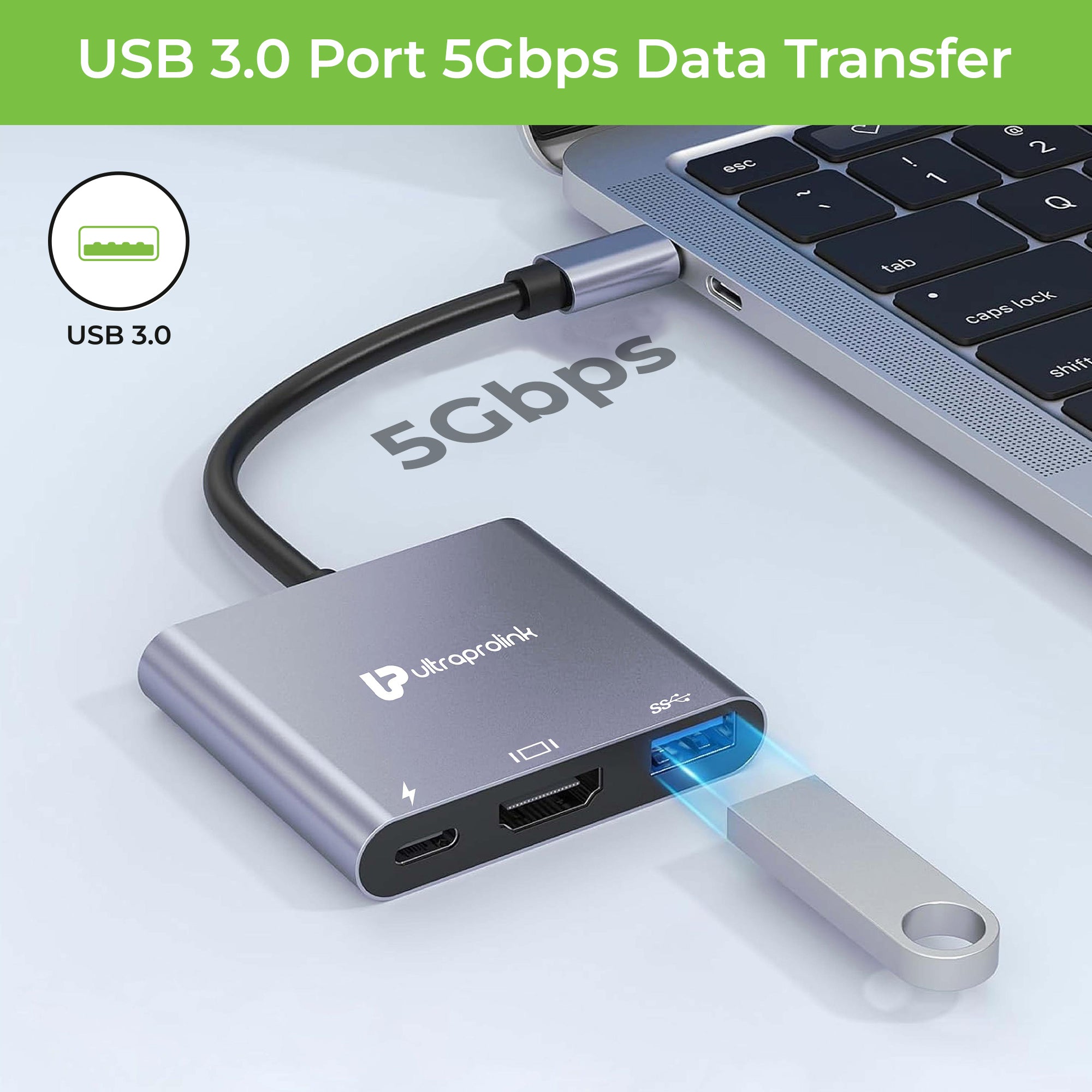
Quickly connect flash drives, keyboards, mice and other devices.
Top Features to Look for in Type-C Laptop Accessories
When choosing accessories for your MacBook or USB-C laptop, consider:
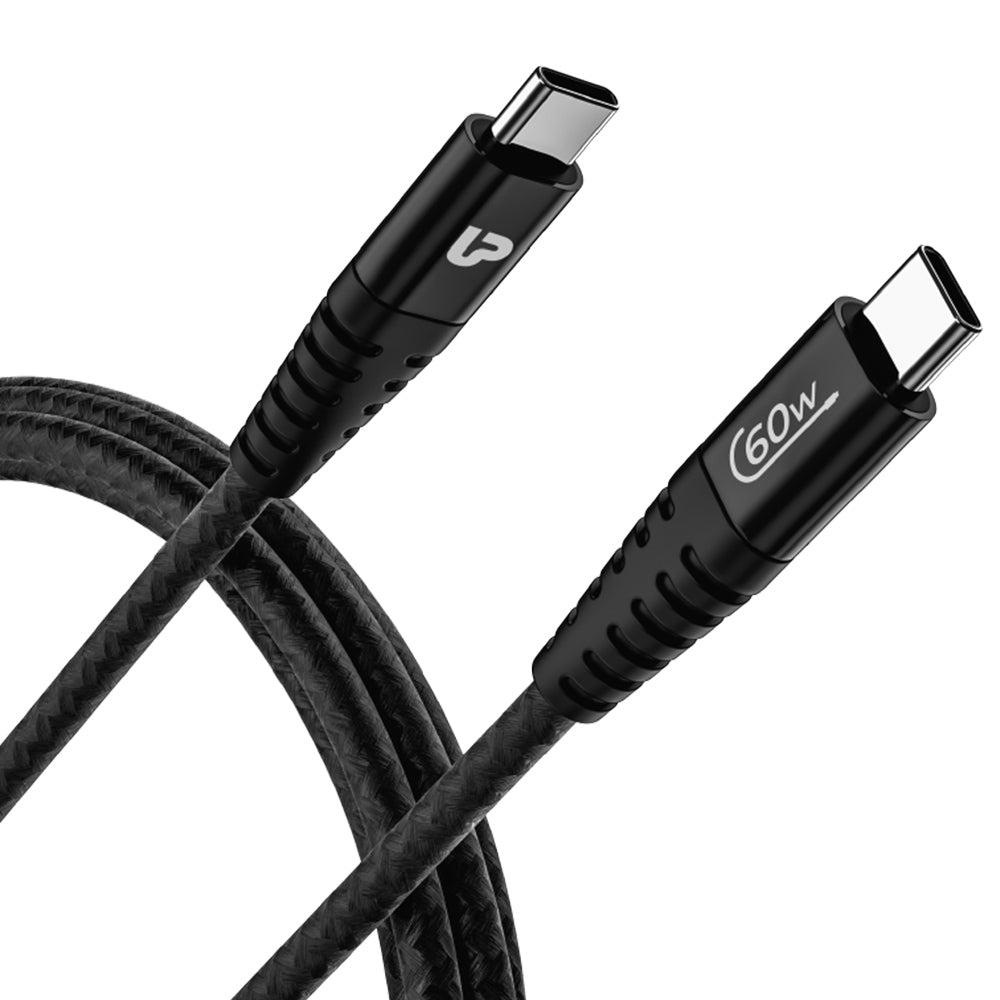
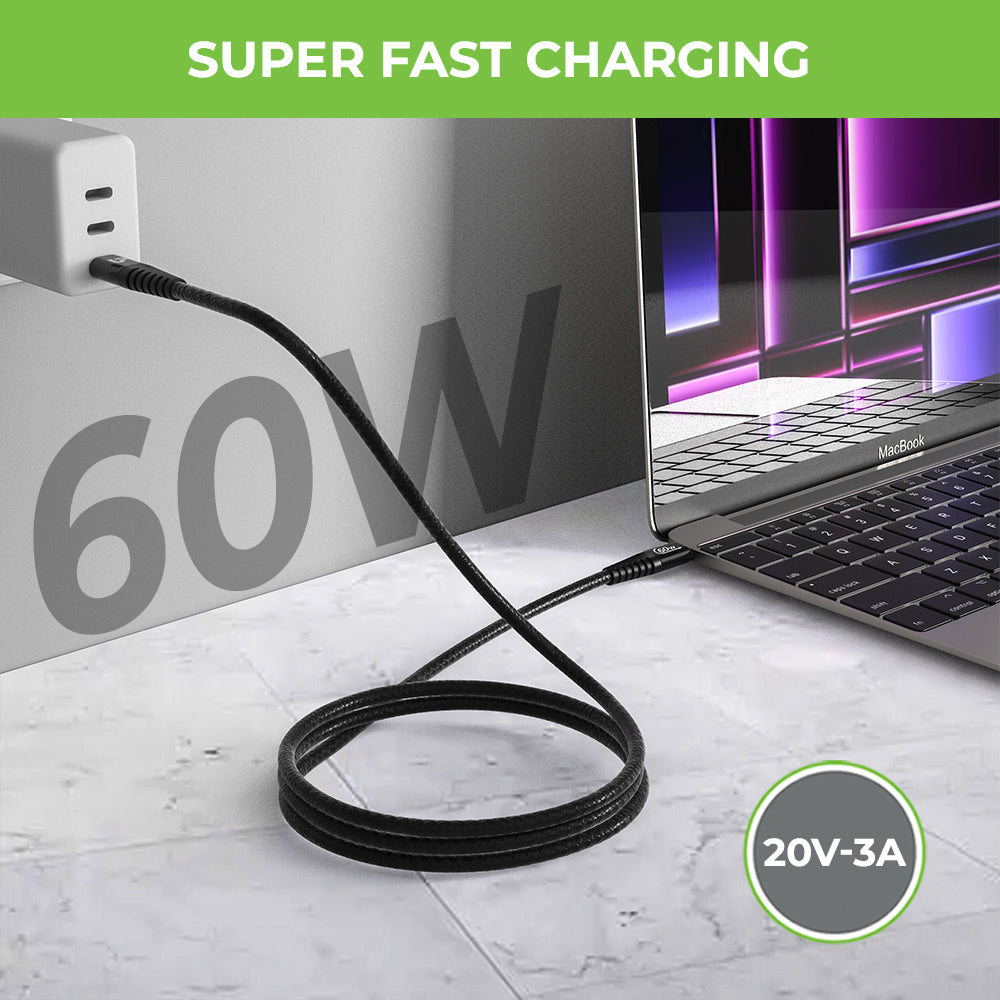
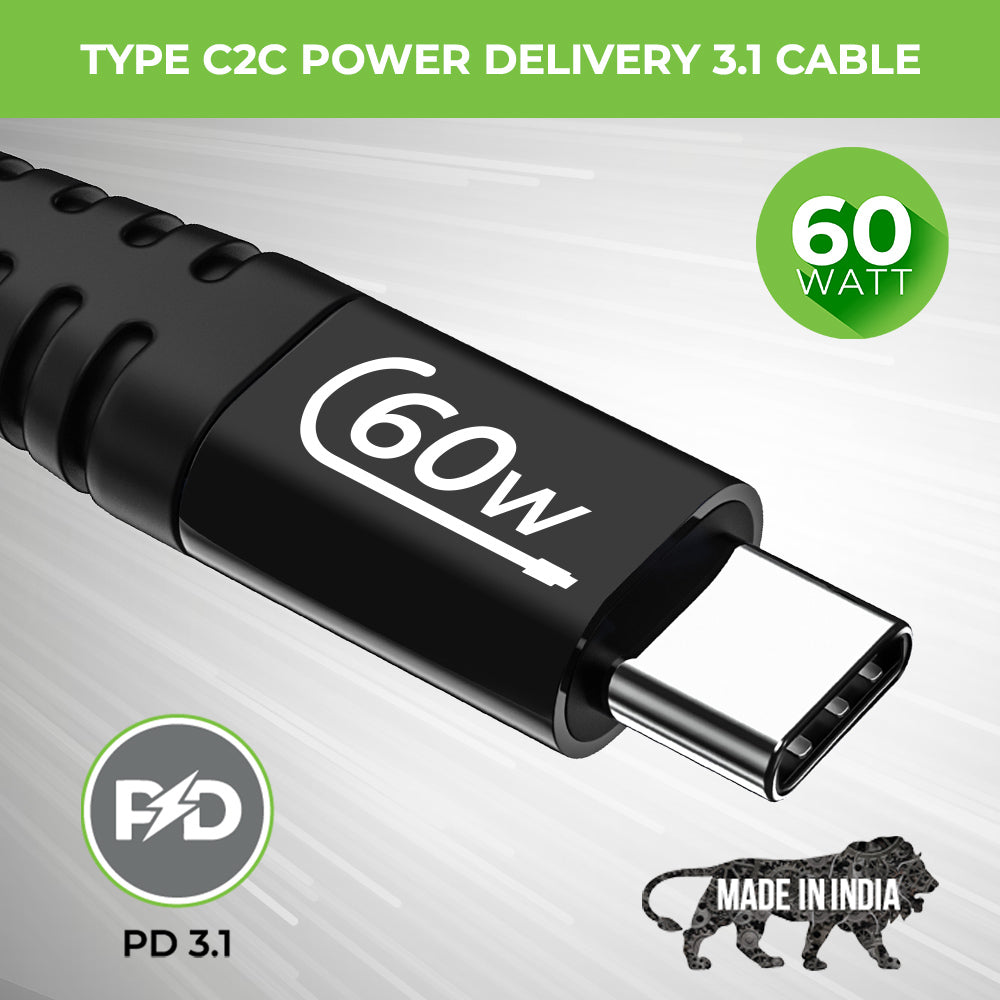
• Supports 60W to 100W pass-through charging Power Delivery
• 4K HDMI video output: Ideal for presentations and dual displays
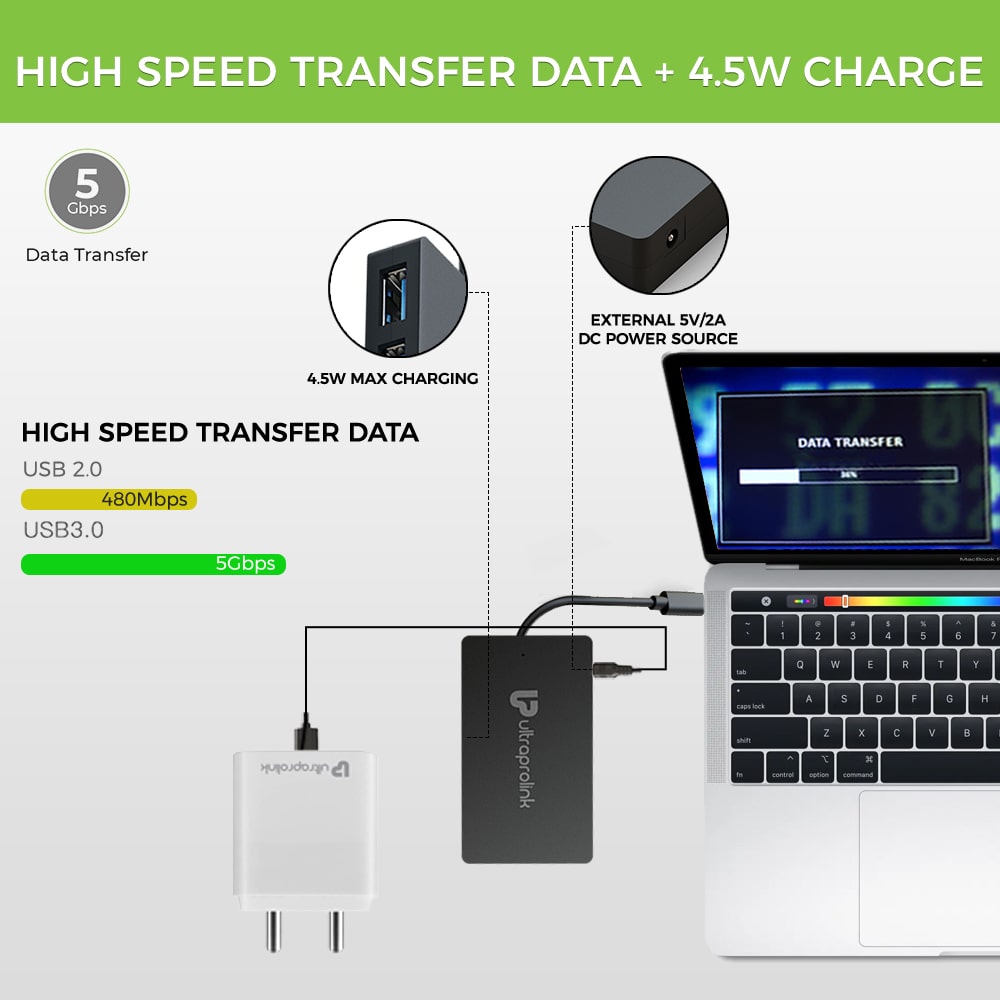
• High-speed data transfer: USB 3.0 or 3.1 with speeds up to 5 Gbps
• Ethernet connectivity: Dependable, high-speed wired link
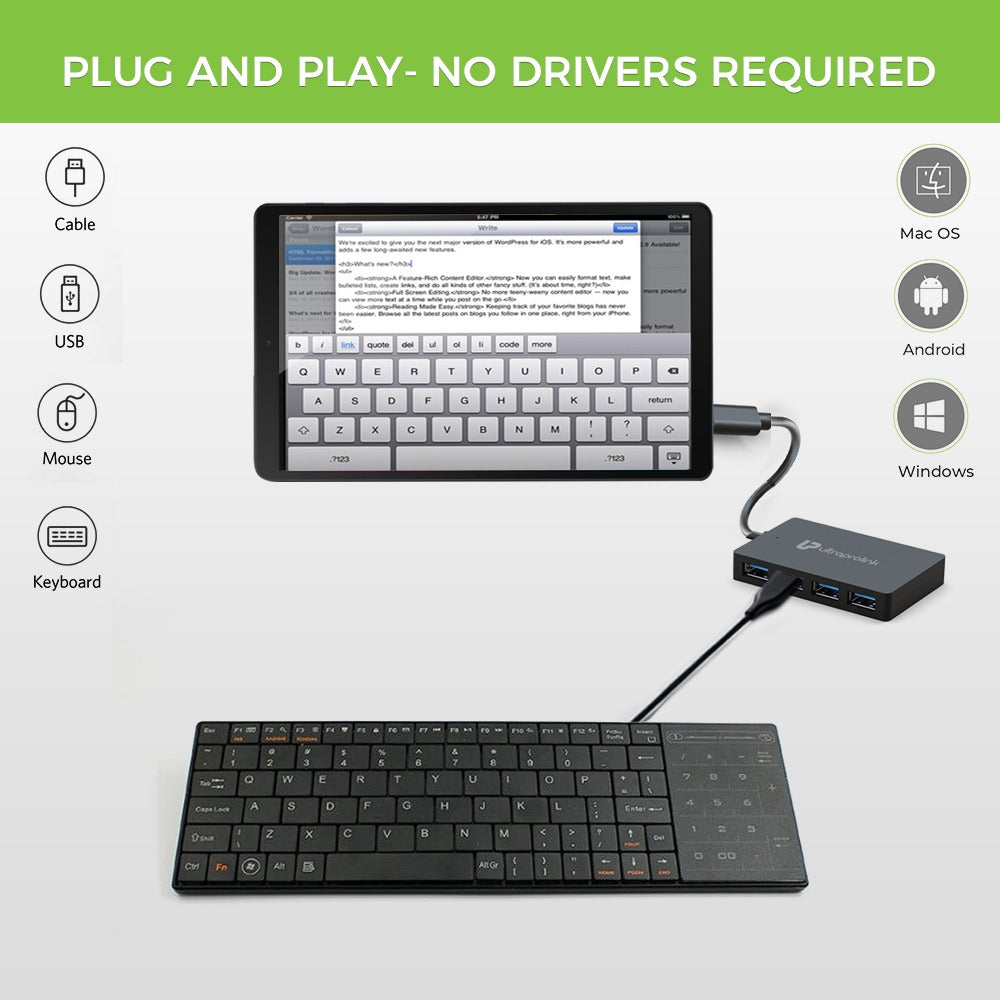
• Plug and play compatibility no driver installation required
• Slim aluminum body: Durable, light weight and portable
Why buy the UltraProlink MacBook and Type-C accessories?
• High-speed connectivity, fast data transfer
• Multi-port expansion for increased productivity
• Optimized for MacBook, Type-C laptops and tablets
• High build quality and reliable performance
• Work, travel and hybrid environment mobile designs
UltraProlink hubs work with macOS, Windows, Linux and Android, so they’re perfect for just about any set up.
Frequently Asked Questions (FAQs)
What does a USB-C hub do?
USB-C hubs allow you to turn one Type-C port into a variety of useful connections like USB ports, HDMI, Ethernet, SD card readers, audio ports, and more. It allows users to connect multiple devices simultaneously, making laptops and tablets more convenient for work, entertainment, file transfers, charging and connecting accessories without the need to use multiple different adapters.
Can I charge my MacBook with a Type-C hub?
Yes. If your hub has Power Delivery (PD) support, you can charge your MacBook and use other devices connected to the hub. Many of the modern USB-C hubs support fast charging, so users can efficiently power their laptops, while also hooking up monitors, USB drives, keyboards, mice and other accessories all through a single, compact hub connection.
Can Type-C hubs connect to external monitors?
Yes, many USB-C hubs have HDMI out, for connecting to external monitors, TVs, projectors. Some advanced hubs also support 4K resolution and dual display setups, depending on the device compatibility. This makes them suitable for office work, presentations, gaming, video editing, streaming content, multitasking and increasing productivity with bigger screen setups.
Are USB-C hubs compatible with both MacBook and Windows laptops?
Yes, most modern USB-C hubs are compatible with both macOS and Windows devices and complicated setup is not necessary. They’re designed to be widely compatible, and will work with laptops, tablets and some smartphones. However, features such as display output, charging speed, or dual monitor support can differ based on the device and operating system in use.
Do I need a hub for my MacBook?
If you need more ports, want to connect external displays, use wired internet, transfer files from memory cards, or connect accessories like keyboards and hard drives, a USB-C hub is a great option. Hubs provide additional connectivity to the limited ports on many modern MacBooks and make work, travel, meetings and entertainment more convenient on a day to day basis.