USB Hubs & Adapters
- What are the various options available in USB-C Hubs?
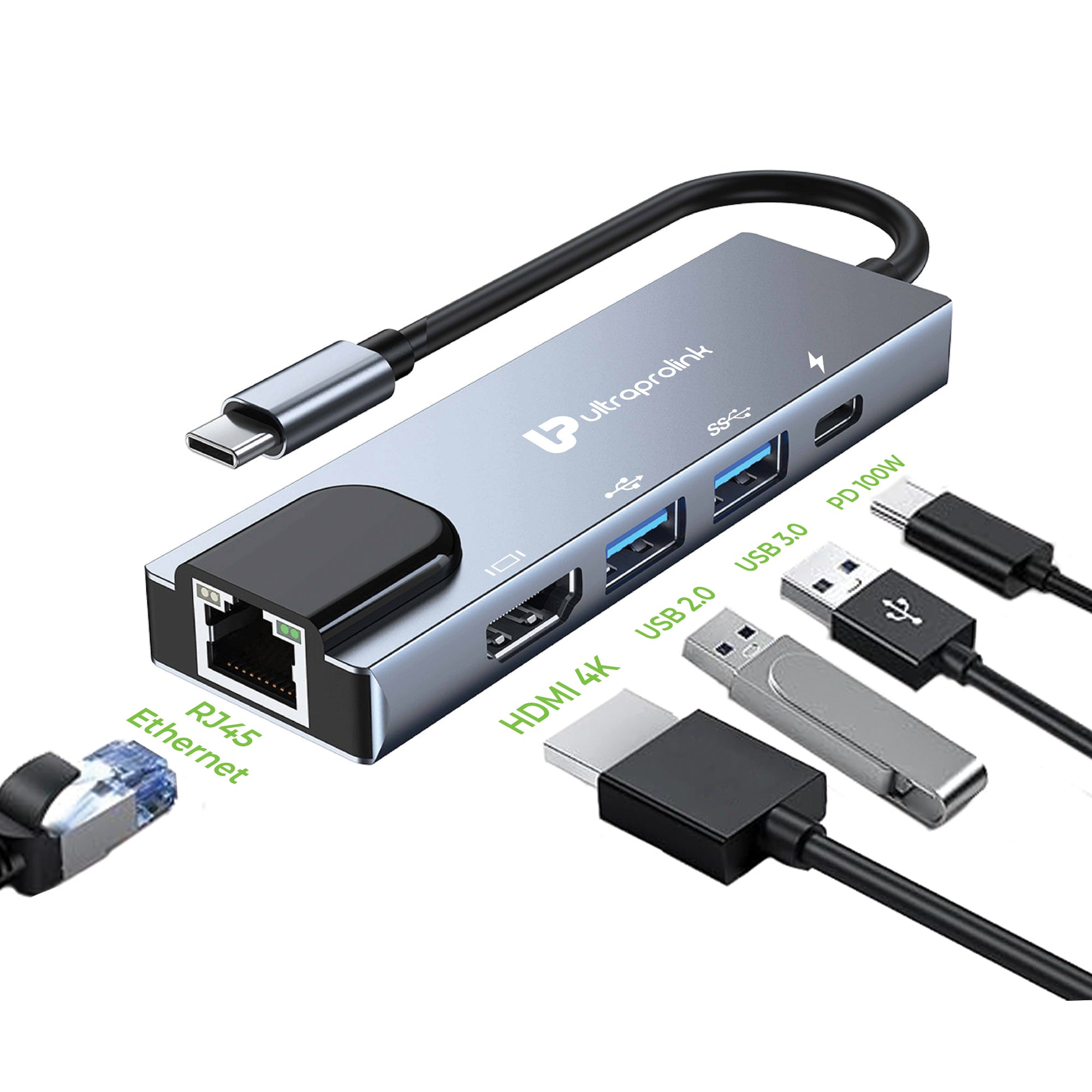
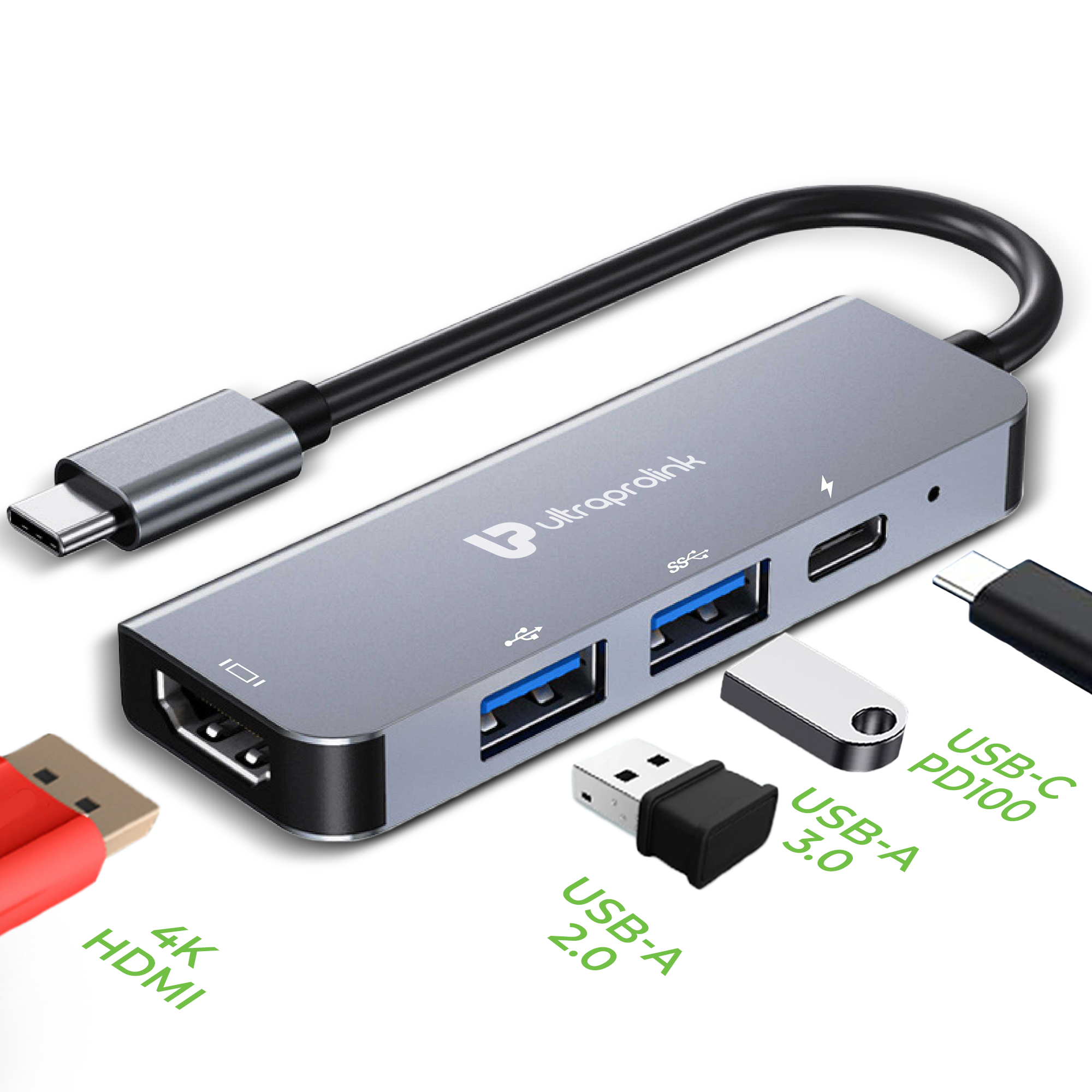
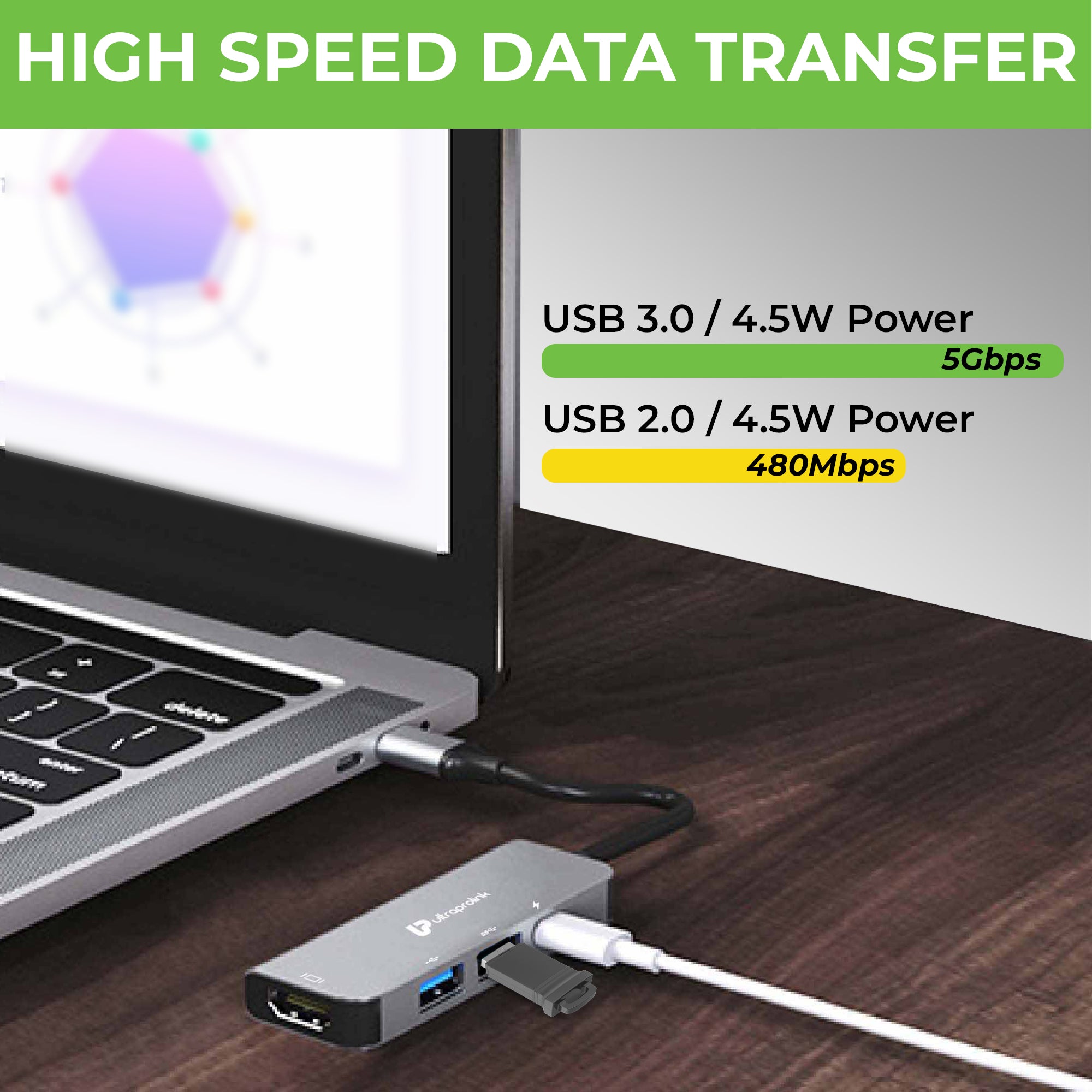
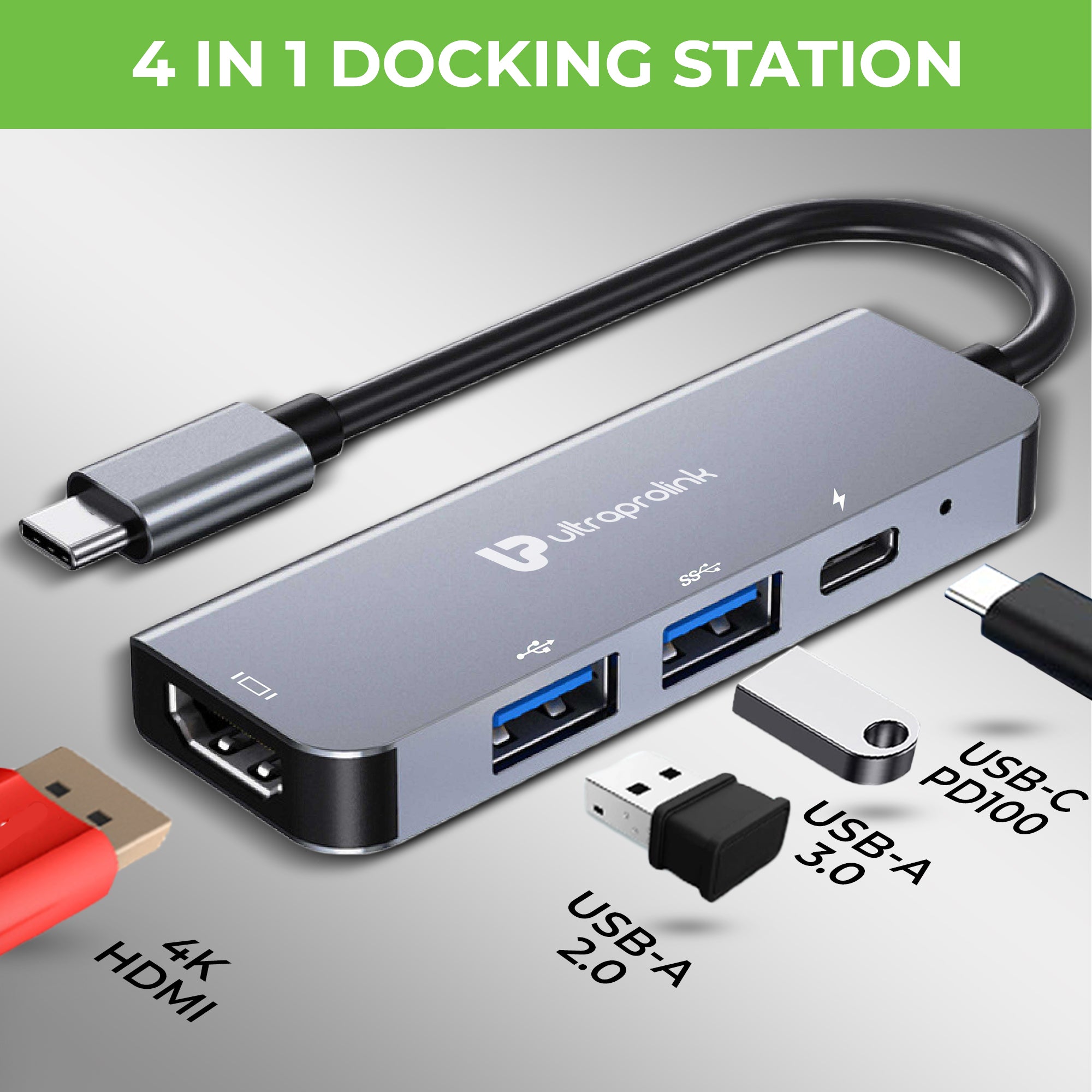
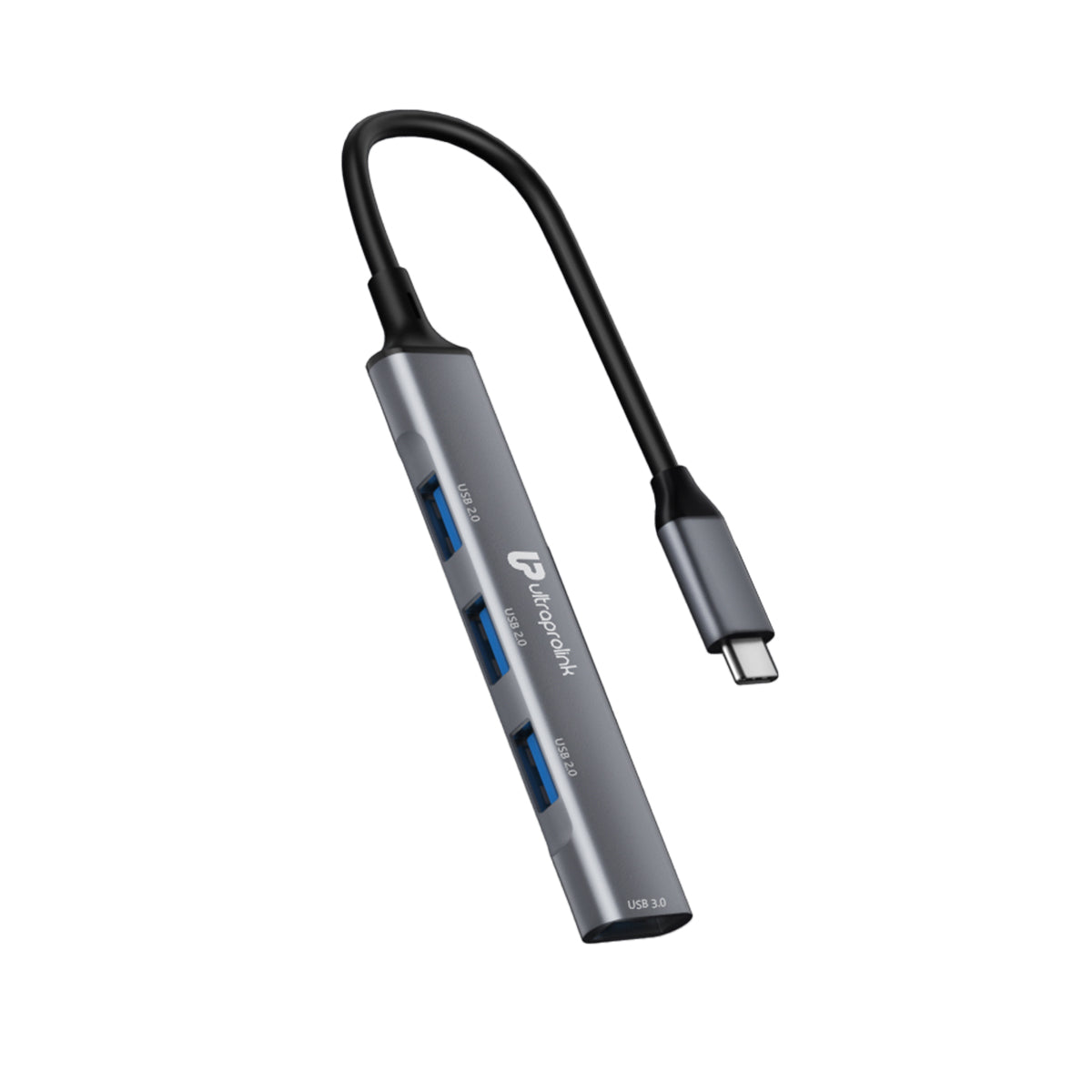
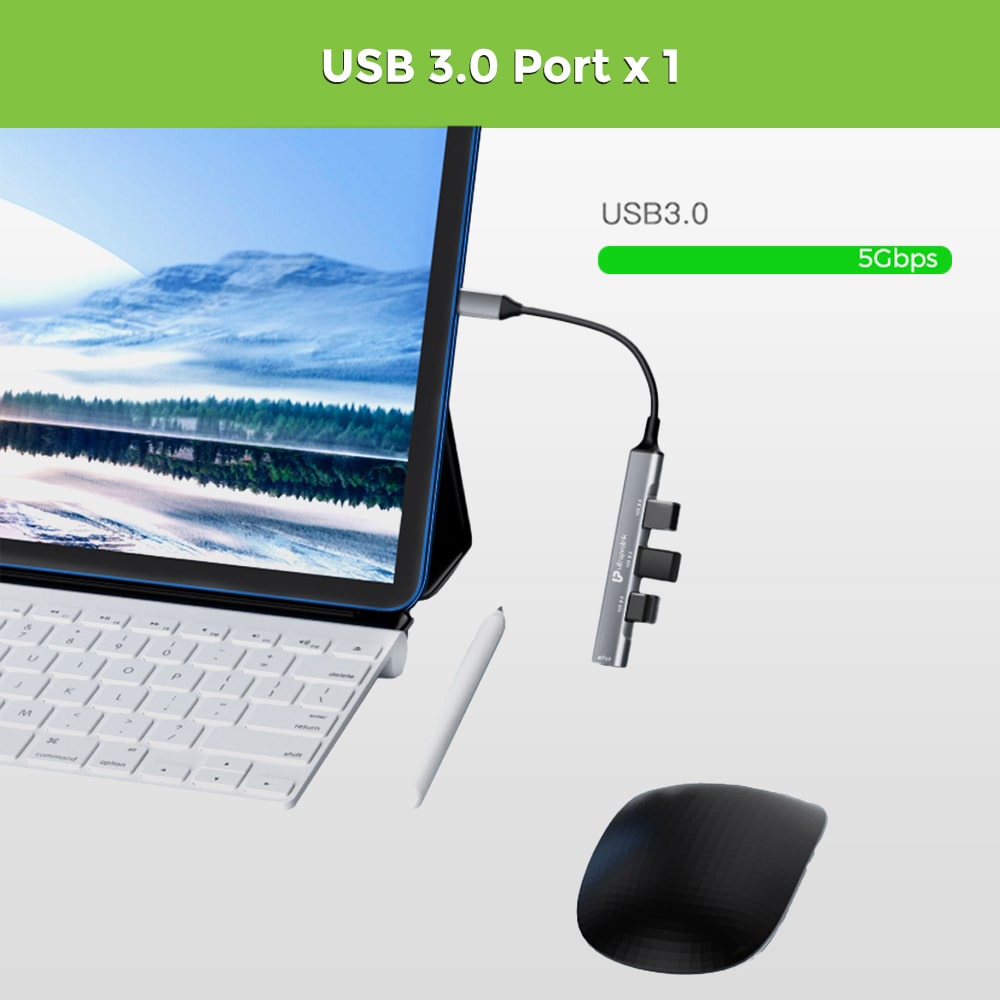
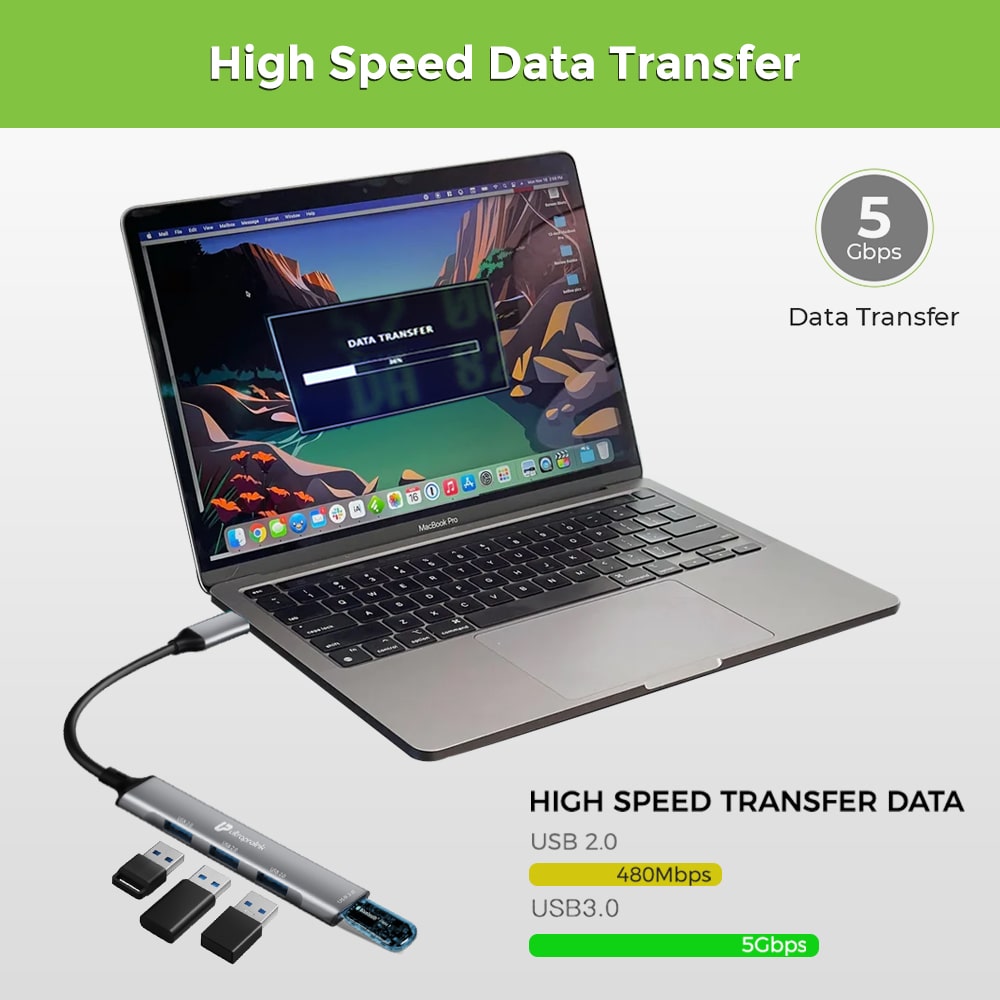
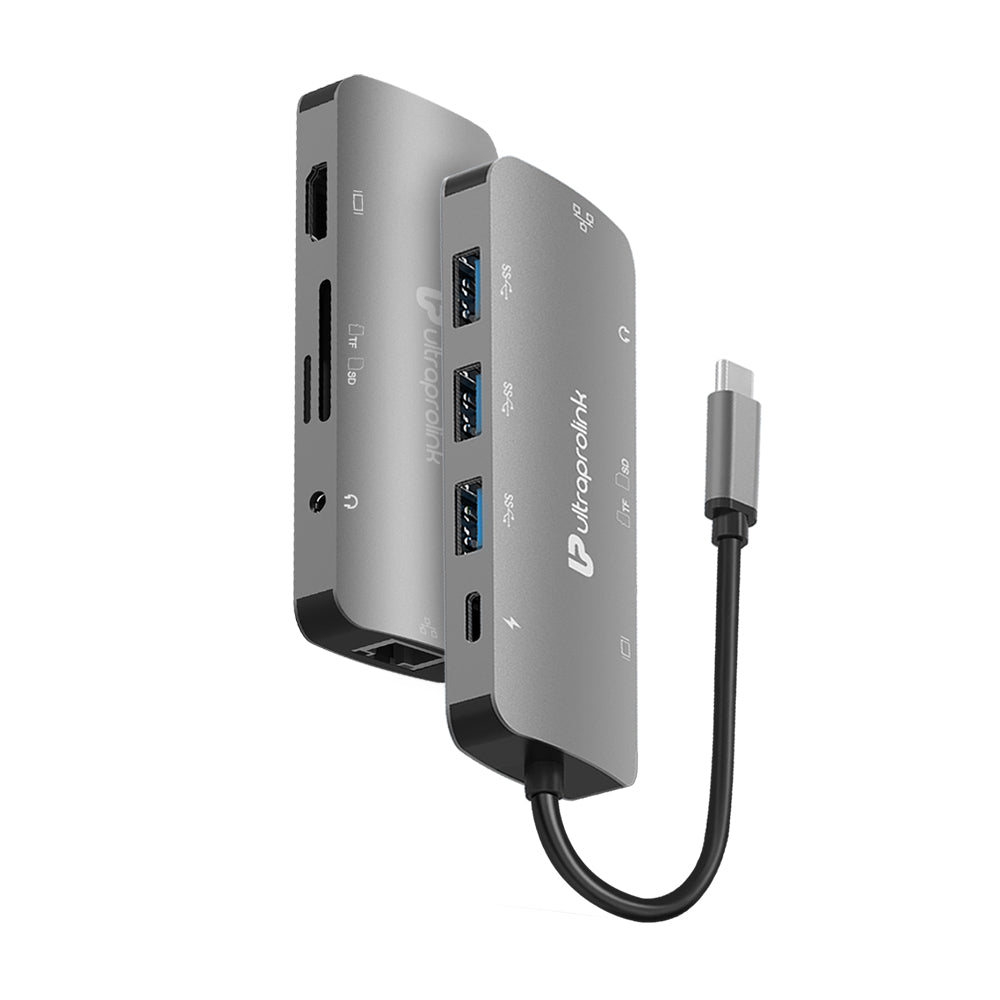
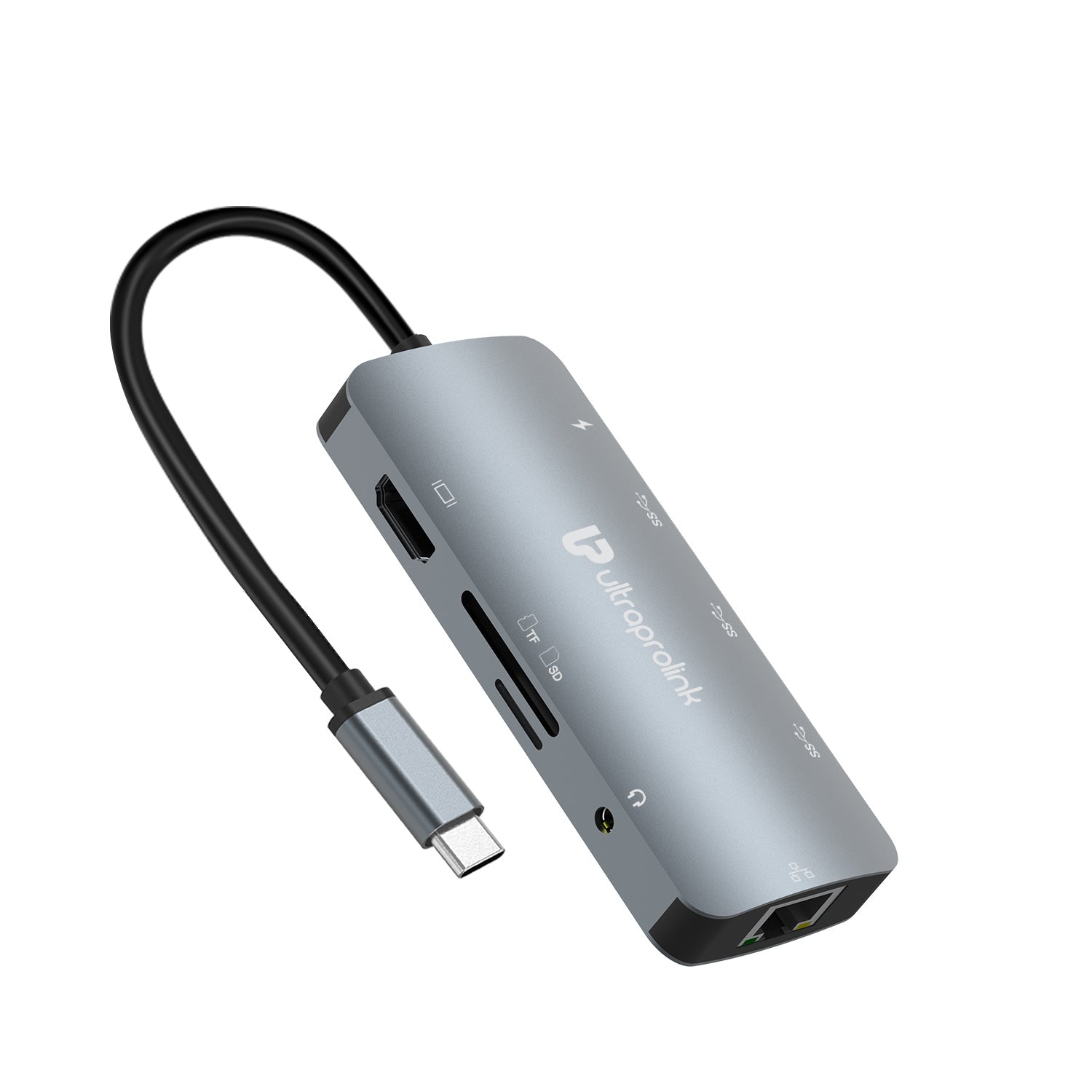
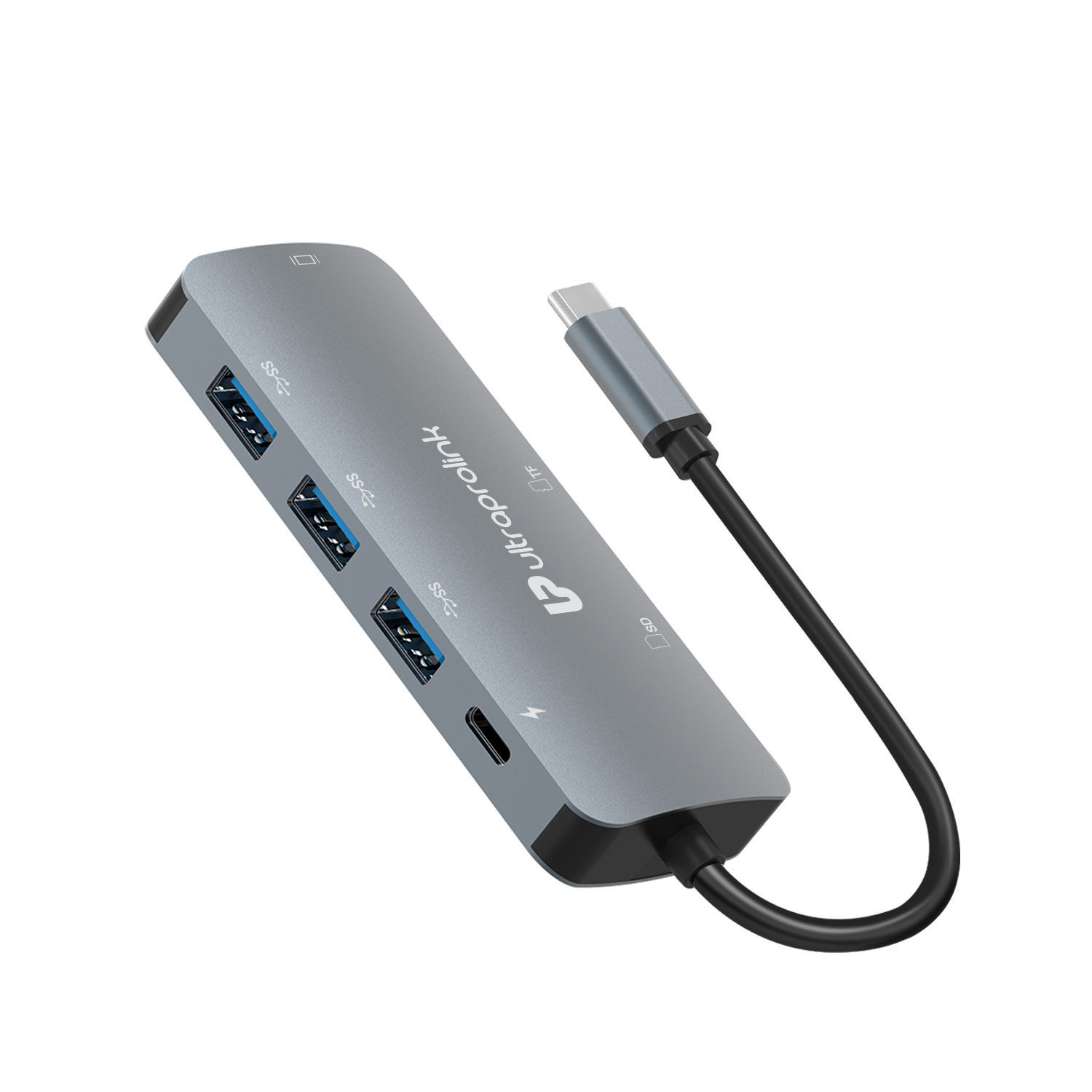
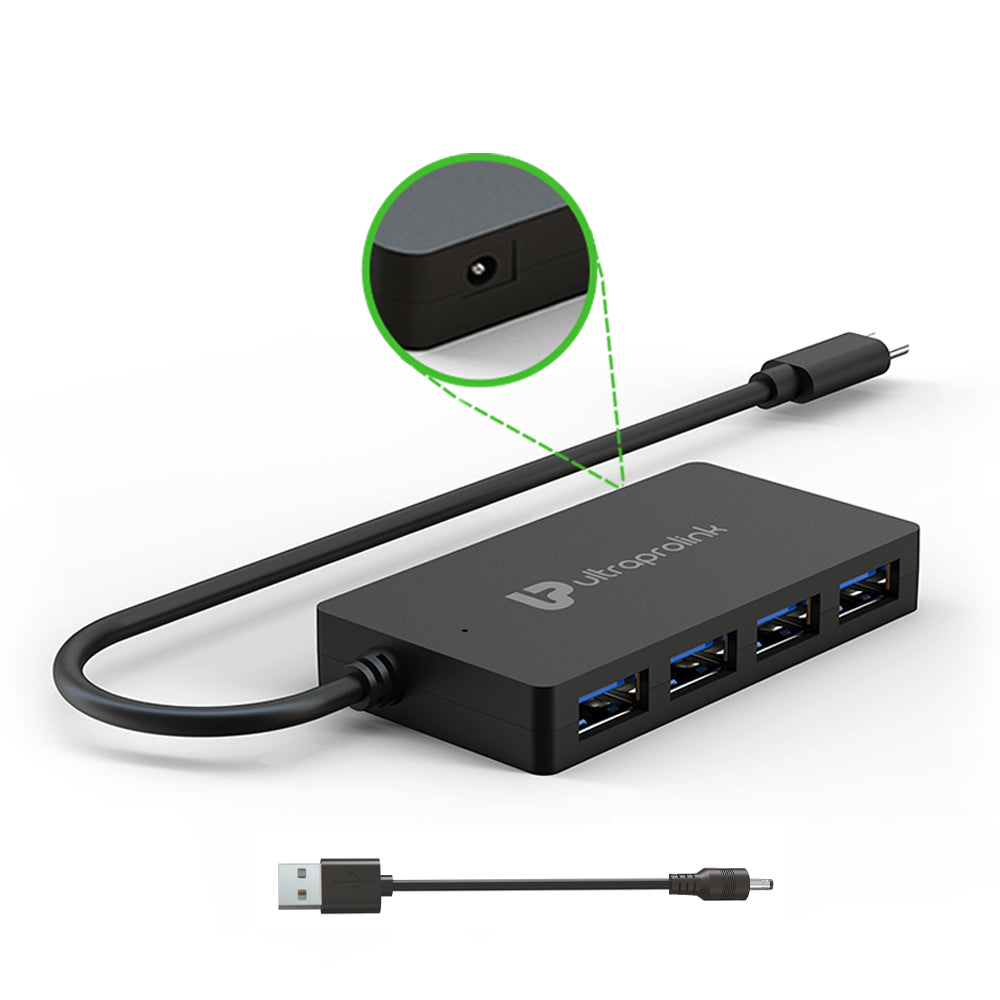
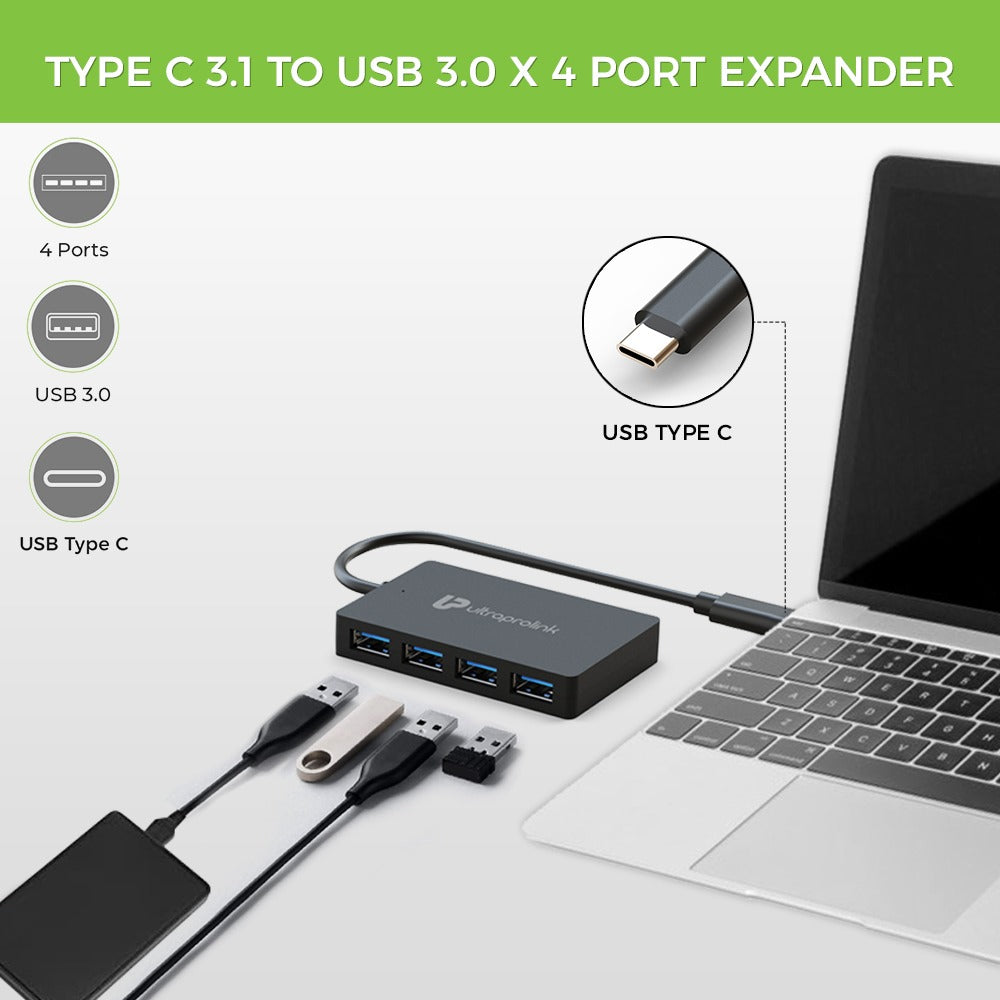
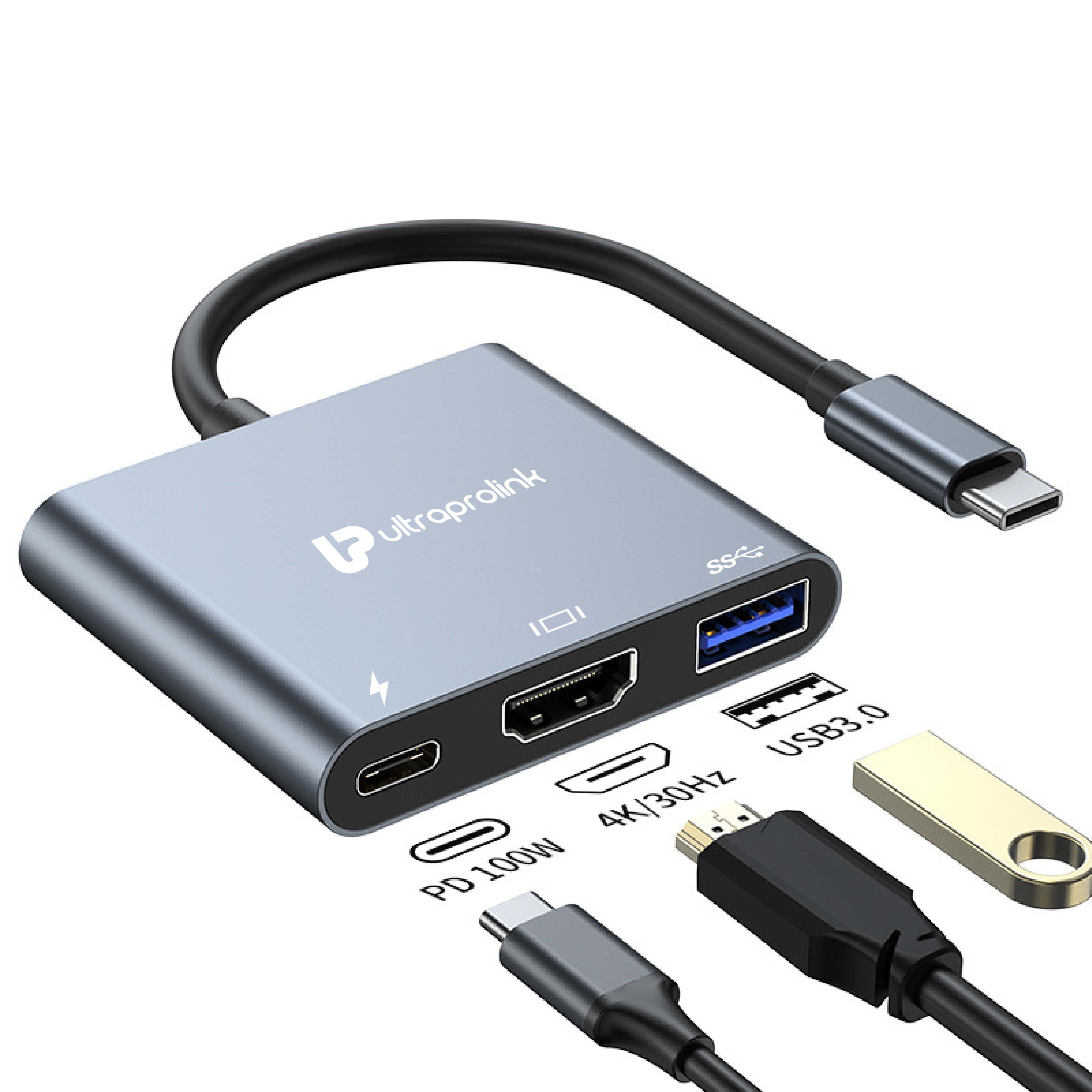
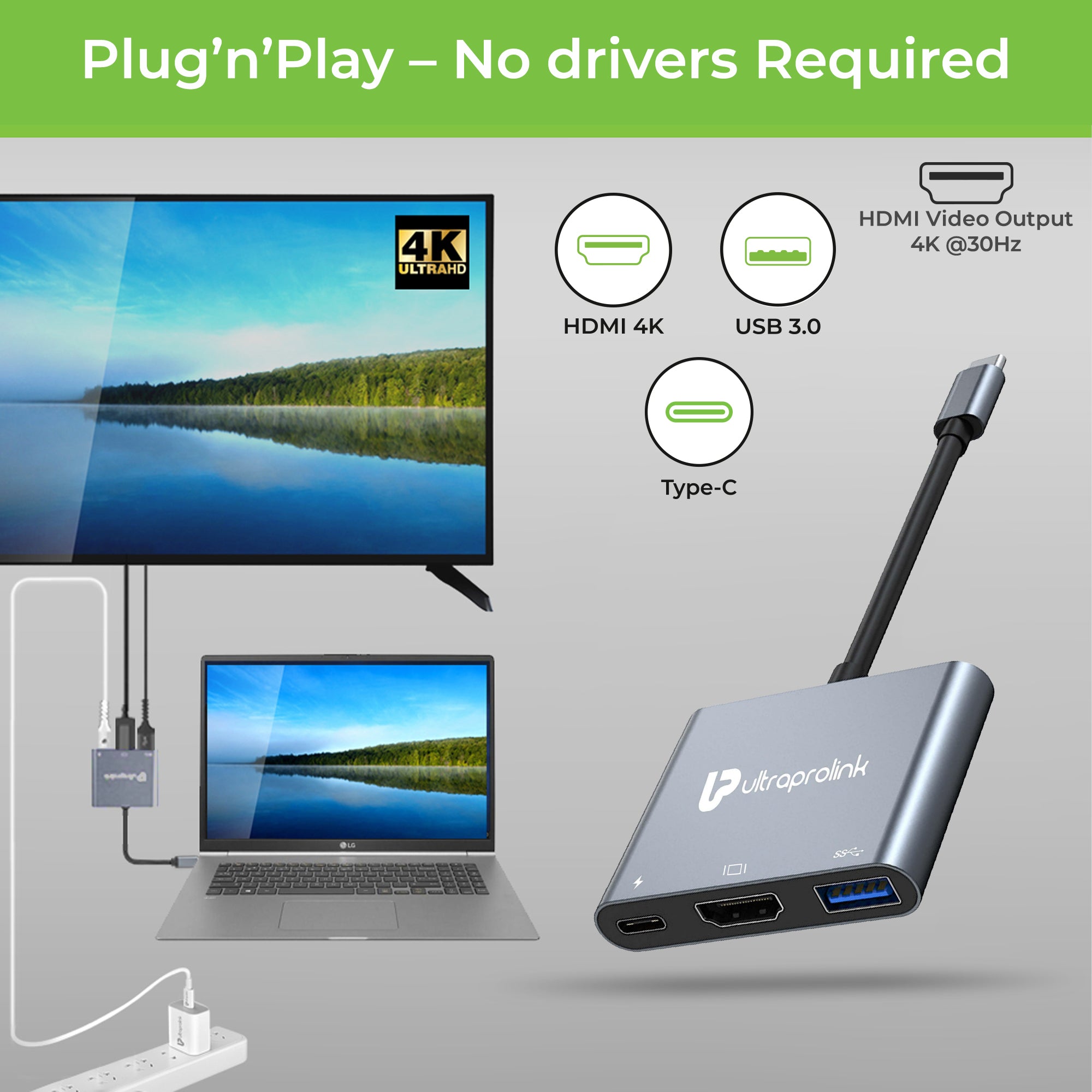
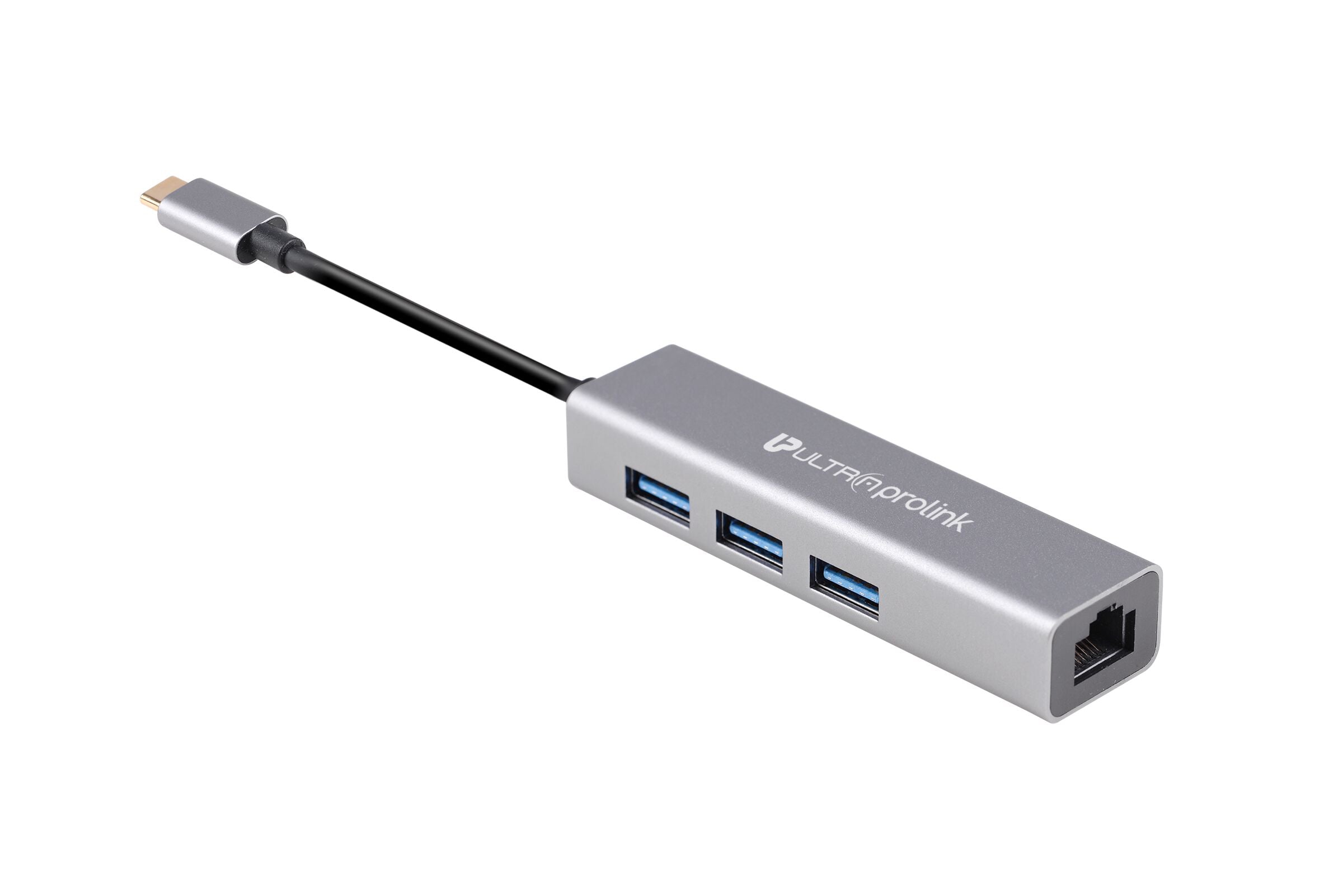
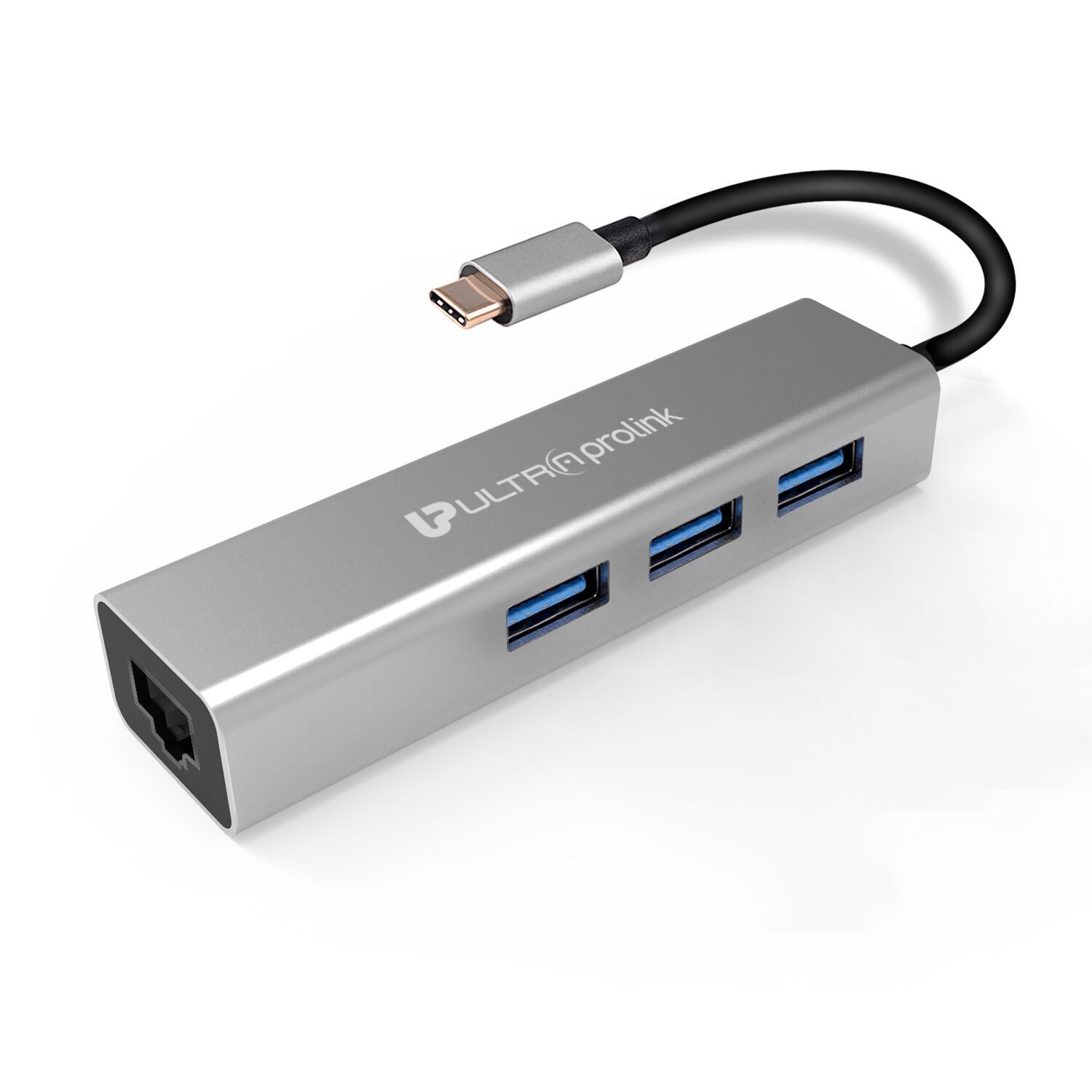
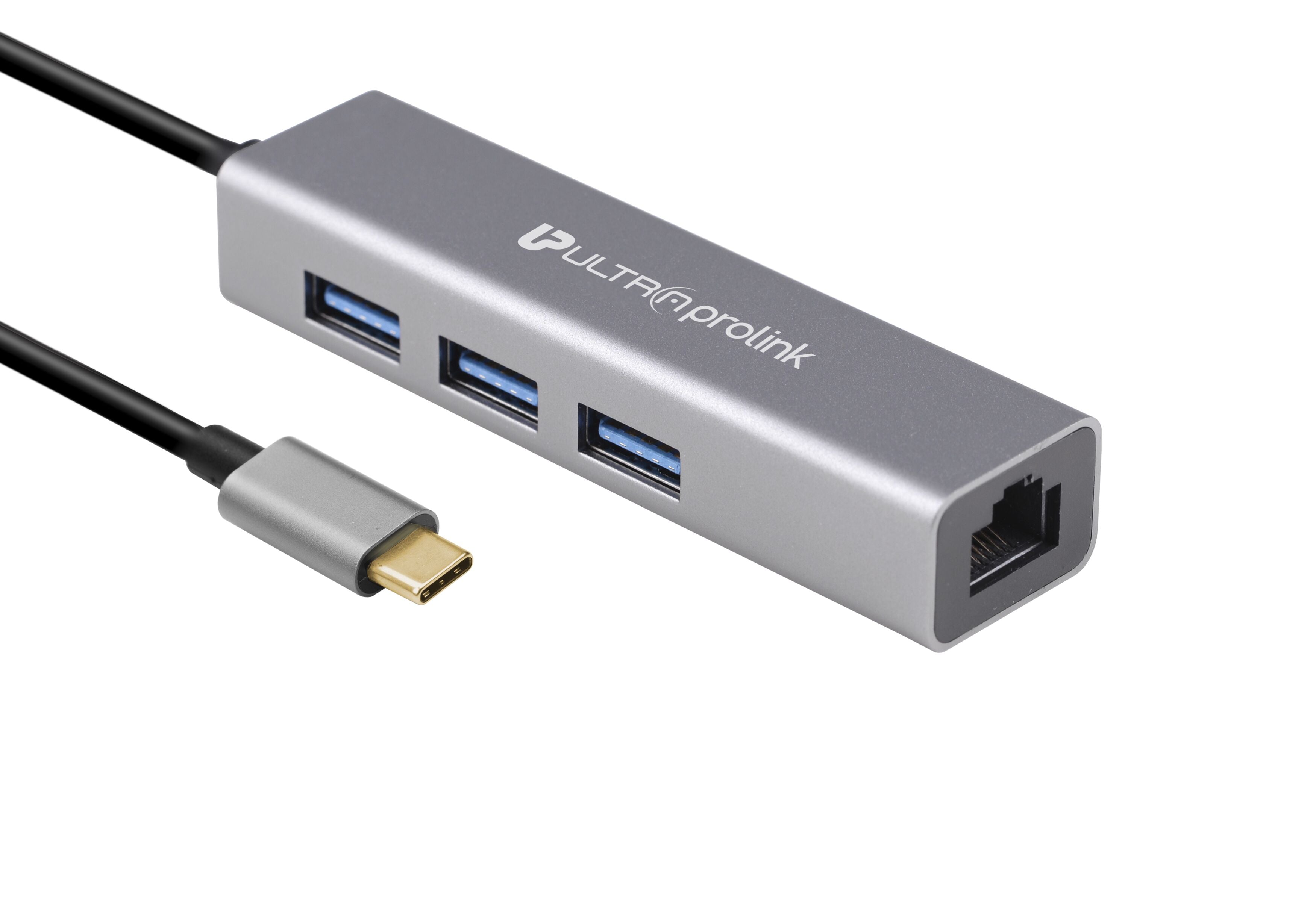
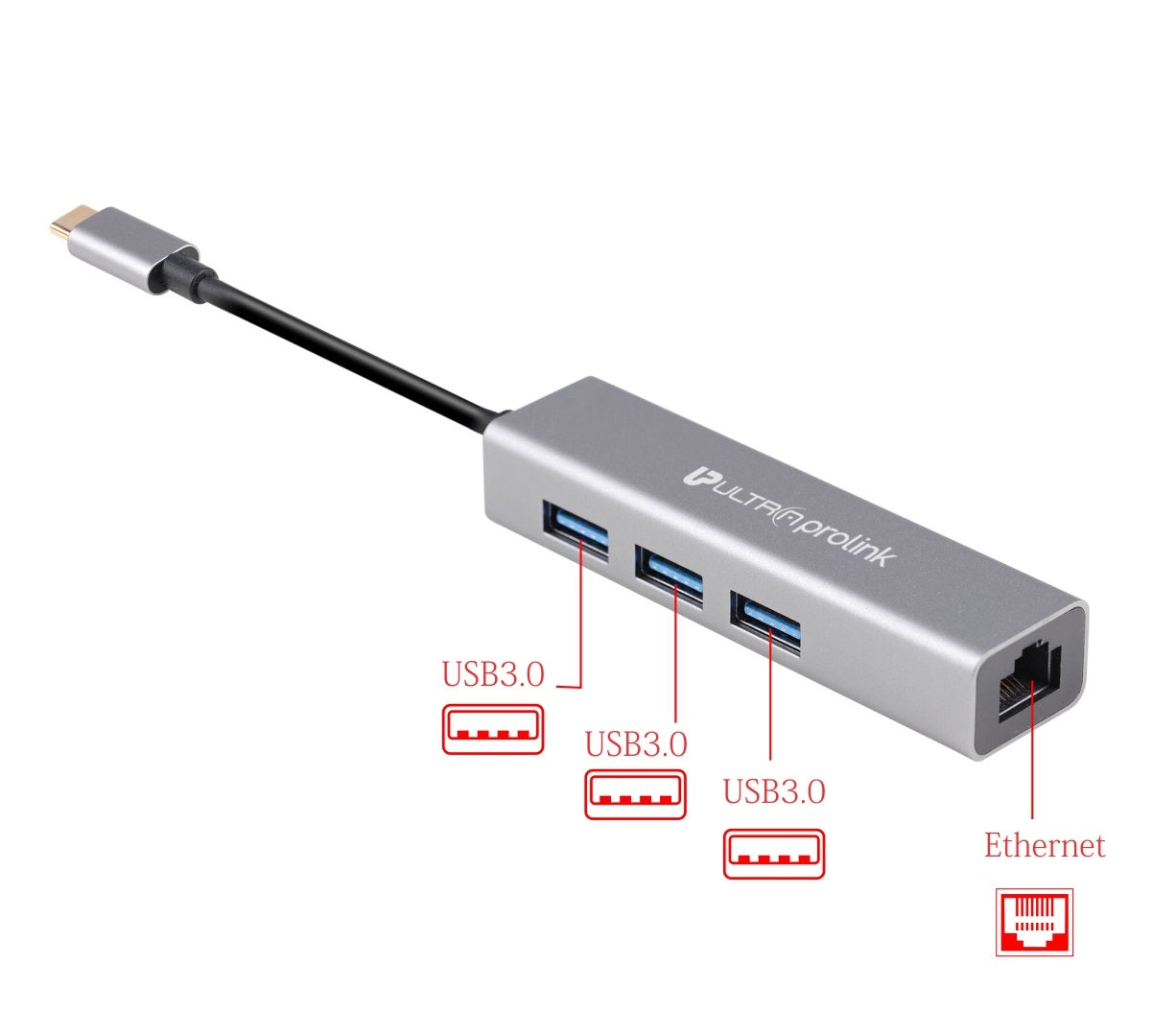
USB-C Hubs come in a variety of options such as single port, dual port, and multi-port hubs. Single port USB-C hubs are the most basic and usually have only one port expansion option, which can be used to connect other devices like a smartphone or tablet or a TV screen. Dual port USB-C hubs come with two USB-C ports that can be used to connect two devices simultaneously. Multi-port USB-C hubs can have up to six ports or even more, including USB-C, HDMI, Ethernet, and other ports.
- Why do I need a USB-C Hub?
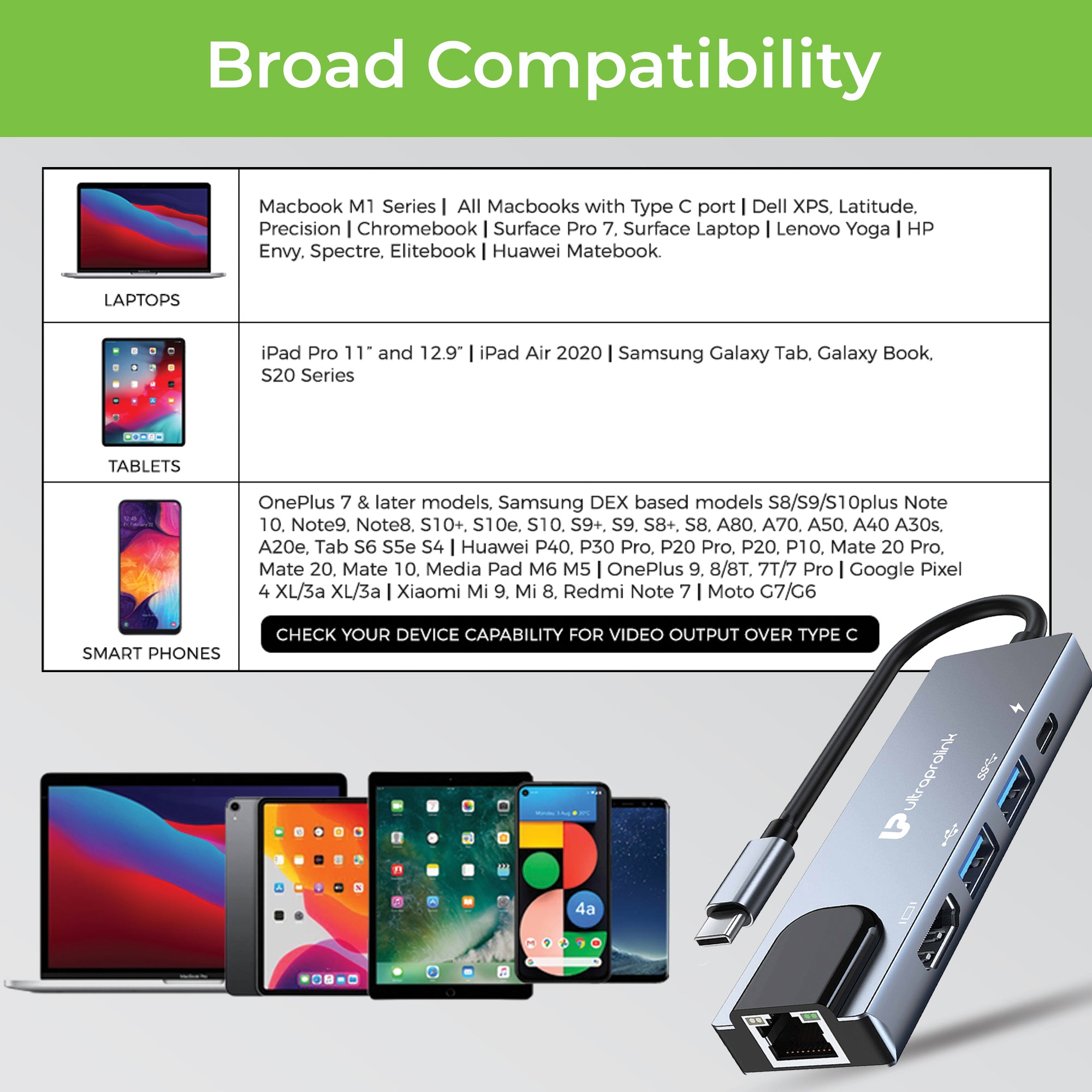
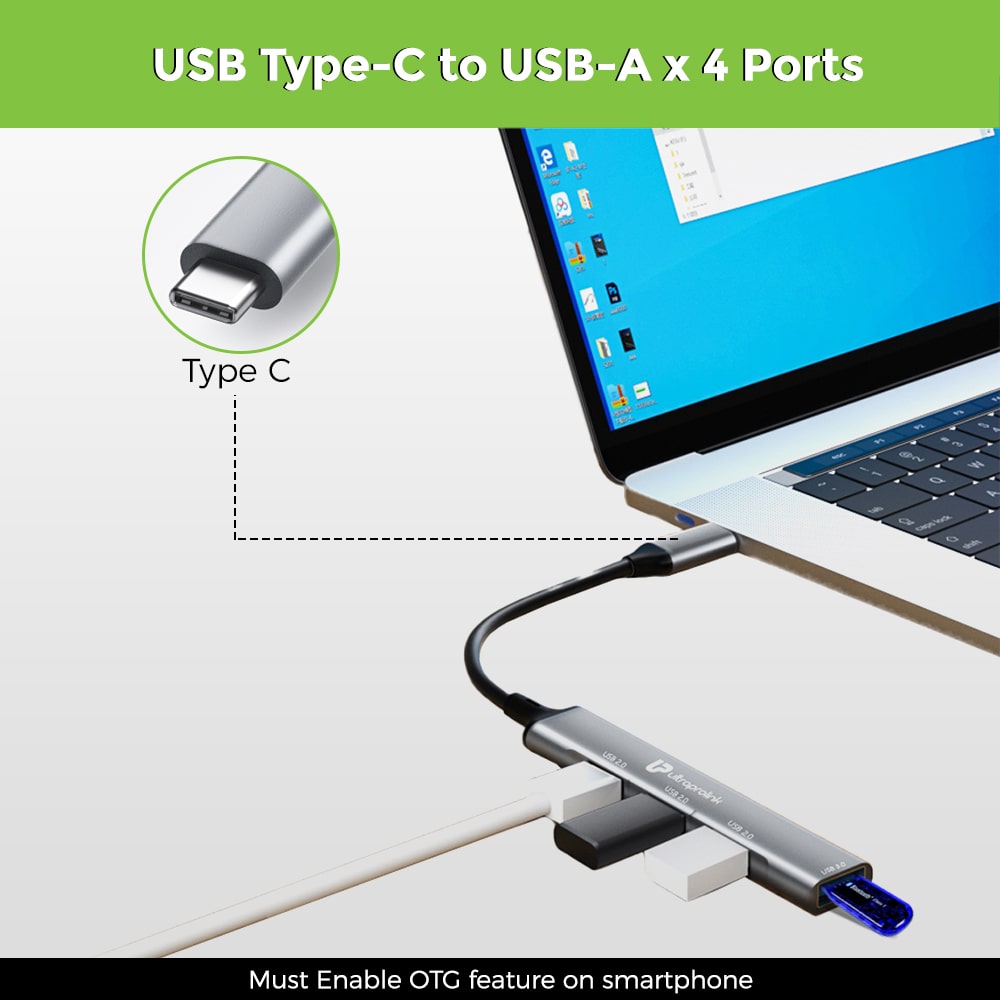
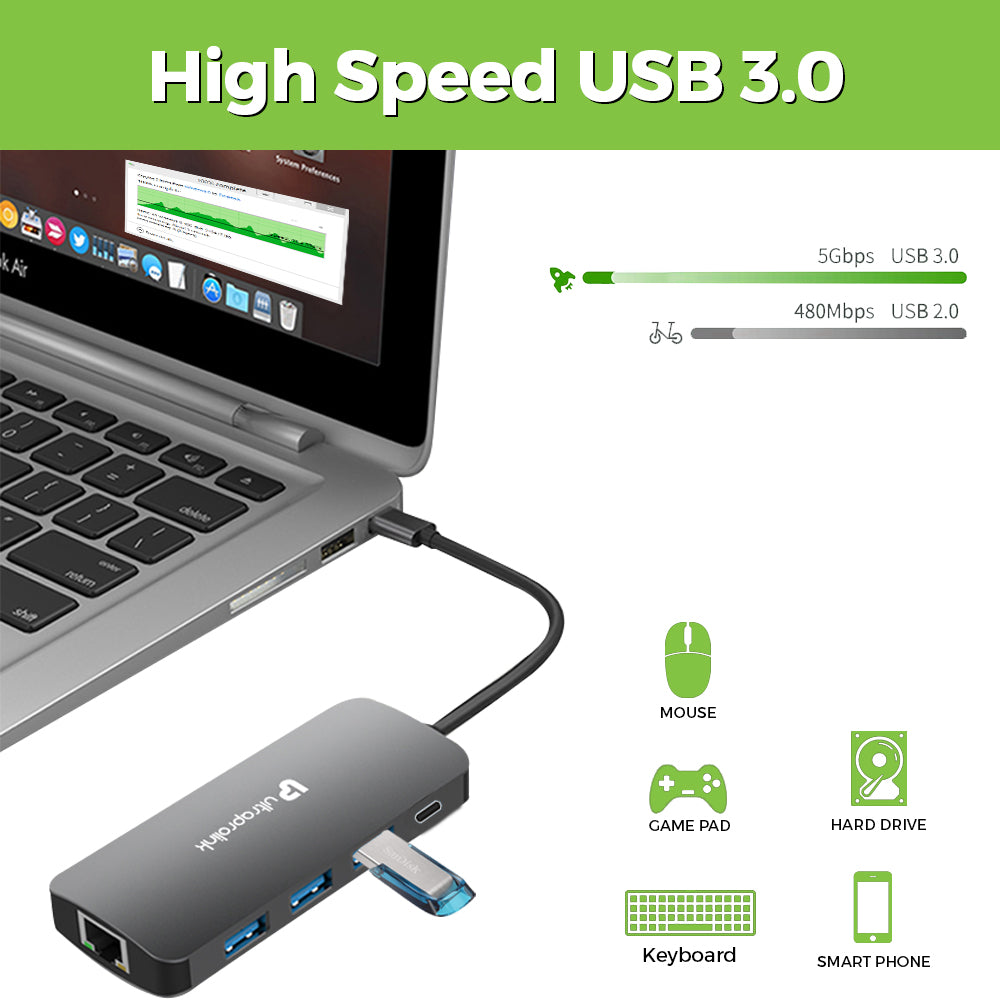
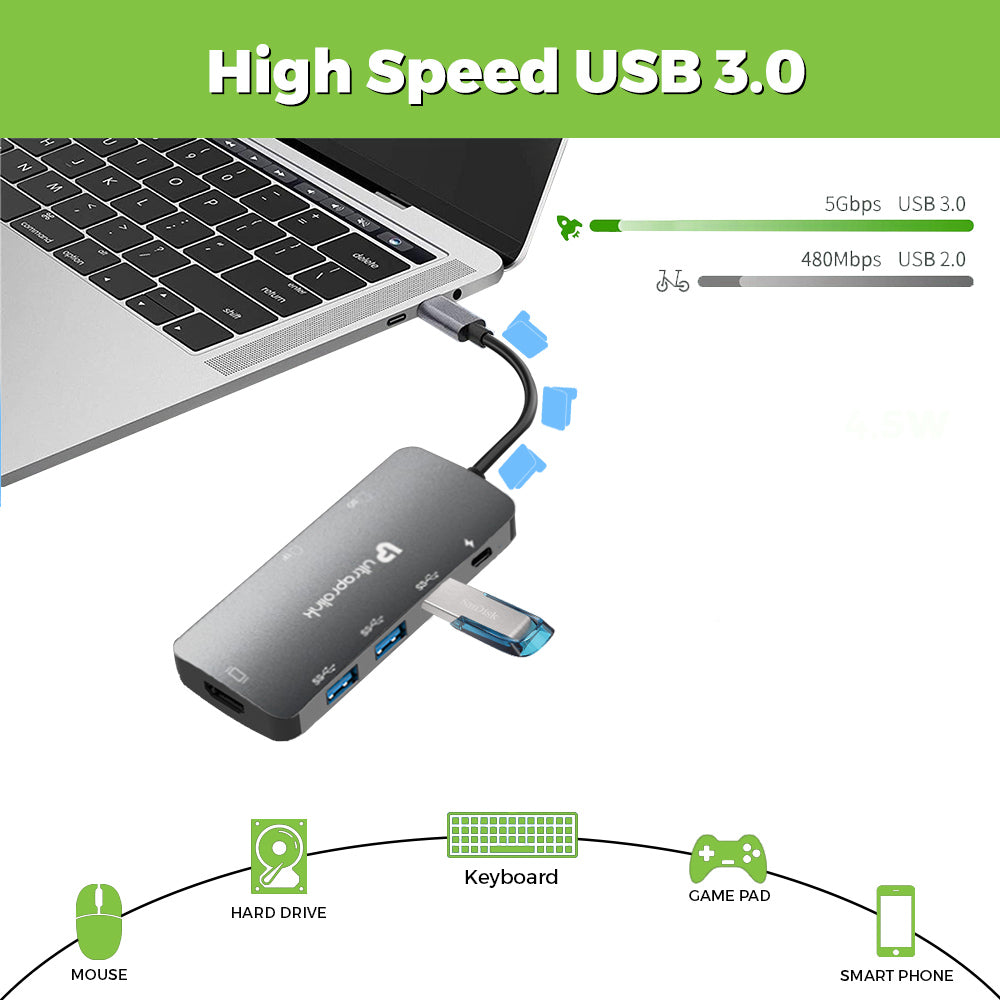
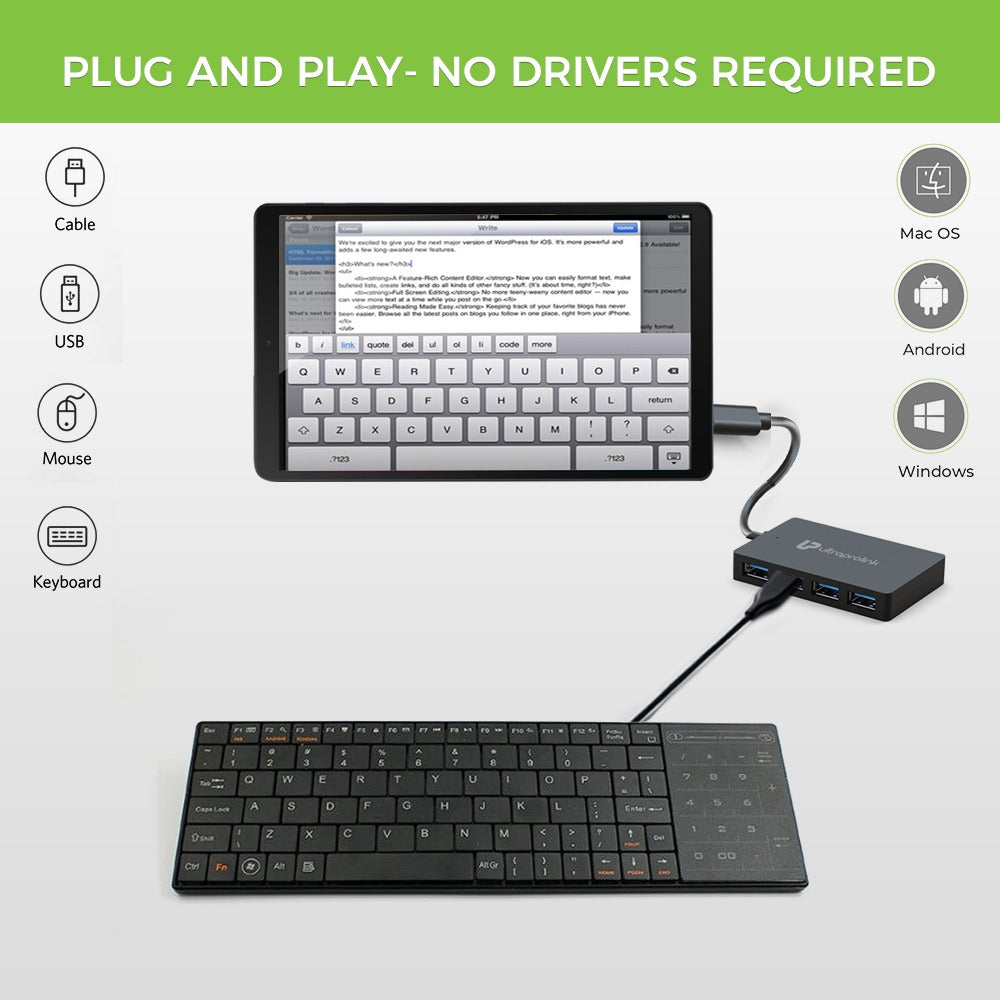
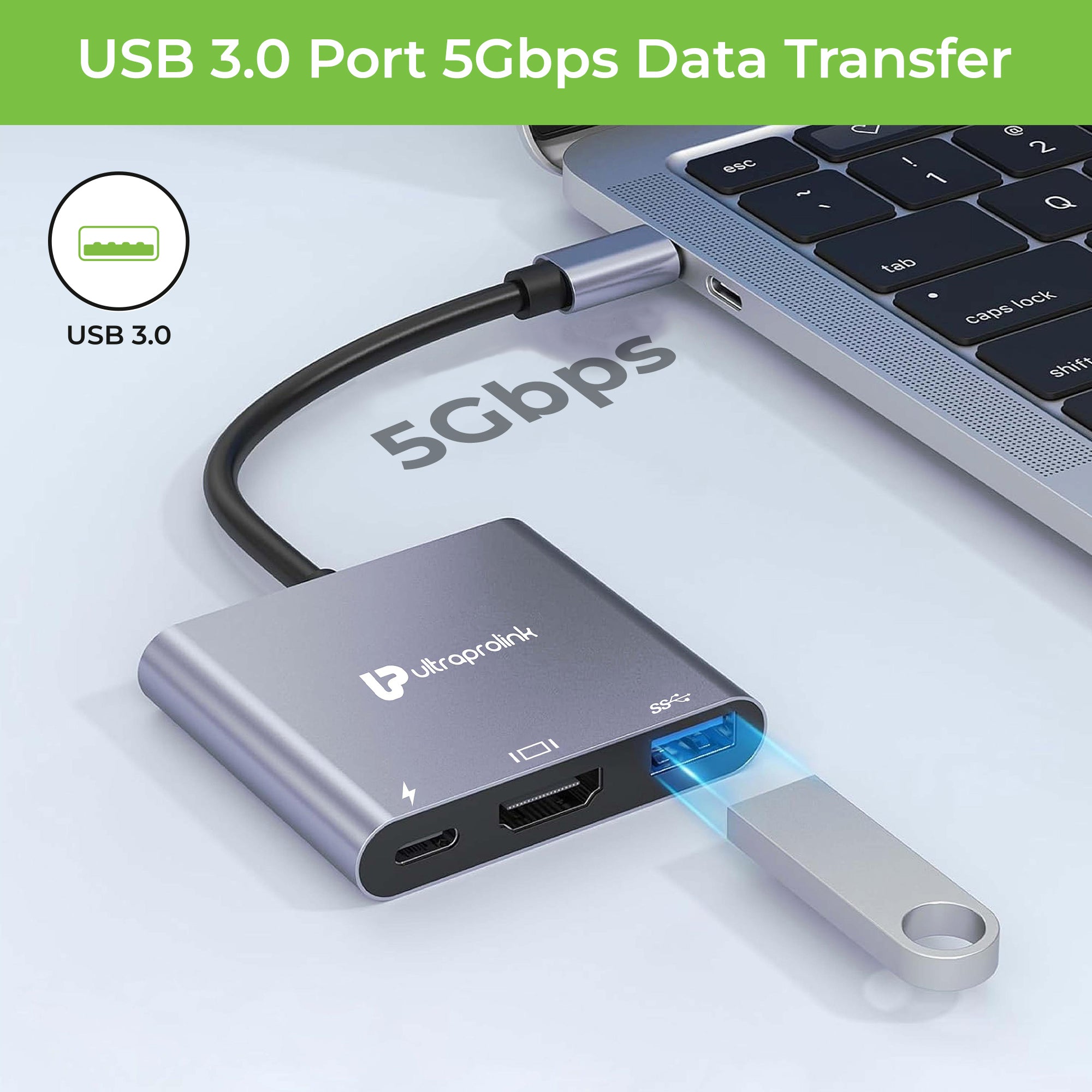
USB-C Hubs are useful when you need to connect multiple devices to your laptop or desktop computer. For example, if your laptop has only one USB-C port, but you need to connect a USB flash drive, a keyboard, a mouse, and an external monitor, you can use a USB-C Hub to connect all of these devices at the same time.
- How to decide which Type C Hub is right for me?
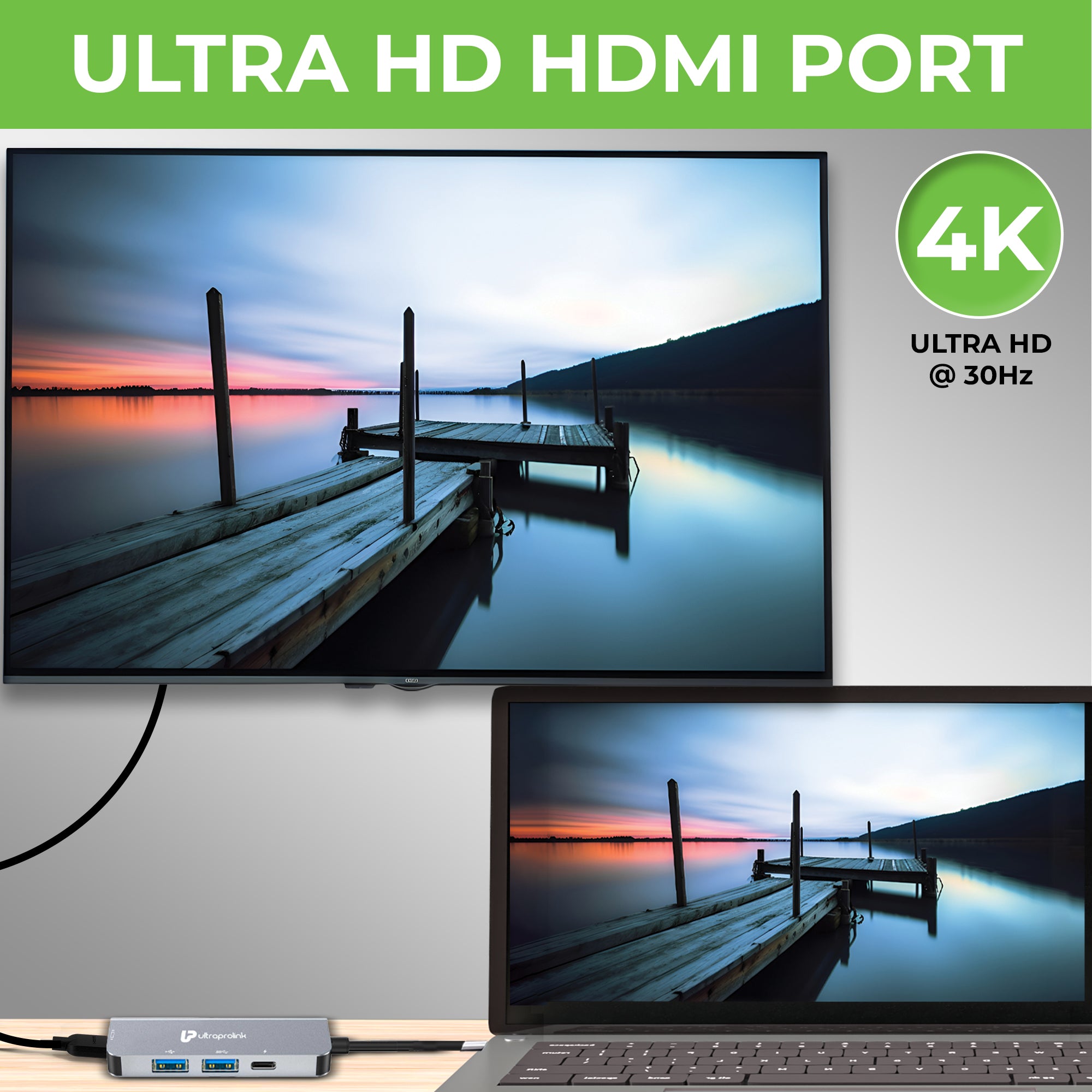
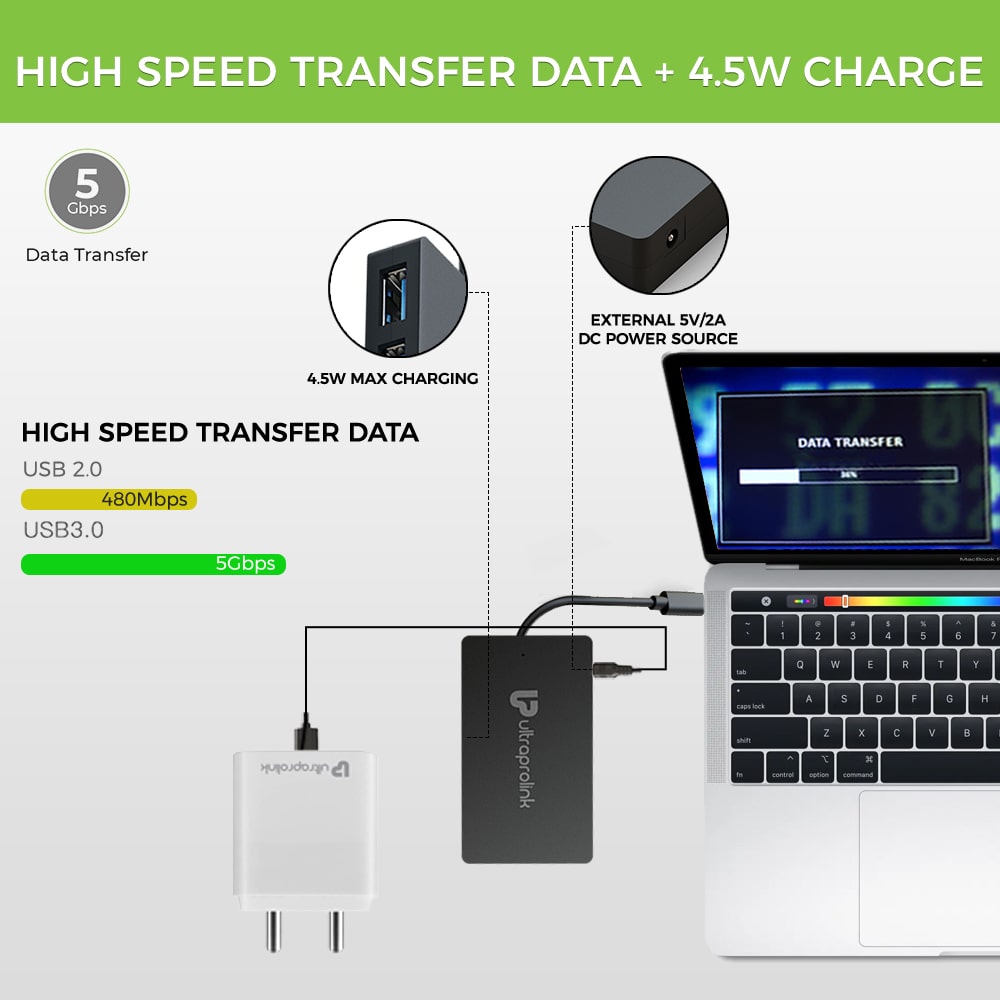
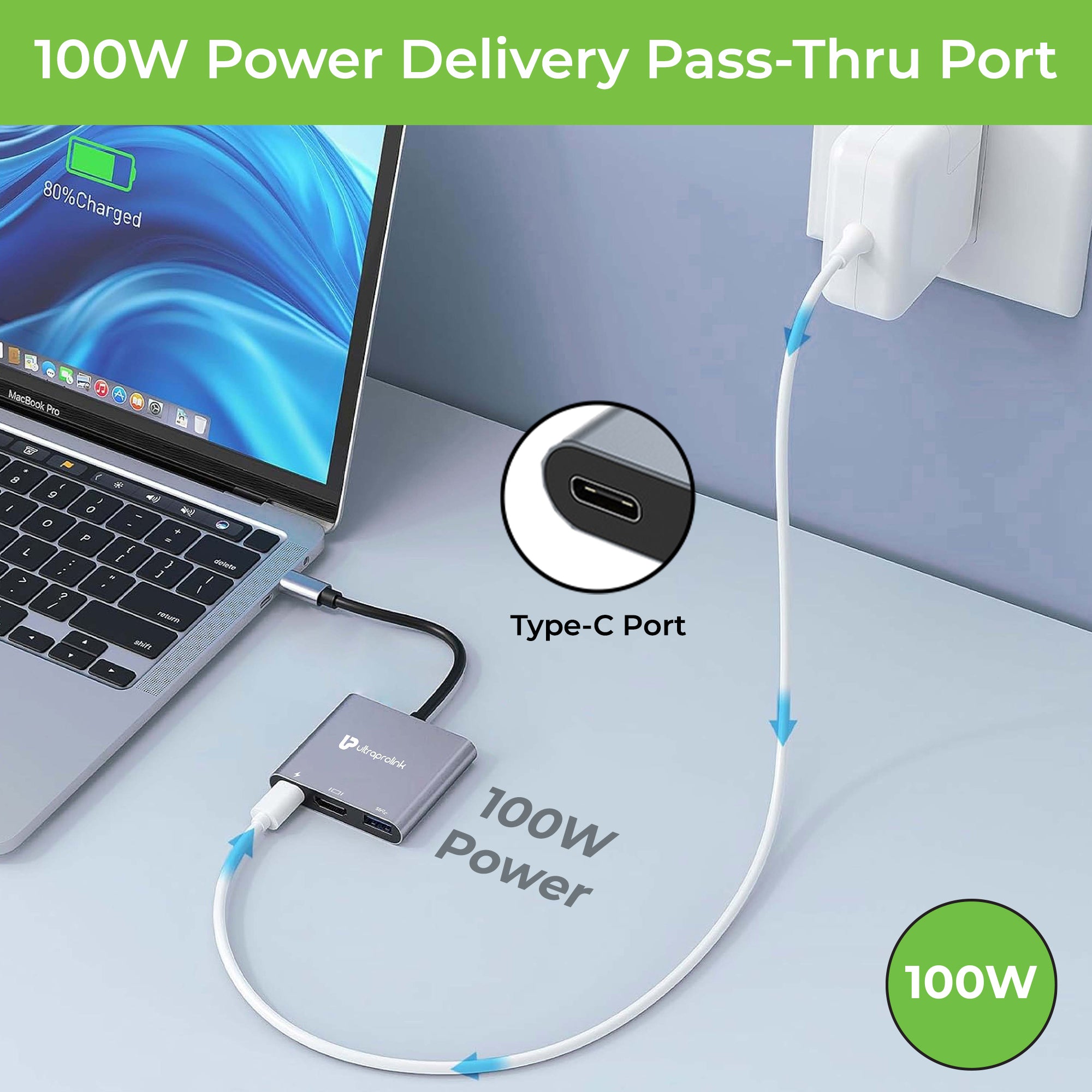
When choosing a USB-C hub, consider the number of ports you need, the type of devices you will be connecting, and the power requirements of those devices. If you need to connect multiple peripherals like a keyboard, mouse, and external hard drive, a multi-port USB-C hub would be ideal. If you need to connect your laptop to an external display, look for a USB-C hub with an HDMI or VGA port. If you need to charge your laptop or other USB-C device while using the hub, make sure the hub has a pass-through charging feature.
- Difference between a Hub & an Adapter
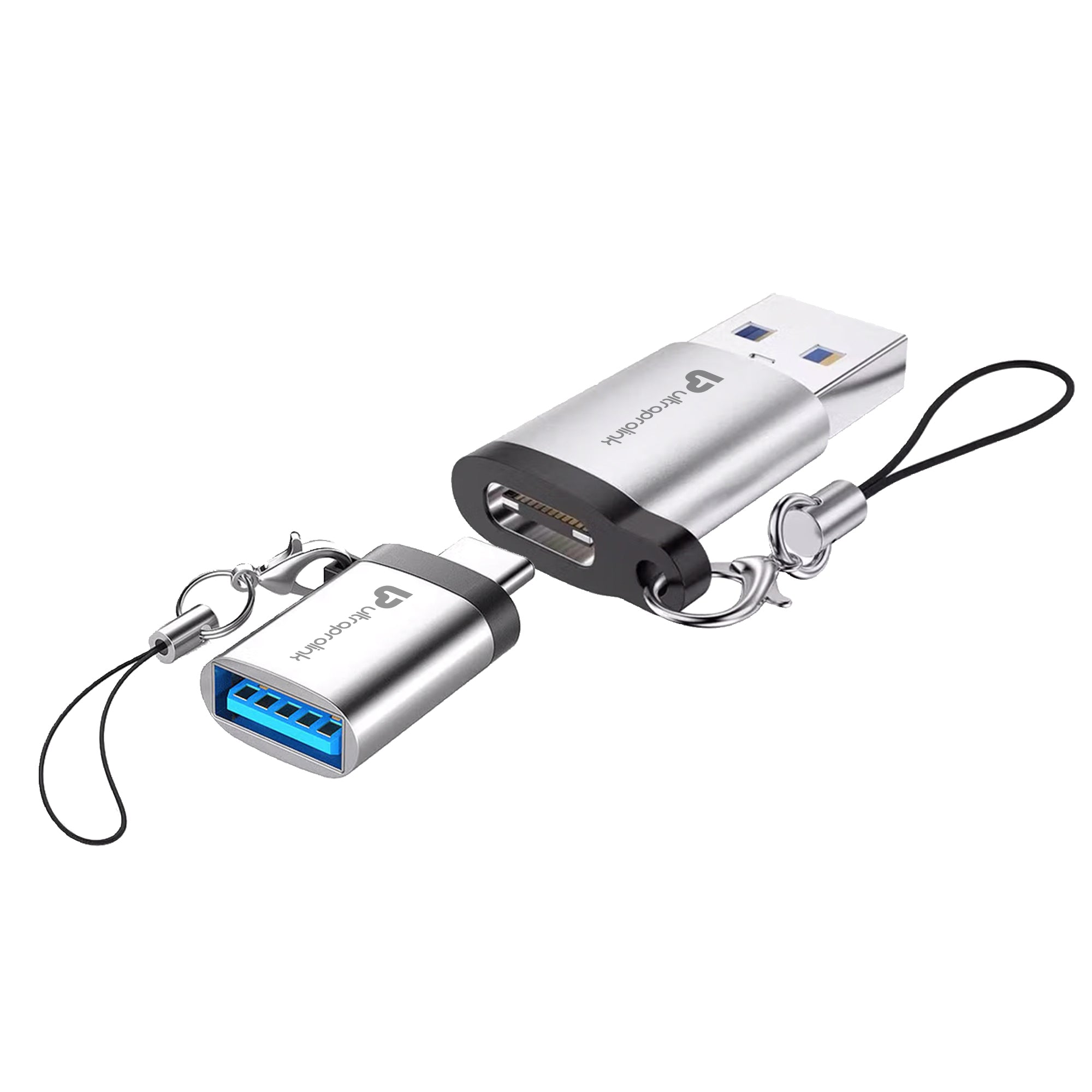
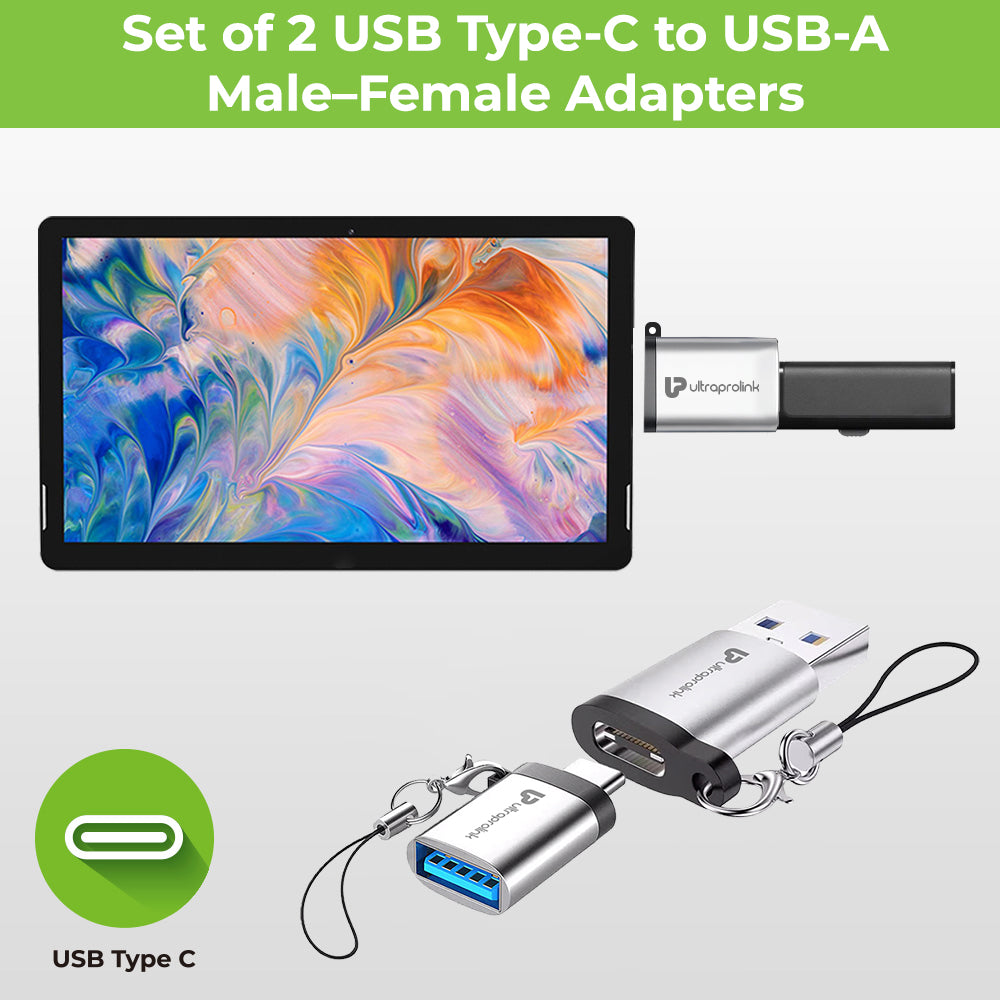
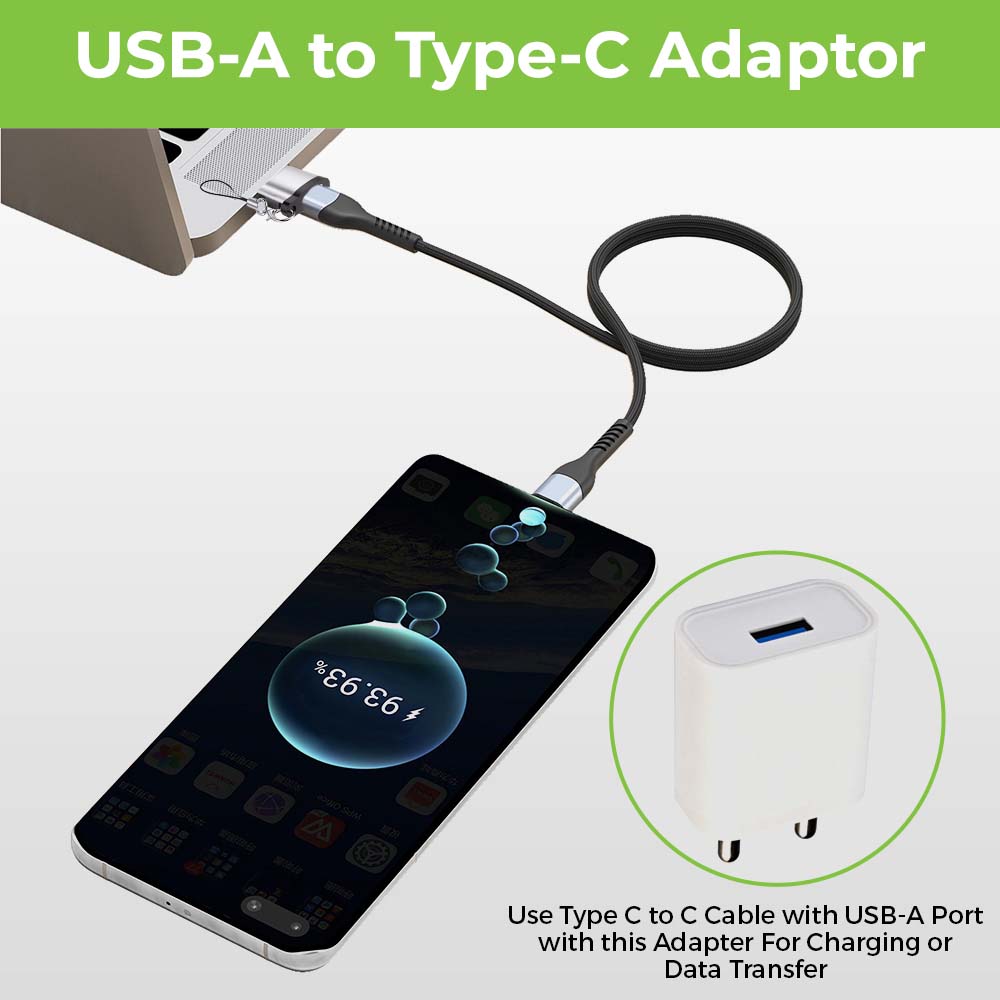
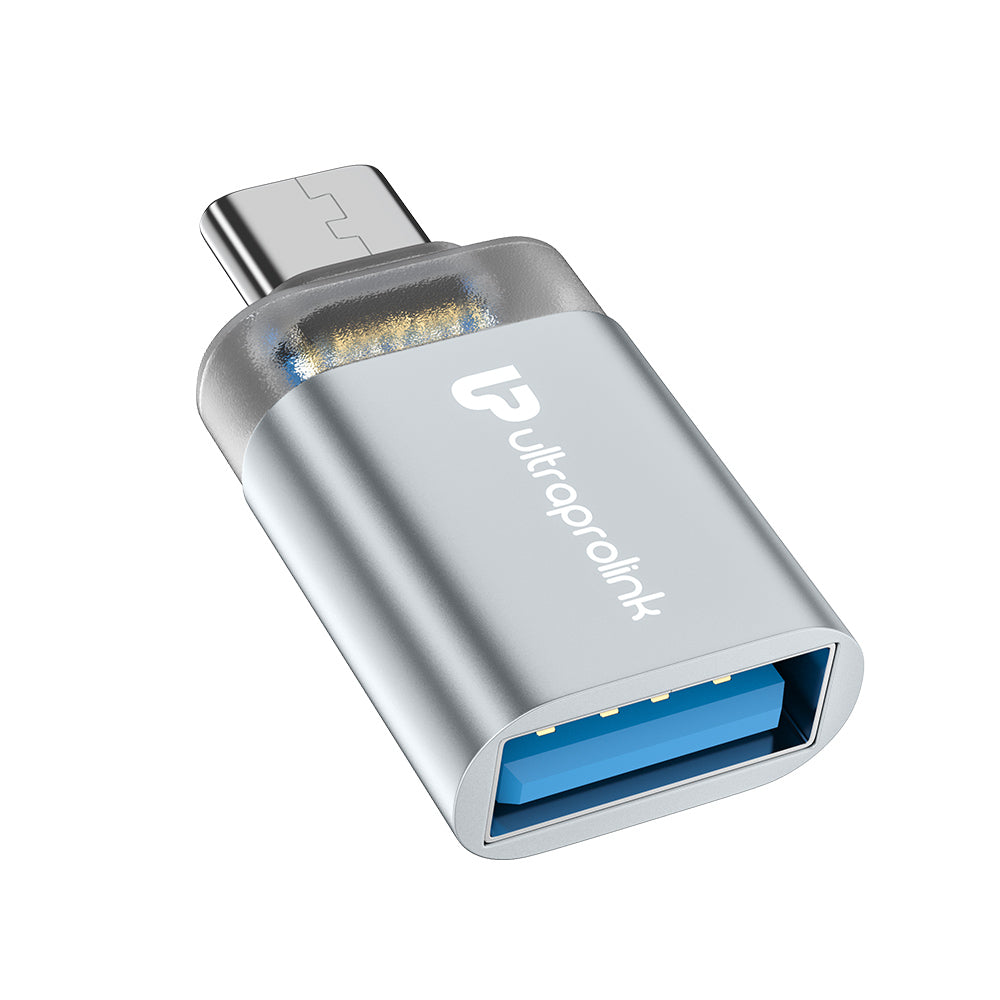
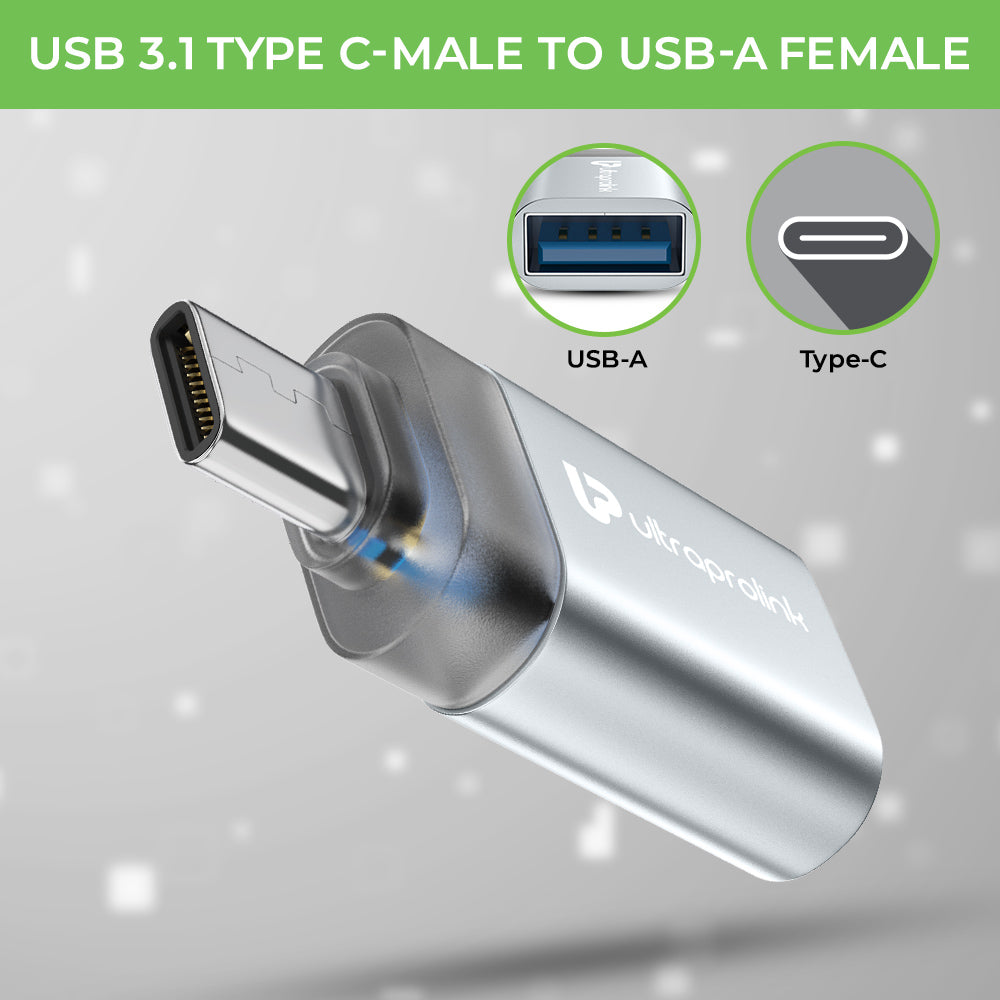
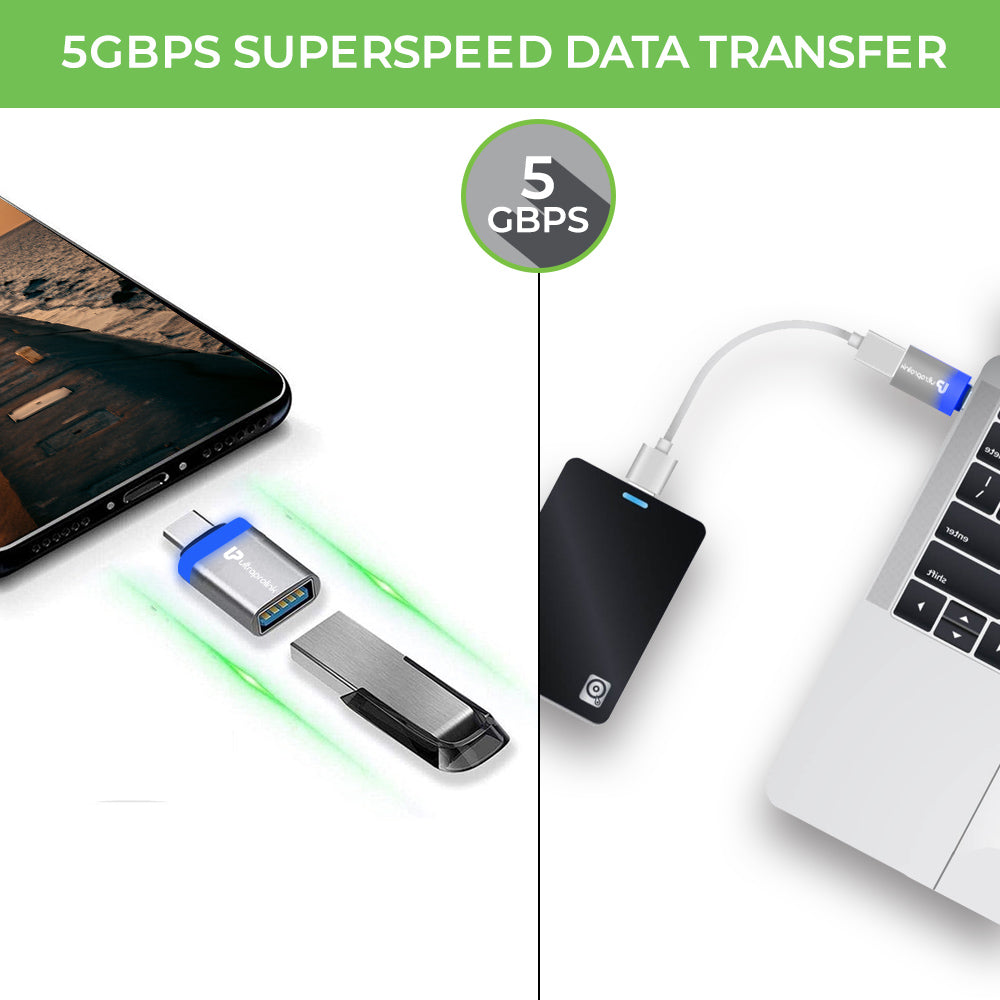
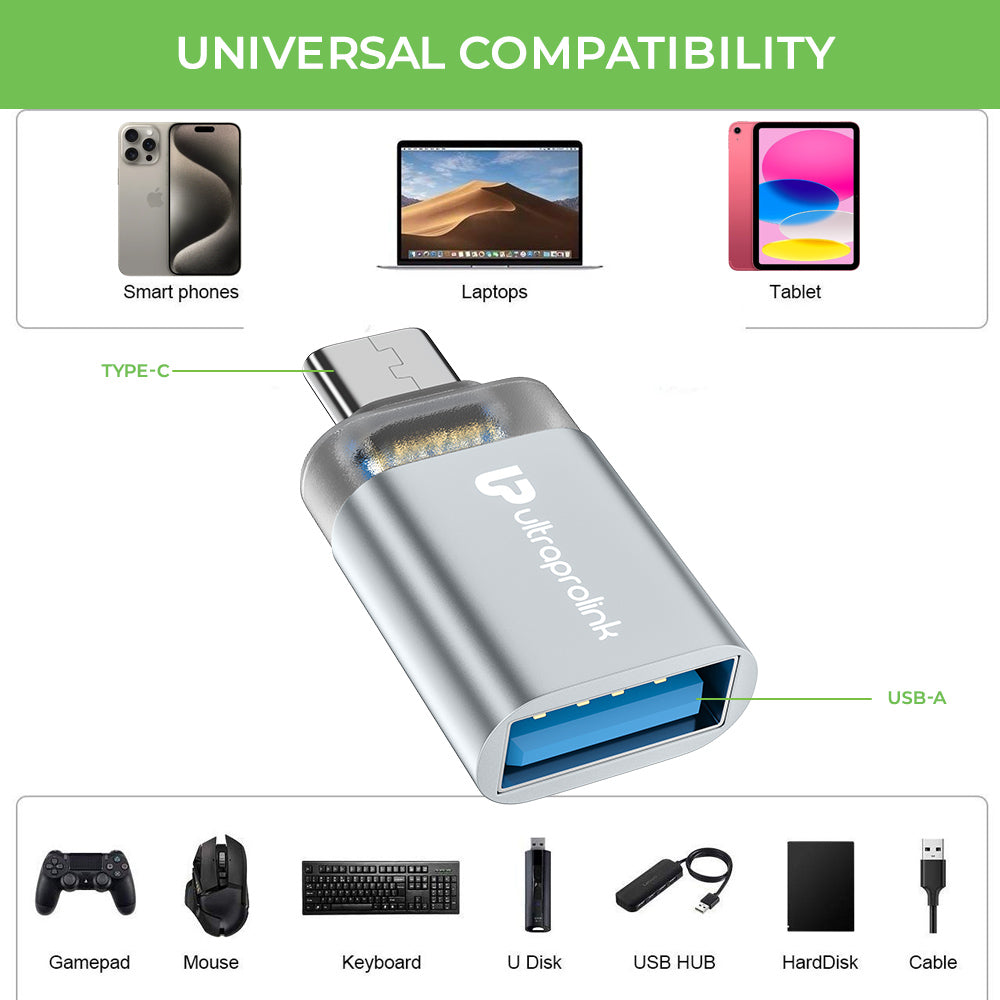
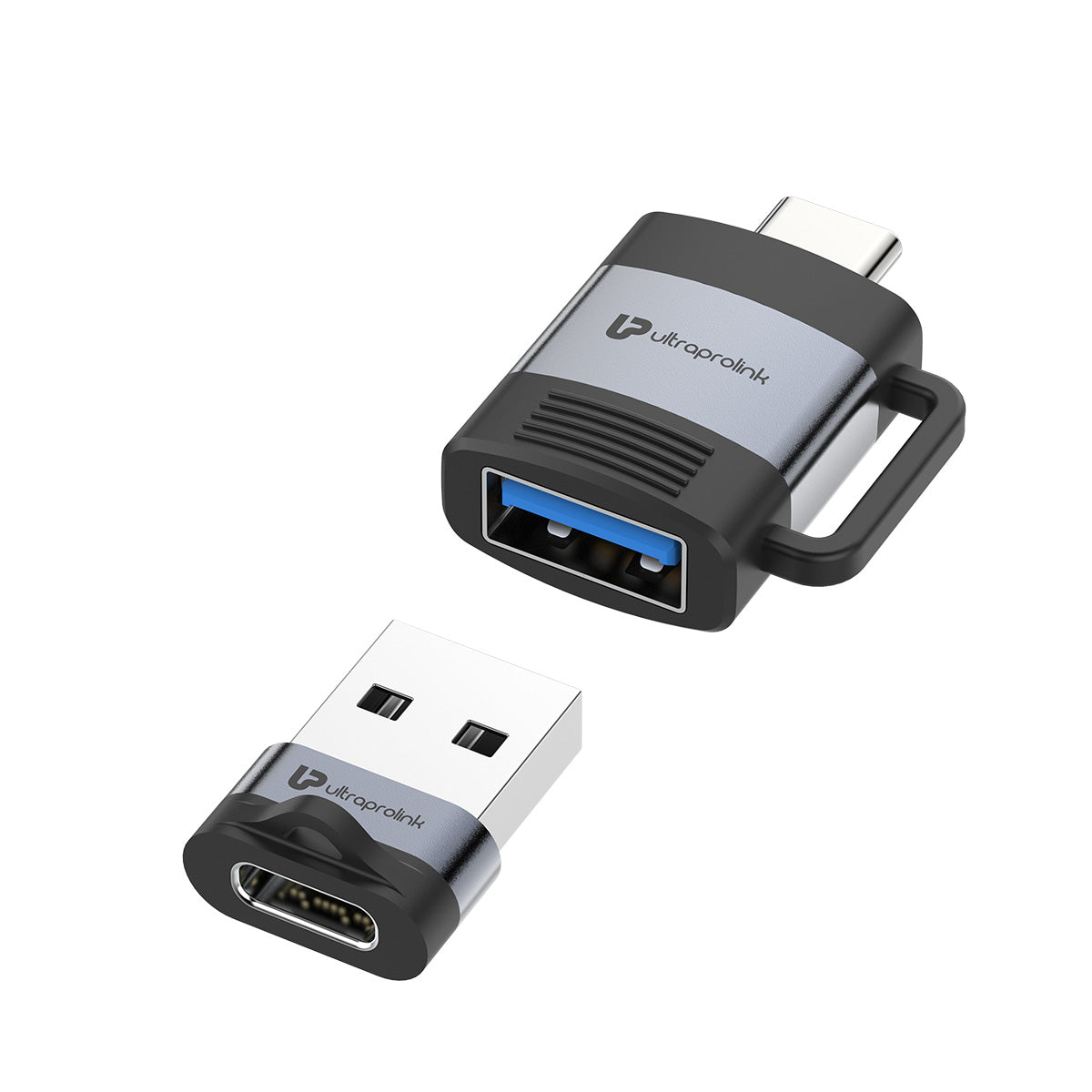
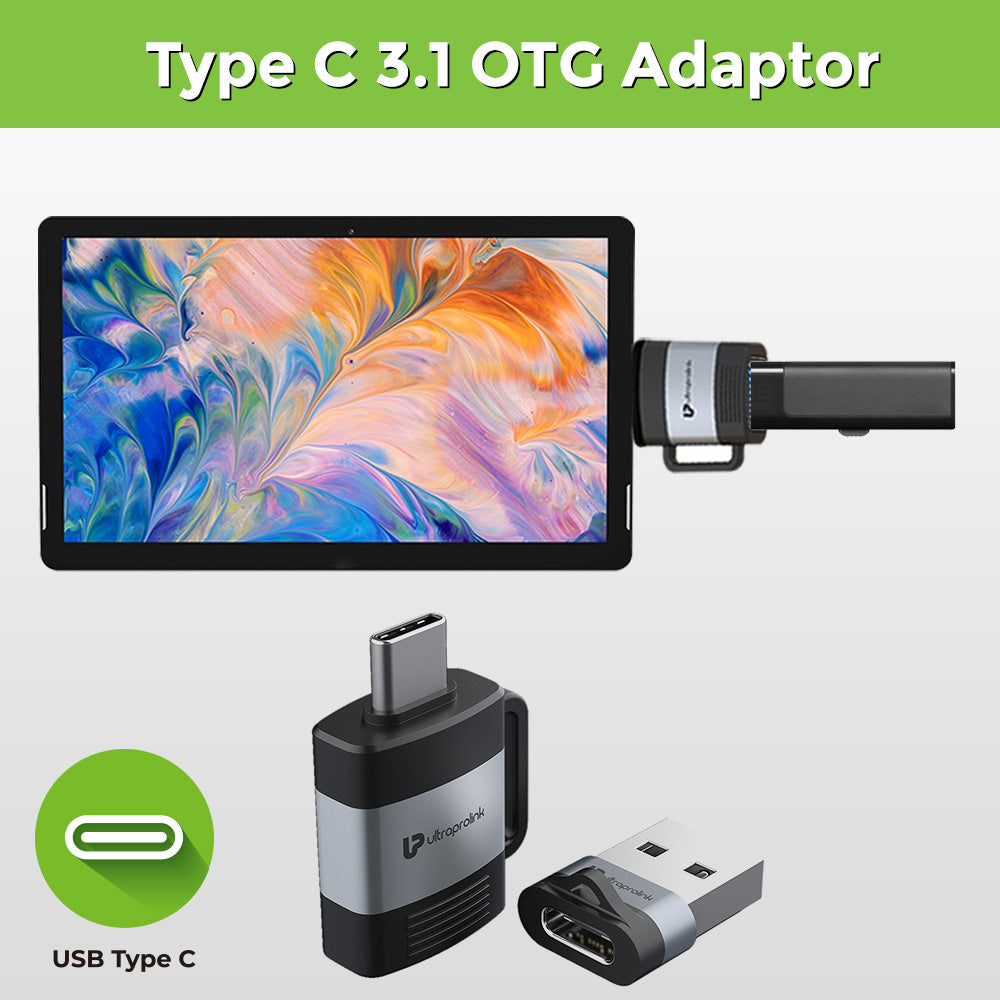
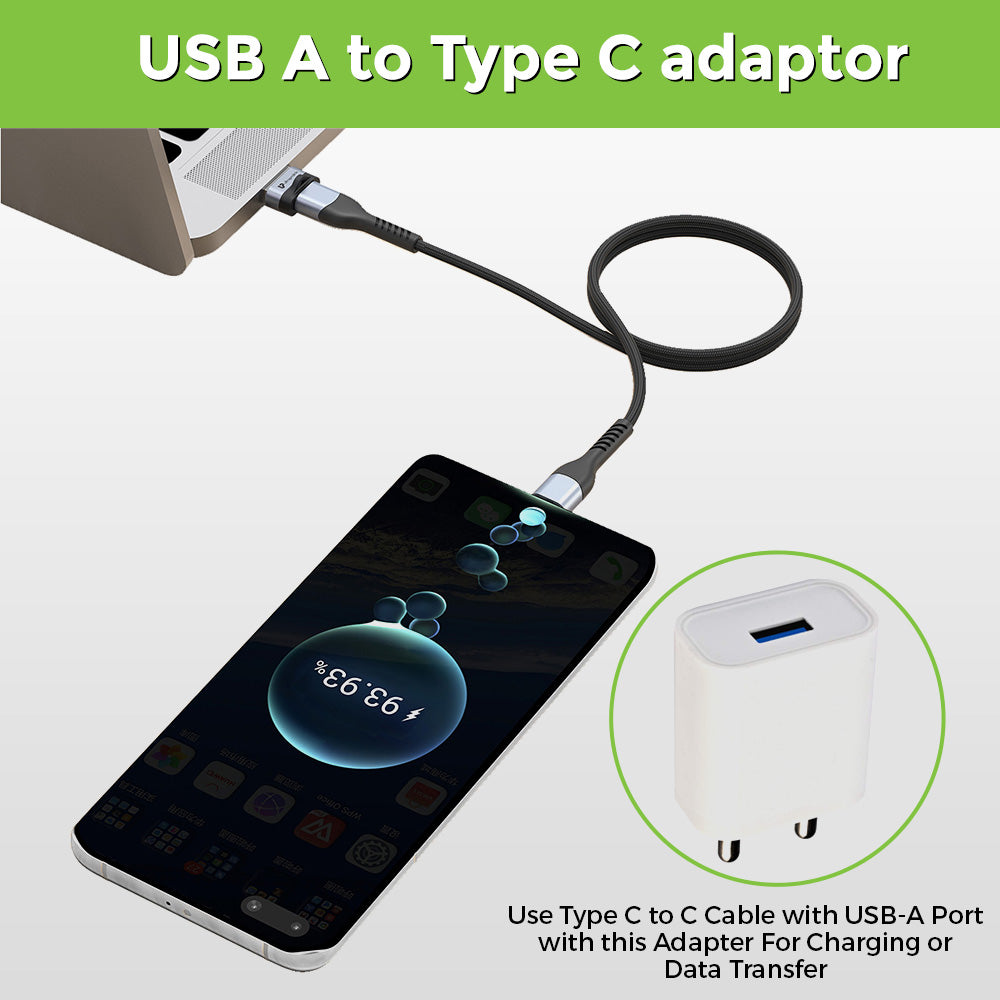
A hub and an adapter are both used to expand the number of ports on your computer, but there are some differences between them. A hub is a device that allows you to connect multiple devices to your computer at once, while an adapter is a device that converts one type of port to another. For example, a USB-C to HDMI adapter allows you to connect an HDMI display to a USB-C port on your computer.
- Where can I choose from the widest range of hubs online in India?
There are many online stores in India that offer a wide range of USB-C hubs, including Amazon, Flipkart, and Croma. These stores offer a variety of options from different brands and at different price points, so you can choose the one that best suits your needs and budget.
Click here to see the widest range of USB Hubs & Adapters.